Most teams don’t need more hires. They need smarter automation. Today, boring back-office work still eats hours. Emails. Data entry. Legacy software clicks. CRM uploads. It’s repetitive. It’s slow. And it quietly drains profit. This is where OpenClaw changes the game.
Instead of building fragile scripts or hiring more ops staff, you can spin up always-on digital workers that handle the grind for you. With the right setup, one OpenClaw AI agent can trigger workflows, coordinate sub-agents, and keep processes moving 24/7 without burnout or delays.
In this guide from Globussoft AI, you’ll learn a practical, real-world path. Not theory. Not hype. A step-by-step playbook to turn boring workflows into cash-flowing assets.
We’ll show you how to structure your workspace, pick high-value workflows, connect Python pipelines, and package everything into offers companies actually pay for.
The goal is simple: start small, prove value fast, and scale into vertical AI workspaces that businesses treat like real team members.
Let’s break down how to use OpenClaw to build digital employees that work while you sleep.
Hit ‘Play’ Button & Tune Into The Blog!
What Is Openclaw (And Why Should You Care)?
Openclaw is a computer-use agent, meaning it can operate a real computer the way a human does. It clicks, scrolls, logs in, downloads files, fills forms, and uploads data. Unlike chatbots that just answer questions, Openclaw does things.
Think of it this way: a really good employee who has their own computer, works 24/7, can be texted tasks, and schedules their own work. That’s Openclaw.
The real power? You can run 5 to 10 Openclaw instances at once, each handling different tasks, in parallel, for real business outcomes.
Step 1: Set Up Your Openclaw Workspace
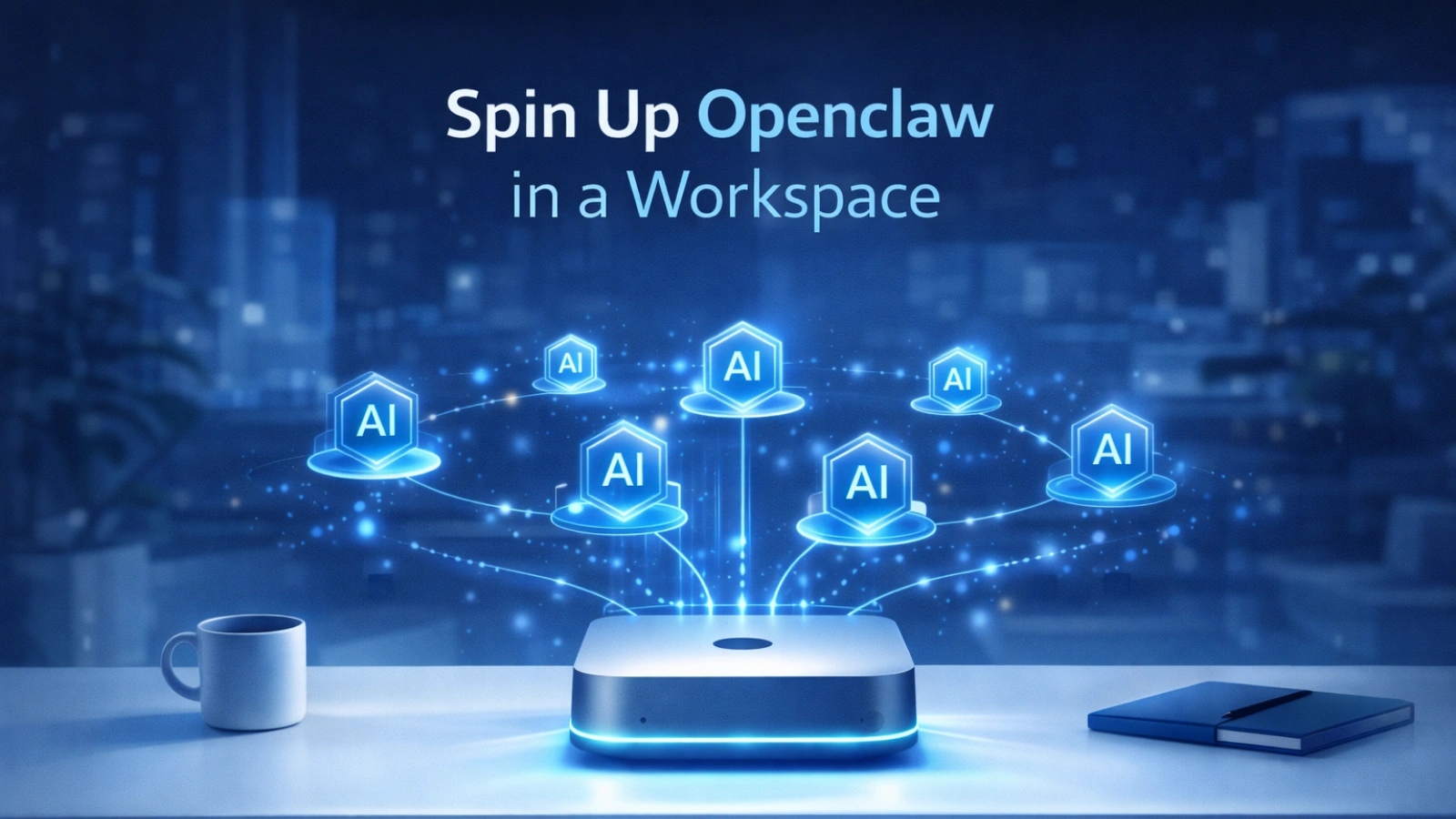 Getting started is simpler than you think.
You can deploy Openclaw on:
- A Mac Mini
- A virtual machine (VM)
- A cloud workspace like Orgo
- Docker (openclaw Docker makes this especially easy for devs)
Once you’re set up, create one main orchestrator agent. This is your manager. Then enable it to spawn sub-agents, which are the workers that handle the actual tasks.
Pro tip: Keep your main agent free. Don’t make it do the heavy lifting. That’s what sub-agents are for. One main Openclaw ai agent managing eight sub-agents is where the real leverage lives.
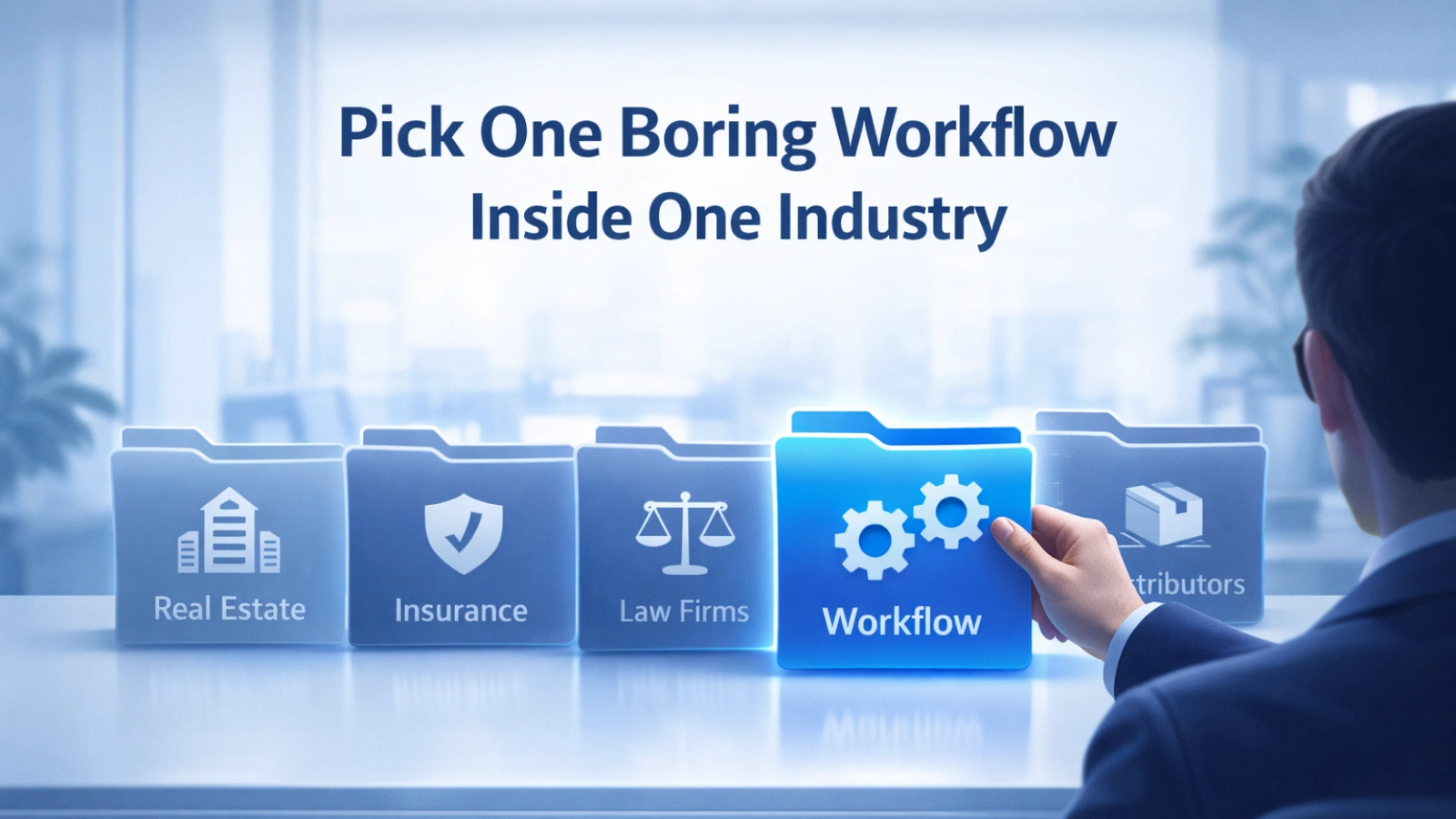
Step 2: Pick One Boring Workflow in One Industry
 Here’s the mistake most people make: they try to automate everything at once. Don’t.
Pick one repetitive workflow inside one specific industry. The boring ones pay the best. Think:
- Distributors: product lookups, report downloads, CRM uploads
- Real estate agencies: lead tracking, listing updates, follow-up emails
- Insurance companies: document processing, client data entry
- Law firms: contract reviews, deadline tracking, client communication logs
The flashy automations get the likes on Twitter. The boring ones generate the cash flow.
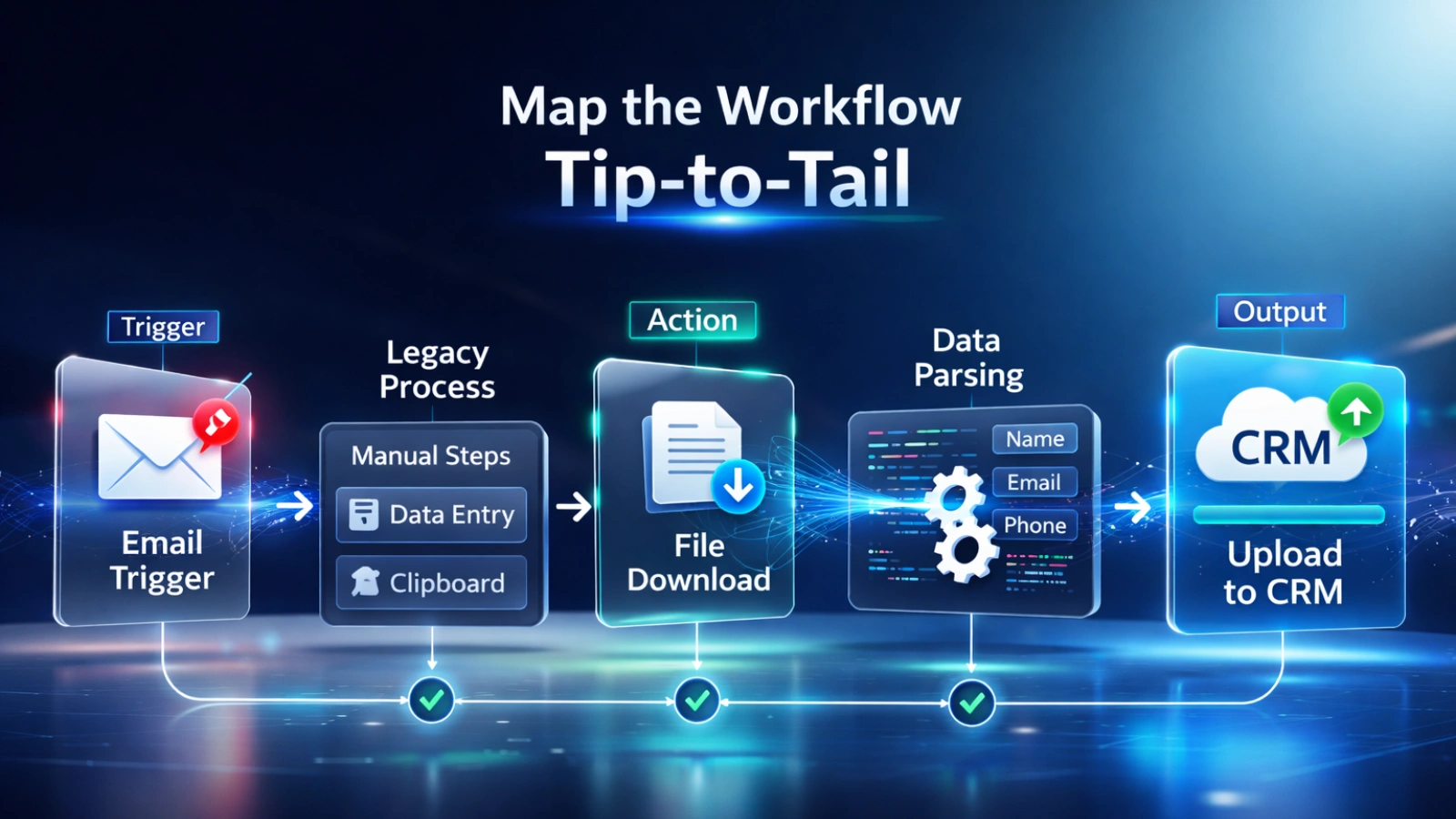
Step 3: Map the Full Workflow From Start to Finish
 Don’t automate half a process. That’s how you create new problems instead of solving old ones.
Map the entire pipeline tip-to-tail:
- Trigger: An email arrives or a form is submitted
- Login: Openclaw logs into the legacy software
- Download: It pulls reports or files
- Parse: It structures and cleans the data
- Upload: It sends everything to your CRM or database
Interview the team. Record the calls. Use AI to extract every step. Then build a visual map in Figma, Excalidraw, or even a Mermaid diagram. Knowing the full workflow before you build saves you weeks of debugging later.
Step 4: Build the Python Pipeline Under the Hood
 This is where Openclaw AI truly shines as a system, not just a tool.
The correct architecture looks like this:
- Openclaw = the trigger and operator (the “eyes and hands”)
- Python scripts = the execution engine (the “brain”)
- Sub-agents = specialized workers for each task
Use Python (or Claude Code) to build:
- Data scrapers and file parsers
- Transformation and cleaning logic
- CRM and API upload scripts
- Error handling and retry loops
Openclaw doesn’t brute-force every task. It orchestrates. The code does the work. This makes your automation faster, more reliable, and easier to scale.
Step 5: Productize It Into a Repeatable Offer
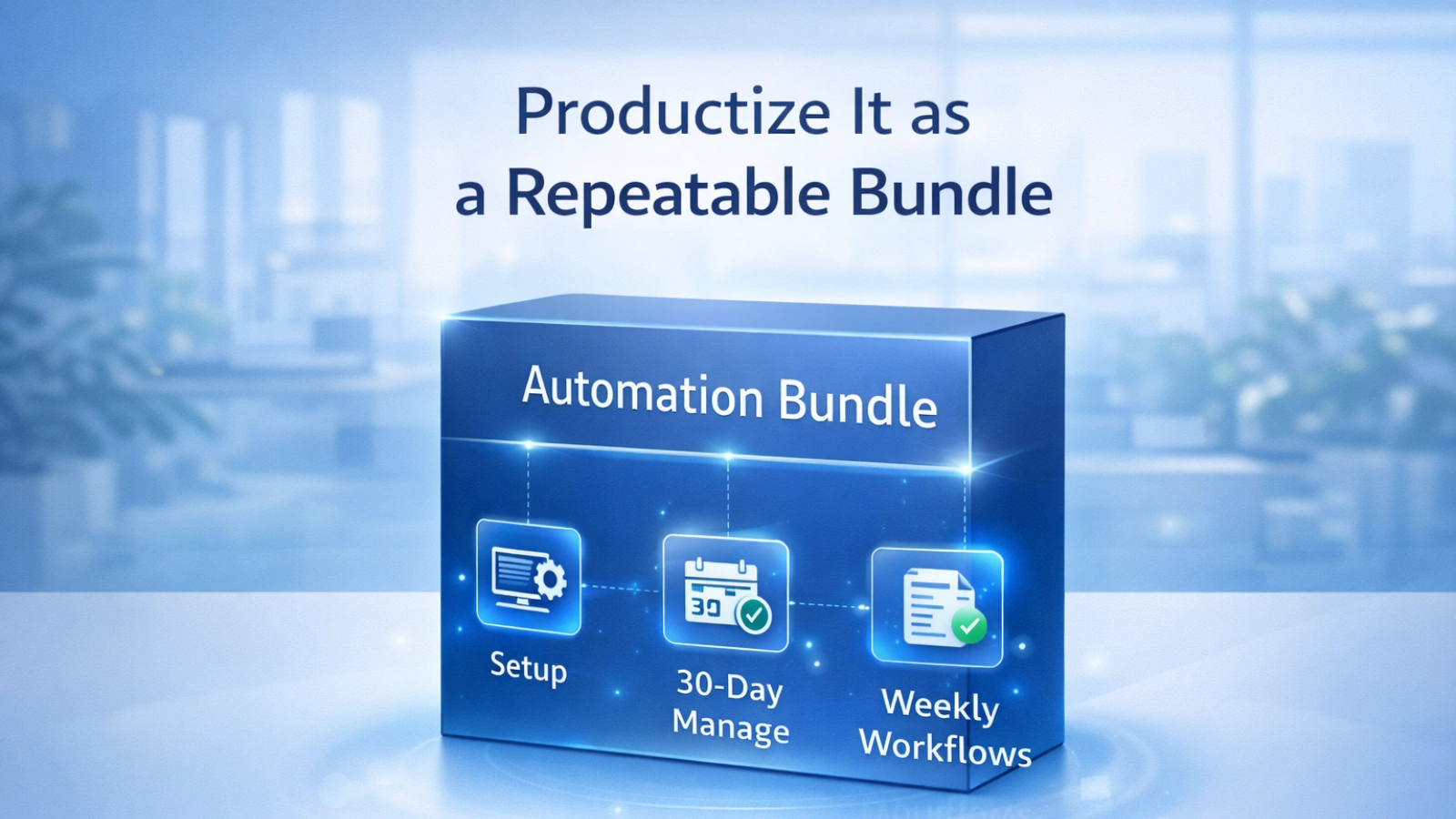 Stop selling one-off gigs. Package your work.
A strong starter bundle looks like this:
- Initial setup fee: for building and deploying the workflow
- 30 days of management: monitoring and fixing edge cases
- Weekly improvements: adding new automations as the client’s needs grow
This is how you go from a $500 freelance project to a $3,000/month retainer. Clients don’t want to buy an “automation.” They want to buy time saved and errors reduced. Sell the outcome, not the technology.
Need Help Building This for Your Business?

This is where Globussoft AI comes in.
We help startups and mid-sized enterprises design, build, and deploy powerful AI automation using openclaw, advanced AI agents, and custom Python pipelines. Whether you want to automate one workflow or transform an entire department, our team handles strategy, development, and ongoing optimization.
🧠 How Our AI Development Services Help
- AI Agent Development: Build intelligent agents that automate repetitive work and improve response speed.
- LLM & Knowledge-Base Chatbots: Deploy context-aware assistants trained on your business data.
- LLM Testing & Fine-Tuning: Improve accuracy and real-world performance of existing models.
- AI/ML Pipeline Replication: Convert experiments into stable, production-ready pipelines.
- AI/ML Consulting & Integration: Identify high-ROI use cases and connect AI to your current stack.
🏗️ Our 5-Phase Enterprise Approach
Discovery → Data & Architecture → Model Development → Optimization → Deployment & Support.
👉 Book a free strategy call with Globussoft AI, and let’s identify your first automation opportunity — often within the first week.
Step 6: Use Upwork as Your Lead Source and Sandbox
Upwork isn’t just for freelancers. It’s a live market research tool.
Search terms like “robotic process automation,” “AI workflow,” or “computer use agent” on Upwork right now and you’ll find:
- Real buyers posting real budgets ($500 to $20,000)
- Specific workflows that need to be automated
- Clear signals of what industries are willing to pay
Use Openclaw to scan job posts, identify patterns, build a quick demo, and submit a proposal with proof. That first $1,000 project becomes your case study. That case study becomes your sales pitch. That pitch gets you the $10,000 deal.
Upwork is the training ground, not the final destination.
Step 7: Stack Workflows Into a Vertical Workspace
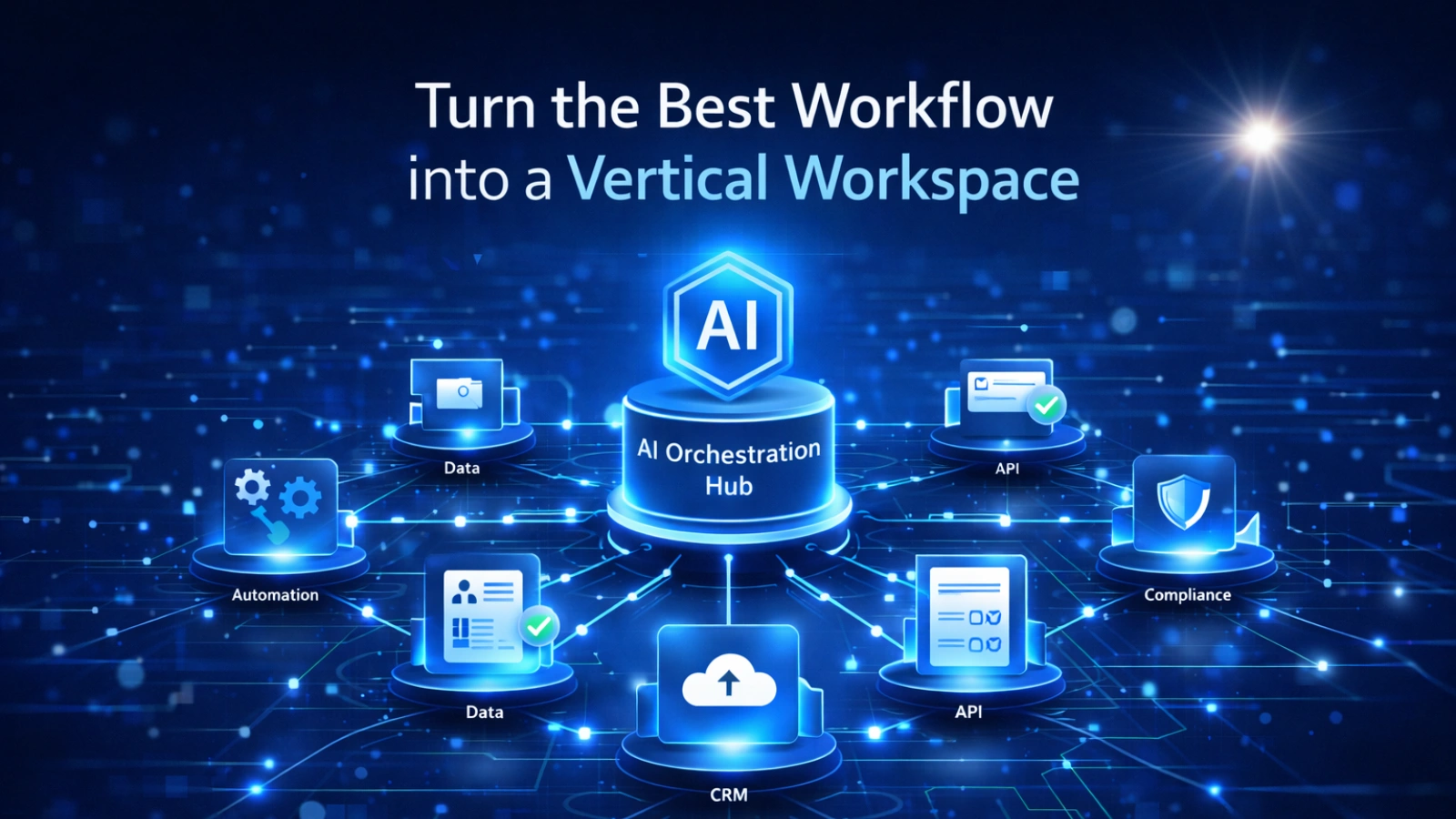 Once you’ve nailed one workflow, go deeper, not wider.
Build 5 to 10 related workflows inside the same industry. Train 20+ specialized skills for your Openclaw ai agent. Deploy up to 8 sub-agents, each owning a specific task.
The end result? One invite link = a full department of AI employees, ready to work.
This is the moat. When a competitor can only offer one automation, you’re offering an entire operations team. Clients don’t switch away from that easily.
Step 8: Sell It to Bigger Companies as “AI Employees”
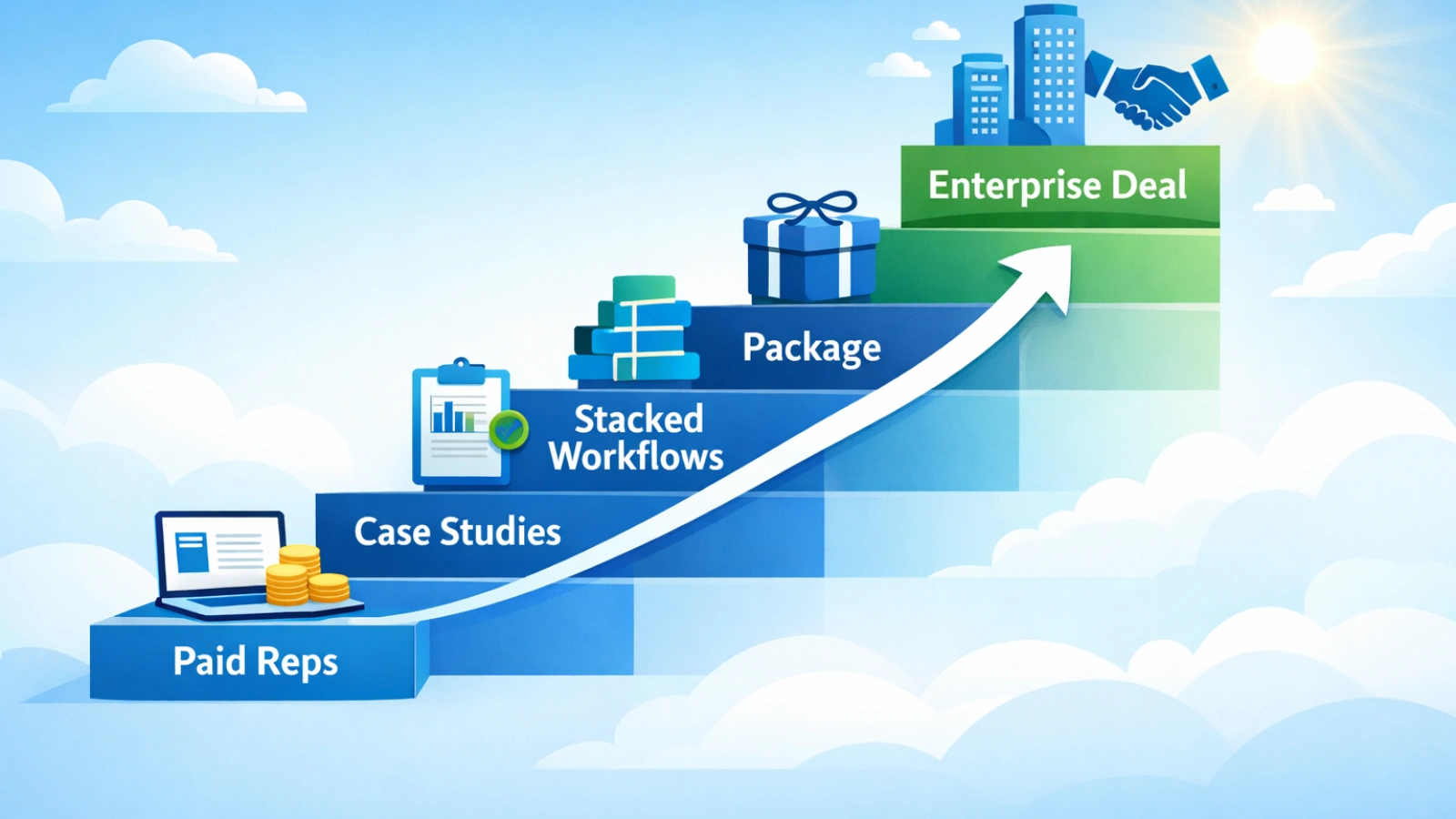 Once you have the vertical workspace built, it’s time to move upmarket.
Stop saying: “We built an automation for you.”
Start saying: “You’re getting AI employees for your ops team.”
Enterprise buyers want to see:
- Hours saved per week (e.g., “saved 12 hours/week per staff member”)
- Volume processed (e.g., “uploaded 5,000 records per day”)
- Error rates reduced (e.g., “cut data entry errors by 80%”)
- SLA guarantees and ongoing support
Big companies buy packages. They have procurement processes built around defined scopes and measurable outcomes. When you productize your vertical workspace, you speak that language.
The Honest Business Model Behind All This
Here’s the full picture in plain terms:
Openclaw is the wrapper. Claude Code is the factory. Sub-agents are the workforce. The vertical bundle is the product.
And the path from Upwork gig to enterprise deal is actually straightforward:
- Upwork gives you paid practice and proof that someone will pay for the workflow
- Those projects become case studies with real numbers
- You stack workflows into a vertical bundle
- Bigger companies buy the bundle because procurement understands packages
- You grow the workspace, add sub-agents, and raise your prices
The first Openclaw digital employee saves time. The tenth one prints cash flow.
Common Mistakes to Avoid
A few things that kill Openclaw projects before they start:
- Trying to automate everything at once instead of one workflow first
- Overloading the main agent with tasks that sub-agents should handle
- Skipping workflow mapping and jumping straight into building
- Selling the technology instead of the business outcome
- Ignoring error handling, automations break, plan for it
Start small. Prove ROI fast. Then stack your wins.
Final Thoughts
Openclaw has only been going mainstream for a matter of weeks. Most businesses have never heard of it. Most operators don’t know how to deploy it.
That gap between what’s possible and what most businesses know is your opportunity.
Whether you’re a solo builder wanting your first $1,000 automation client, a startup looking to build a vertical SaaS product, or a business owner who wants to stop paying for tasks that a machine could handle, Openclaw AI is the tool that makes it real.
The question isn’t whether to start. The question is which boring workflow you’re going to automate first.
Pick one. Map it. Build it. Ship it. Then stack the next one.
This is how digital employees get built and how cash-flowing assets get created.
Frequently Asked Questions
Is Openclaw really powerful enough to replace manual back-office work?
Yes — when set up correctly, Openclaw can handle repetitive computer tasks like data entry, downloads, uploads, and form filling. The key is pairing it with solid Python pipelines and well-mapped workflows for reliable, production-level results.
How many Openclaw AI agents can you run at once?
Most teams start with 1 main agent and 5–10 sub-agents running in parallel. The exact number depends on your infrastructure (VMs, Docker, cloud), but scaling horizontally is where the real productivity gains happen.
Do you need advanced coding skills to use Openclaw?
Not always — but for serious, revenue-generating automations, basic Python knowledge helps. Many businesses work with experts (like Globussoft AI) to build stable pipelines and avoid fragile, break-prone setups.
How quickly can an Openclaw automation start showing ROI?
Simple workflows can show time savings within the first few weeks. High-volume back-office automations often deliver measurable ROI in 30–60 days when properly mapped and monitored.
What types of businesses benefit most from Openclaw automation?
Industries with repetitive digital workflows see the biggest wins — including real estate, insurance, law firms, distributors, and operations-heavy service businesses.