
If you’ve been exploring AI agents or local automation tools lately, you’ve likely come across the OpenClaw gateway and wondered exactly what it does. Simply put, it is the core control plane of the entire OpenClaw system; it routes messages, manages communication channels, runs scheduled tasks, and powers the Web UI dashboard.
Without it, your AI assistant won’t function at all. Whether you’re a developer setting up a new environment or someone stepping into personal AI tools for the first time, understanding this component is essential. This guide walks you through everything from what it is and how the token works to how to start and restart it, so you can manage your setup with full confidence.
Listen To The Podcast Now!
What Is OpenClaw Gateway?
For anyone asking what the OpenCLAW gateway is, here’s a straightforward answer. It is the central routing layer of the OpenClaw ecosystem, acting as a bridge between your AI models, your communication platforms like Telegram, WhatsApp, or Discord, and the Web UI dashboard. Every message, bot response, scheduled job, and configuration update flows directly through it.
By default, it runs on port 18789 and binds to loopback (localhost) only, keeping your setup secure right out of the box. It uses a WebSocket-based RPC protocol, making all communication fast, real-time, and reliable. You can run it in the foreground during testing or install it as a background daemon for always-on, production-grade use.
It also supports multiple simultaneous instances using isolated profiles and custom ports, offering flexibility for more advanced deployment scenarios.
Key Features You Need to Know:
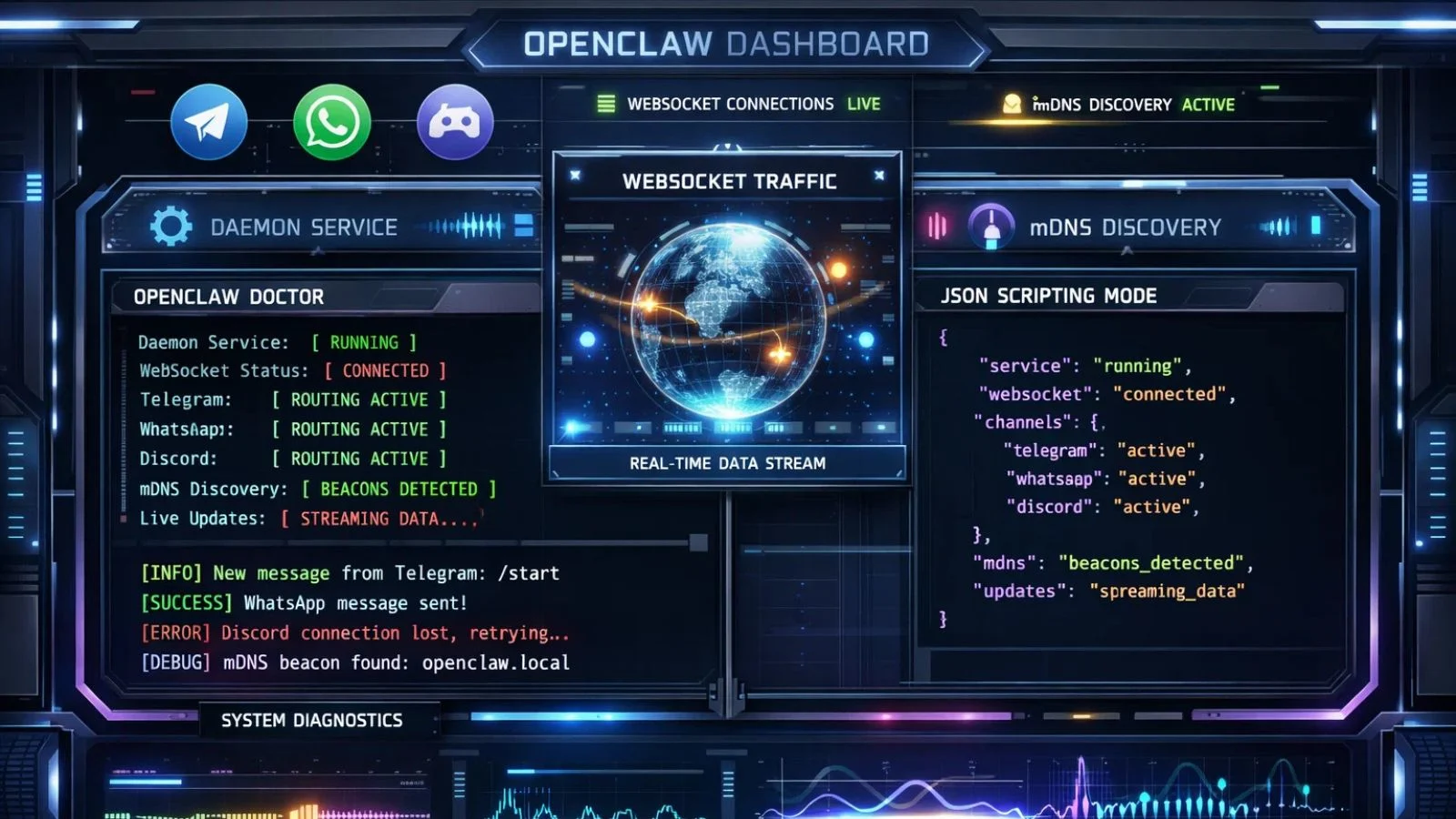
It comes packed with features designed for both everyday users and production-grade deployments. Here’s what makes it stand out:
- Multi-channel routing– Connects Telegram, WhatsApp, Discord, and more through a single, unified control plane.
- WebSocket RPC-All commands, queries, and live updates run over WebSocket for real-time speed and consistency.
- Hot reload support- Pick up configuration changes without a full restart using the gateway. reload. mode setting.
- Daemon installation– Register it as a background service for automatic startup on every system boot.
- mDNS-based discovery- automatically locates active instances on your local network via Multicast DNS-SD beacons.
- Dual output modes– Switch between human-readable colored terminal output or machine-readable JSON mode for scripting.
- Built-in diagnostics– Run OpenCLAW doctor to identify and auto-fix common configuration issues in one command.
Together, these features make it a genuinely enterprise-ready control layer for modern AI automation.
OpenClaw Gateway Token: What It Is and Why It Matters:
The OpenCLAW gateway token is the authentication key that determines who is authorized to connect to your setup. Think of it as a secure password; without it, any non-loopback connection attempt will be rejected entirely.
When you first install OpenClaw, a token is automatically generated and stored at ~/.openclaw/openclaw.json. You can set or update it manually using:
OpenCLAW config set gateway. a uth. mode token
openclaw config set gateway. auth. token “your-secure-token-here”
If your OpenCLAW gateway token is ever exposed or compromised, rotate it immediately by running:
openclaw models auth setup-token
This regenerates the token and updates both the local config and the active system state simultaneously. For remote server setups, copy the new token to the remote configuration file as well. Always restart after any token change so both the agent and the system sync on the updated credentials. Protecting this token is one of the most critical security steps in any deployment.
OpenClaw Gateway Start Command:
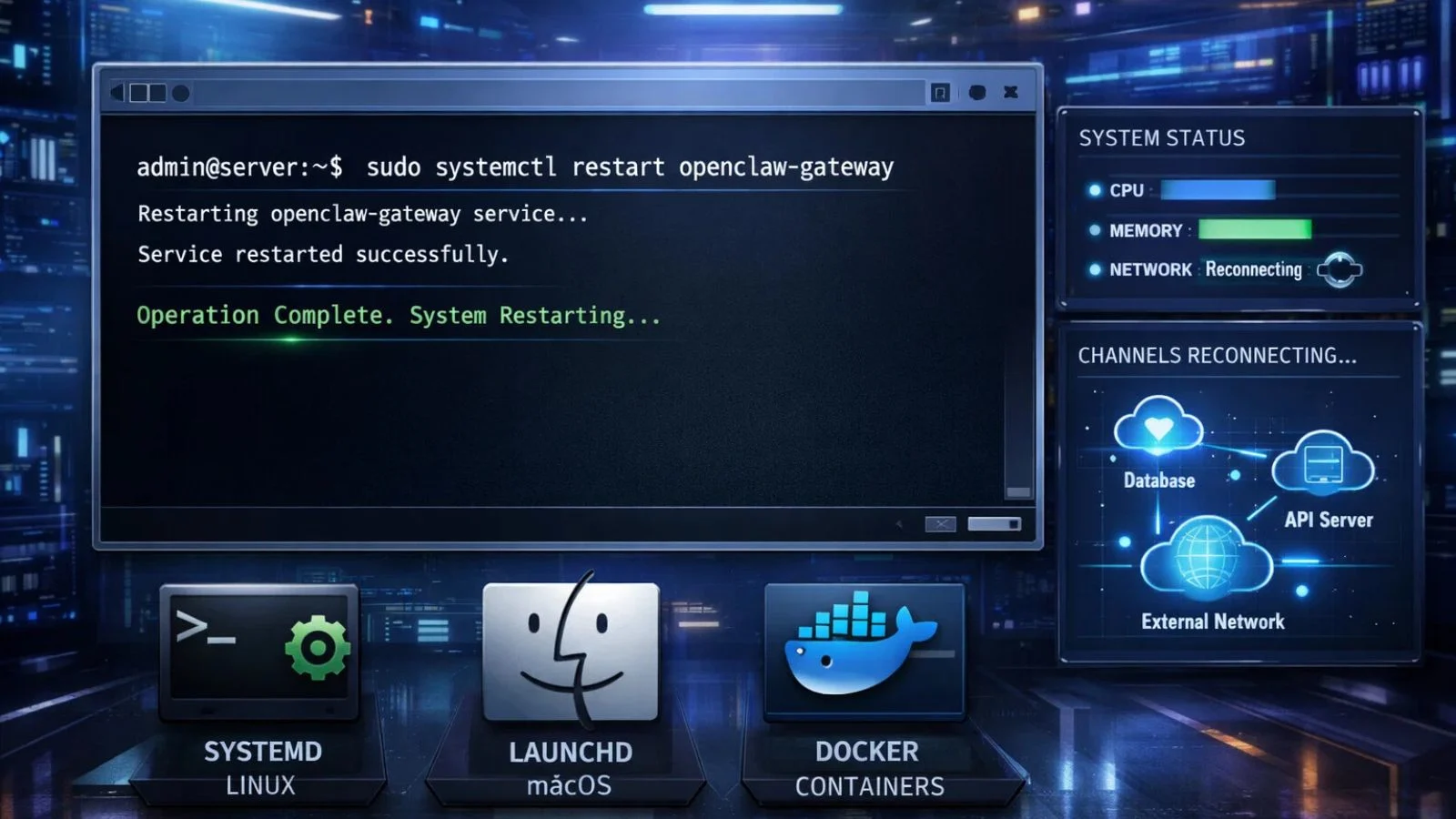
Getting your setup running is simple once you know the right OpenCLAW gateway start command. For a quick foreground launch, perfect for testing or debugging run:
OpenCLAW gateway start
This starts the process on the default port 18789, binding to loopback only. You can also customize behavior with these flags:
- –port <port> , Override the default WebSocket port
- –bind <loopback|lan|tailnet|auto|custom> , Set the listener bind mode
- –token <token>, Pass your auth token directly in the command
- –allow-unconfigured Run without a pre-existing config file for quick dev testing
- –force, Kill any process already holding the selected port before starting fresh
For production environments, register it as a daemon using:
OpenCLAW gateway install
This ensures it starts automatically on every reboot, keeping your AI agents online without any manual action. Always review live logs right after launching to confirm a healthy startup.
How to Restart OpenClaw Gateway?
Knowing how to restart the OpenCLAW gateway is one of the most practical day-to-day management skills. Token rotations, plugin updates, new channel configurations, and security changes all require a restart before taking full effect.
The simplest command is:
OpenCLAW gateway restart
Or use the shorthand:
openclaw restart
For Linux users running it as a systemd service:
systemctl –user restart openclaw-gateway
For macOS users on launchd, restart via the menu bar app or manually unload and reload the plist file. If running inside Docker or containerized platforms like Zeabur, standard systemd commands won’t work; use the platform’s native restart mechanism instead.
A best practice is to monitor live logs right after every restart. A healthy startup confirms all channels have reconnected and your AI agents are fully operational.
Also Read:
OpenClaw Installation: How I Got It Running on 10 Different Devices
Openclaw Installation Services: Production-Ready In 24 Hours
Supercharge Your AI Setup with GlobussoftAI:

Managing your setup efficiently is just one piece of building a powerful AI system. If you’re ready to take your AI operations to the next level, GlobussoftAI is the partner you need. An ISO, CMMI, and NASSCOM-certified AI/ML company, GlobussoftAI specializes in enterprise-grade generative AI solutions from intelligent agent development to full-scale ML pipeline deployment.
Here’s how GlobussoftAI can elevate your AI operations:
- AI Agent Development: Deploy smart agents that automate workflows across customer support, HR, logistics, and more.
- LLM Fine-Tuning & Testing: Continuously refine language models for domain-specific accuracy and relevance.
- AI/ML Integration: Connect AI seamlessly into your existing tech stack with scalable, adaptive automation.
- AI/ML Consulting: Receive a clear, actionable AI roadmap tailored to your industry and business goals.
- 20% Faster Deployment, Agile delivery that ensures minimal workflow disruption and maximum ROI from day one.
Whether you’re a startup or a large enterprise, GlobussoftAI turns AI potential into real, measurable business impact.
Conclusion:
The OpenClaw gateway is the heartbeat of any OpenClaw-powered setup. From routing messages and managing channels to handling authentication, start commands, and restarts, it ties everything together. Understanding how it works gives you full control of your AI environment. Pair that knowledge with a trusted partner like GlobussoftAI, and you have a complete foundation to build intelligent, scalable, and production-ready AI systems.
FAQ’s:
Q1: What is the default port and bind mode?
Ans: It runs on port 18789 and binds to localhost (loopback) by default. This ensures it is not publicly exposed unless you explicitly configure it otherwise.
Q2: How do I fix a 1008 token authentication error?
Ans: Run openclaw models auth setup-token to generate a fresh token, then restart the system so both the agent and the active process sync on the new credentials.
Q3: Can it start automatically on every system boot?
Ans: Yes. Use the gateway install command to register it as a background daemon service that launches automatically whenever your system starts up.
Q4: Is it secure by default?
Ans: Yes, it binds to loopback only and rejects all non-loopback connections without a valid auth token. Binding to non-local addresses without authentication is not permitted under any circumstances.
Q5: What should I do after updating my OpenClaw configuration?
Ans: Always run a restart after any config change, including token updates, plugin installations, or channel modification,s to ensure every update takes full effect properly.