Last month, I was working a Tuesday that felt like every other Tuesday drafting emails, chasing calendar invites, pulling data from multiple websites, and clearing out Slack notifications that had stacked up overnight. By noon, I had already spent five hours at my desk and hadn’t completed a single task that truly moved my business forward.
That was the day I stopped treating OpenClaw as a novelty and started treating it as core infrastructure.
I built a custom OpenClaw Skill for inbox triage and another for research automation. Together, these two skills replaced nearly 20 hours of manual work I used to handle every week. Now, they run quietly in the background, organizing information and gathering insights automatically, while I focus on strategic work that actually drives results.
This is not a theoretical walkthrough. This is exactly what I built, why it worked, and what you need to know before you try it yourself.
Listen To The Podcast!
Why Most People Never Get Past the Default Setup
OpenClaw, out of the box, is already more capable than most AI assistants people use. It runs locally, stays online around the clock, connects to WhatsApp, Telegram, Slack, and Discord, and executes real tasks rather than just answering questions. That alone puts it in a different category.
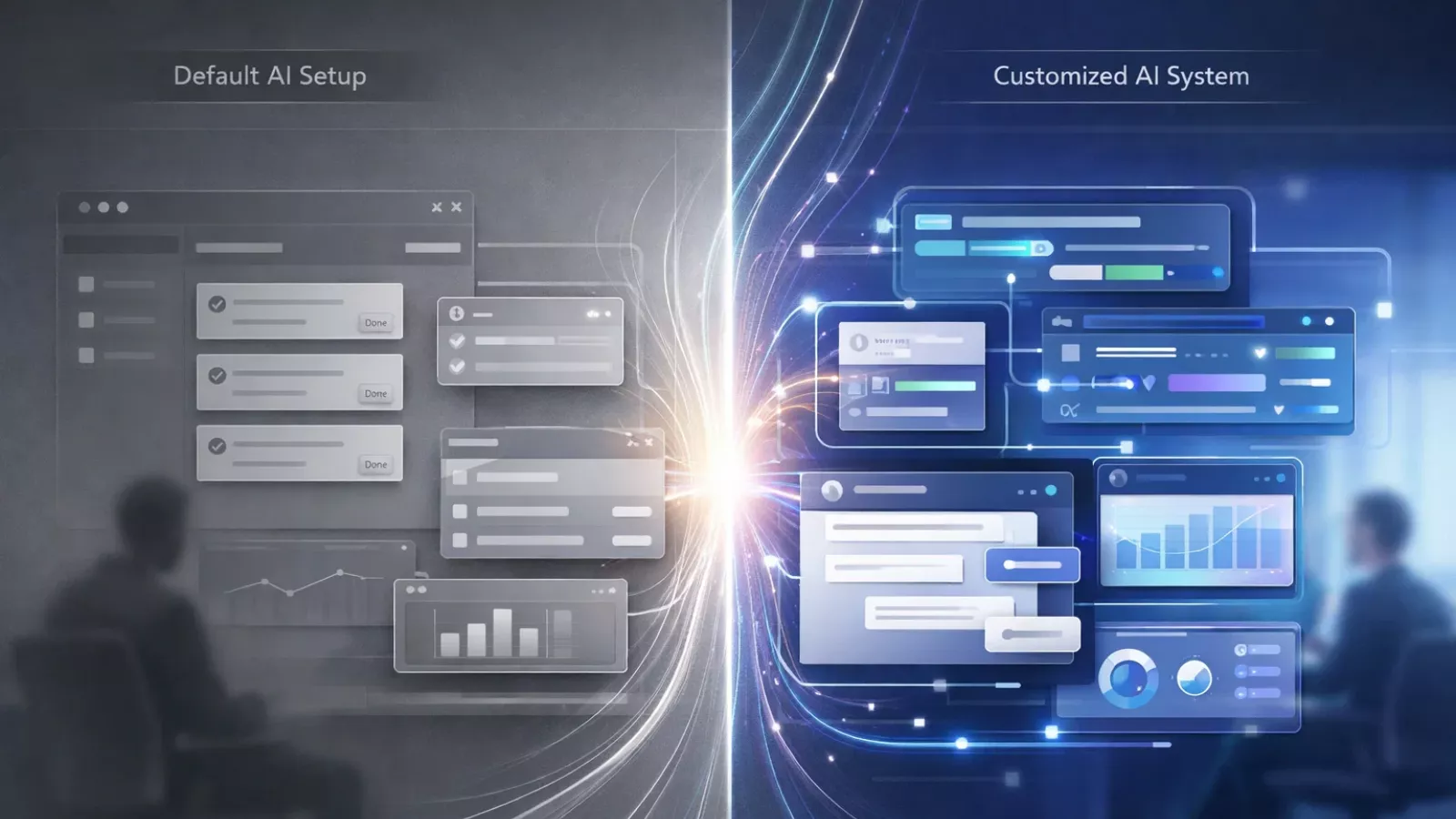
But here is the problem. Most people install OpenClaw, run through the onboarding wizard, activate the default skills, and then wonder why the time savings feel modest. The default skills are general-purpose. They were built for broad use cases, not your specific workflow. Using them without customization is like hiring a highly capable person and then only asking them to organize your desktop.
The real productivity unlock happens when you build custom OpenClaw Skills designed around how you actually work. And getting there is faster than most people expect.
What an OpenClaw Skill Actually Is
Before getting into the specifics of what I built, it helps to understand the structure you are working with.
An OpenClaw Skill is a modular JavaScript (or Python) file that teaches your agent a new capability. Each Skill has three core components: a metadata block that names and describes what the Skill does, a triggers array that defines which natural language phrases activate it, and an execute function that contains the actual logic.
The Agent Core is what makes trigger matching feel natural. It does not look for exact keyword matches. It passes your message to your configured AI model along with descriptions of all active skills and lets the model determine which Skill best matches your intent. This means you can activate a Skill by describing what you need in plain language, and the agent handles the rest.
The Execution Layer is what makes Skills powerful. That execute function can call external APIs, read and write files, run shell commands, store data in the persistent memory system, and send output back through whatever messaging platform you are using. This is how a single message from your phone can trigger a sequence of actions that would otherwise take you an hour to complete manually.
With that foundation in place, here is what I actually built.
The First Skill: Inbox Triage Automation
 The single biggest time drain in my week was email. Not reading email. Triaging it. Figuring out which messages needed a response today, which could wait, which were informational, and which were actively urgent. That cognitive sorting process was happening in the background of everything else I was doing and burning mental energy all day.
The Skill I built does the following every morning at 7:00 AM. It scans incoming email metadata from the past 18 hours, identifies messages from clients and leads, classifies each by urgency based on keywords and sender priority rules I defined, drafts a suggested response for the top three most urgent messages using my previous email tone as a reference, and delivers a structured briefing to my Telegram before I open my laptop.
The briefing looks like this: three priority messages with draft responses ready to review, five messages flagged as informational, and two that were handled automatically with a templated acknowledgment reply.
The key instruction that made this Skill work was specificity. My first version said, “Check my inbox and tell me what needs attention.” The output was generic. The version that worked said, “Scan emails from the last 18 hours, identify senders in my client list, classify urgency by presence of deadline language or direct questions, draft responses matching the formality level of my previous replies to that sender, and deliver a formatted summary with sender name, subject, urgency tier, and draft copy.”
Same tool. Completely different result.
This is where the OpenClaw Gateway Setup from Globussoft AI becomes relevant for teams beyond personal use. When the gateway is fully deployed and connected to WhatsApp, Telegram, Slack, Discord, and Signal, the inbox triage Skill becomes a shared team resource. Multiple people can receive their own prioritized briefings from the same agent without any additional configuration overhead, because each person’s session is isolated by default.
Also Read
How We Secured OpenClaw for Fortune 500 Companies
OpenClaw Installation: How I Got It Running on 10 Different Devices
Globussoft AI Services: Turning OpenClaw Into a Scalable System

Once your OpenClaw setup is live, the next step is making it truly useful for real business workflows. This is where Globussoft AI steps in, not just to run the system, but to structure, extend, and scale it into something reliable and production-ready.
⚡ OpenClaw Gateway Setup
A complete deployment of the OpenClaw gateway, fully configured and connected to platforms like WhatsApp, Telegram, Slack, Discord, and Signal. Built with a local-first approach, it ensures secure, always-on access without exposing your data.
🧠 Custom AI Agent Development
Purpose-built AI agents designed around your actual workflows, not generic use cases. Whether it’s handling support, qualifying leads, or managing internal tasks, each agent is powered by the right model and framework for consistent performance.
🔗 Multi-Agent Orchestration
For more complex operations, multiple agents are structured to work together in coordinated pipelines. Tasks are intelligently routed, handled across systems, and completed through a collaborative, fail-safe workflow that scales with your business.
The Second Skill: Competitive Research on Autopilot
The second major time drain was competitive research. Every week, I needed a read on what competitors were doing: pricing changes, new feature announcements, content they were publishing, and social signals. Doing this manually meant spending three to four hours on Monday pulling from six different sources and trying to synthesize them into something actionable.
The OpenClaw Skill I built for this runs every Monday at 6:00 AM. It queries my defined list of competitor domains, extracts pricing information and any changelog or announcement content, checks their social profiles for posts from the past seven days, and compiles everything into a structured comparison table with source links. The output is waiting in my Telegram when I wake up.
What used to be a four-hour Monday morning task now takes me 45 minutes to review and act on.
The memory system is what makes this Skill progressively smarter. After each Monday run, the Skill stores the findings with a timestamp. The following week, it compares new findings against the stored data and flags changes rather than just reporting the current state. Over time, the briefing becomes a delta report. You see what changed, not just what exists.
For businesses that want this kind of purpose-built workflow intelligence designed from scratch around their specific data sources and competitive landscape, Globussoft AI’s Custom AI Agent Development service covers exactly that ground. Autonomous agents powered by GPT-4, Claude, Llama, or Gemini, built on LangChain, CrewAI, AutoGen, LangGraph, and RAG pipelines, are designed for your actual business logic rather than adapted from generic templates.
How These Two Skills Compound Over Time
Here is something that did not become obvious until about three weeks in. The inbox triage Skill and the research Skill do not just save time independently. They compound.
Because the research Skill stores findings in the Memory System with structured labels, the inbox triage Skill can reference competitive context when drafting client responses. If a client emails asking about a specific feature, the draft response the agent prepares can include accurate, up-to-date context about how that feature compares to what competitors are doing. The agent synthesizes across both Skills automatically because they share the same memory layer.
This is the design principle that separates serious OpenClaw automation from simple task shortcuts. Individual Skills save time. Skills that are designed to feed into each other create a compounding intelligence layer that gets more useful the longer it runs.
For organizations that need this kind of coordinated agent intelligence at scale, across departments and across complex multi-step workflows, Globussoft AI’s Multi-Agent Orchestration service handles the architecture. Multiple specialized agents working together with proper routing, failover, and pipeline controls is a fundamentally different system design than a single agent with multiple Skills, and getting that architecture right from the start matters.
What to Watch Out For
Running custom OpenClaw Skills on real business workflows means real consequences if something goes wrong. These are the lessons I learned the hard way.
Start with Skills that produce output for your review before they take action. My inbox triage Skill spent the first week sending me draft responses without sending anything. Only after I had seen 50 examples and was confident in the output quality did I enable it to send templated acknowledgment replies autonomously.
Never give a new Skill broader access than it needs for its specific task. A research Skill that only needs to query public URLs should not have write access to your file system. A triage Skill that reads email metadata does not need access to your calendar API. Scope permissions to the minimum required and expand only after observing behavior.
Run openclaw doctor before connecting any Skill to production workflows. This surfaces misconfigured policies and risky settings before they become problems. Fix everything it flags before moving forward.
Treat any content your Skill processes from external sources as potentially untrusted. Emails, documents, and web content can contain prompt injection attempts where malicious instructions hide inside seemingly normal text. Configuring your Skills to validate and sanitize external input before passing it to the agent model is not optional in a production environment.
Getting Started With Your First Productivity Skill
If you have OpenClaw installed and running, building your first custom productivity Skill takes about ten minutes. The installation command if you have not set it up yet is straightforward:
curl -fsSL https://openclaw.ai/install.sh | bash
Follow that with openclaw onboard, which walks you through provider selection, gateway configuration, and connecting your messaging platform. Once the gateway is running, creating a Skill file in ~/.openclaw/skills/, registering it with openclaw skills register, and activating it takes three commands. A gateway restart applies the changes.
The most important investment is not technical setup. It is writing the execute logic with enough specificity that the agent knows exactly what you want. Vague instructions produce vague results. Precise, conditional, structured instructions produce the kind of output you can actually rely on.
Final Thoughts
Twenty hours per week sounds like a big number until you actually account for all the cognitive overhead that goes into doing those tasks manually. Inbox triage, competitive monitoring, scheduling, data compilation. None of it is complex. All of it is relentless, and all of it crowds out the work that actually builds something.
The OpenClaw Skills I built did not just save time. They removed the background noise that makes deep work nearly impossible when you are running everything yourself.
If you are ready to move beyond the default setup and build automation that fits your actual workflow, the Skills architecture gives you a genuinely powerful foundation. And if you need that foundation built to production standards for your team or business, Globussoft AI offers the full stack from gateway deployment to custom agent development and multi-agent orchestration.
The hours you save are only valuable if you use them on something better. Now you have the tool to make that trade.
FAQs
How long does it actually take to build a useful OpenClaw Skill?
For a Skill with straightforward logic like scheduled research or inbox classification, ten to thirty minutes is realistic if you have basic JavaScript familiarity. The majority of that time goes into writing the prompt logic inside the execute function rather than the scaffolding code, which follows the same pattern every time.
Can I run multiple custom Skills simultaneously without performance issues?
Yes. On a machine or VPS with 8GB of RAM, running ten to fifteen active Skills simultaneously is well within normal operating range. Scheduled Skills that run at different times add almost no overhead. The load only spikes when multiple Skills execute simultaneously, which you can stagger in your cron schedules to avoid.
What is the difference between a trigger-based Skill and a scheduled Skill?
A trigger-based Skill activates when your message matches a defined intent. A scheduled Skill runs automatically at a set time using cron syntax. Most production productivity Skills combine both: they run on a schedule but can also be triggered manually if you need an out-of-cycle run.
Do OpenClaw Skills retain data between sessions?
Yes. The Memory System persists data across sessions, agent restarts, and gateway reboots. This is what enables Skills to build on previous runs, compare current findings against historical data, and reference context from past conversations without you needing to repeat it.