If you have been searching for an AI agent that actually gets things done, Openclaw is worth your full attention. Released in late 2025 by developer Peter Steinberger, it quickly shot to over 100,000 GitHub stars in under a week, one of the fastest-growing open-source repositories in history. It is not just another chatbot.
It is a self-hosted, autonomous AI agent that connects to your messaging apps, controls your browser, manages files, and executes real tasks on your machine. Whether you are a developer looking to automate your workflow or a non-technical user wanting a smarter digital assistant, this guide walks you through everything from installation to your first live automation in just 30 minutes.
Listen To The Podcast Now!
What Is Openclaw?
OpenClaw (formerly known as Clawdbot and Moltbot) is a free, open-source autonomous AI agent that runs directly on your own machine, Windows, macOS, or Linux. Unlike typical cloud AI services, it keeps your data local and gives you complete control. You interact with it through the messaging apps you already use: WhatsApp, Telegram, Slack, Discord, iMessage, Signal, and Microsoft Teams, among others.
What sets it apart is its ability to act proactively. It does not wait for you to prompt it every time. Through a built-in heartbeat scheduler, the tool can wake up at set intervals, check your inbox, monitor GitHub repos, run scripts, or complete any task you have configured, all while you are sleeping or focused on other work. It supports over 100 OpenClaw Skills that extend its capabilities across email, calendars, developer tools, smart home devices, and more.
Why Openclaw Stands Out Among AI Automation Tools?
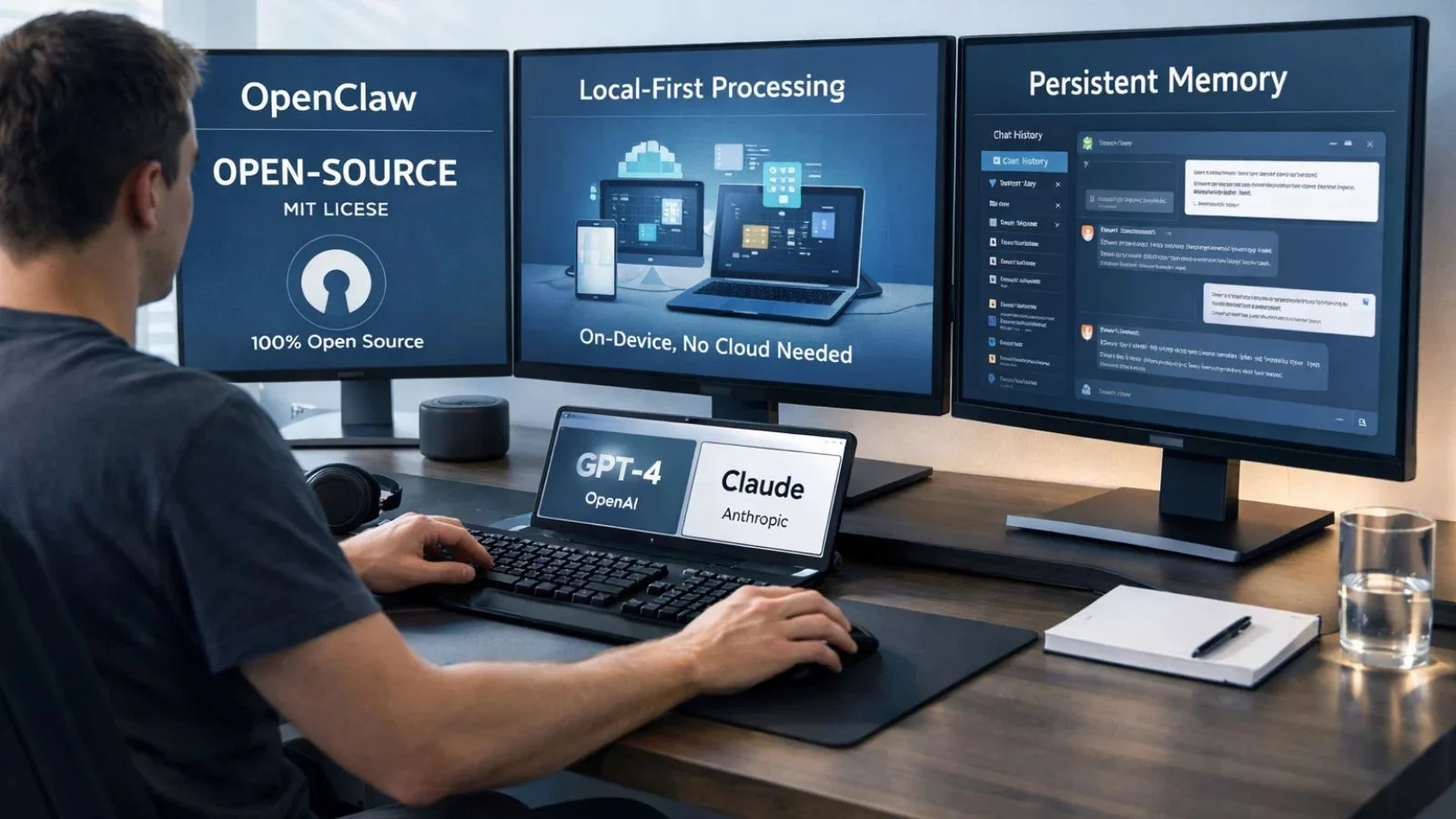
The market is filled with AI automation tools that promise the world but lock you into their ecosystem. Openclaw takes a different approach: it is MIT-licensed, fully open-source, and model-agnostic, meaning you can pair it with Anthropic Claude, OpenAI GPT models, or even a locally hosted model via Ollama.
Here is what makes it particularly compelling compared to other solutions:
- Local-first architecture: Your memory, context, and data never leave your device unless you choose a cloud model.
- Persistent memory: It remembers past conversations and uses them to understand future requests contextually.
- Always-on availability: Thanks to cron scheduling, the agent keeps working around the clock even without active prompting.
- No monthly subscription: You only pay for API usage, which typically ranges from $5 to $50 per month depending on your activity level.
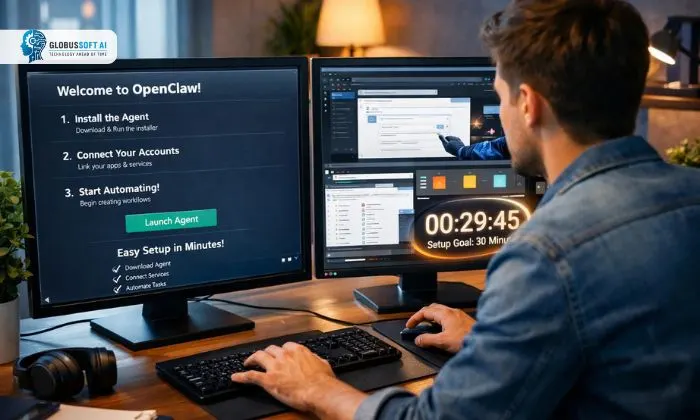
How To Set Up Openclaw in Just 30 Minutes?
Getting started is surprisingly smooth for a tool this powerful. You need Node.js version 22 or higher installed on your machine. From there, the setup follows a clear, guided path:
- Step 1 – Install: Open your terminal and run npm install -g openclaw@latest (or use pnpm if you prefer).
- Step 2 – Onboard: Run openclaw onboard –install-daemon and follow the wizard. It walks you through gateway setup, choosing your AI model provider, connecting your first messaging channel, and installing skills.
- Step 3 – Connect a channel: Link WhatsApp, Telegram, or Slack, whichever you use daily.
- Step 4 – Add your first skill: Browse the registry with openclaw skills list and install what fits your workflow.
- Step 5 – Test it: Send a message through your connected app and watch your agent respond and act in real time.
The whole process takes well under 30 minutes for most users, and the onboarding wizard makes it accessible even if you are not a seasoned developer.
Key Features That Make It a Standout AI Tool for Automation:
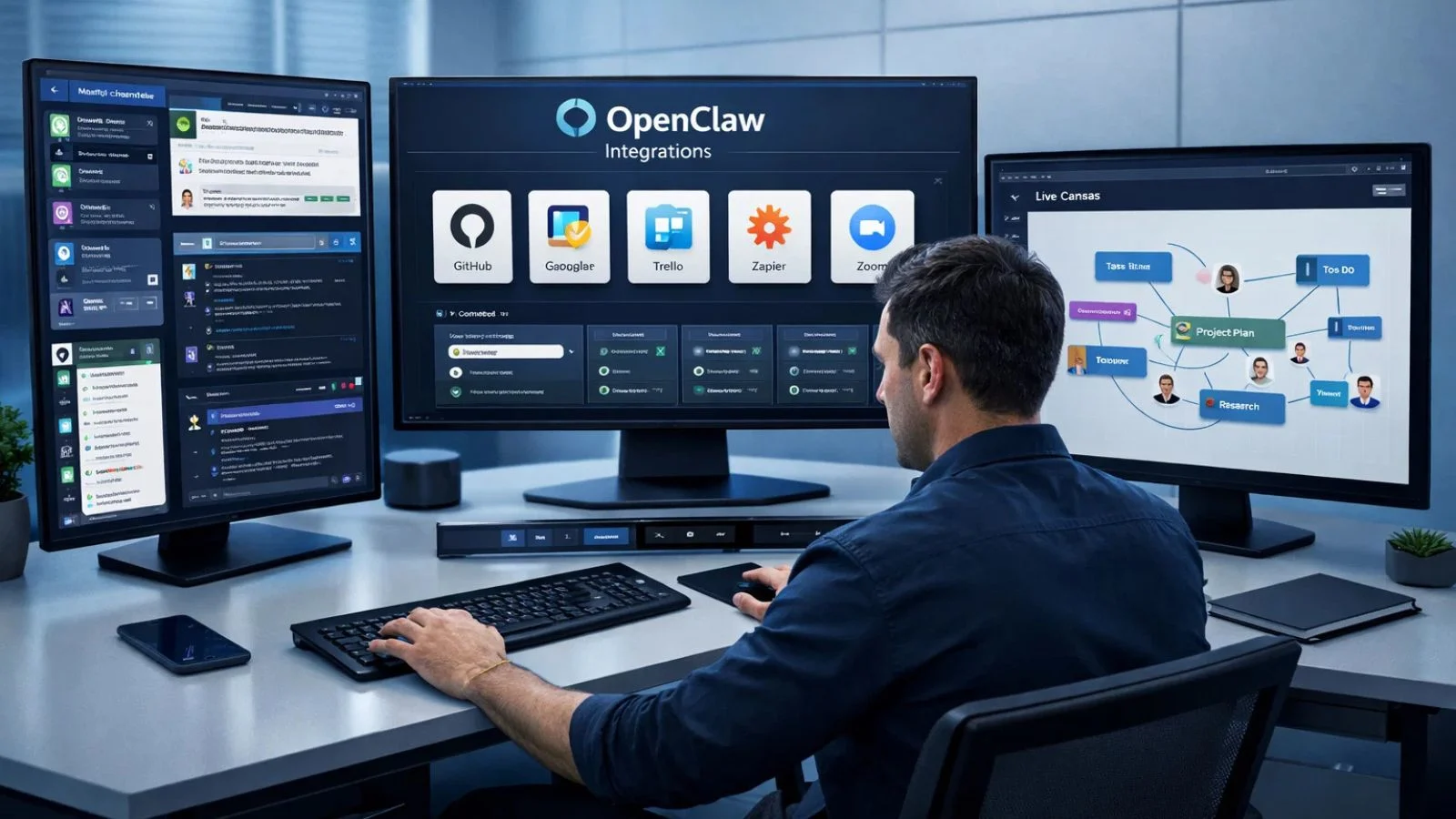
When comparing AI tools for automation, the depth of features matters. The platform checks almost every box:
- Multi-channel inbox: WhatsApp, Telegram, Slack, Discord, Teams, Signal, iMessage, and more, all routed through one agent.
- Browser automation: Fill out forms, scrape websites, and navigate the web entirely hands-free.
- 100+ AgentSkills: Pre-built plugins covering GitHub, Notion, Obsidian, Google Calendar, Trello, and smart home integrations.
- Voice mode: Always-on speech input and output on macOS, iOS, and Android via ElevenLabs.
- Multi-agent routing: Run isolated agents with separate workspaces and per-agent sessions for different tasks.
- Live Canvas: An agent-driven visual workspace for interactive, real-time task management and collaboration.
Real-World Use Cases You Can Build Right Away:
The power of AI automation really shines when you see what people are doing with this tool in the real world. Developers have used it to monitor GitHub repositories, trigger CI/CD deployments, and receive Telegram alerts the moment a test fails. Business users have connected it to their email to triage inboxes, draft replies, and schedule meetings, all without touching a keyboard.
One particularly striking example: a developer configured his agent to negotiate a car purchase over email while he slept, and it saved him over $4,000. Another user built an entire website from a phone using only chat commands. These are not demos. They are real workflows that everyday users are running right now across personal productivity, e-commerce, HR onboarding, and content scheduling.
Openclaw and AI Automation Testing:
For development teams, one of the most practical benefits is around AI automation testing. The tool integrates directly with CI/CD pipelines and version control systems like GitHub. You can configure it to run automated test suites on every commit, capture error logs, surface failures in your Slack or Telegram, and even open pull requests with proposed fixes entirely on its own.
This turns testing from a reactive, manual chore into a proactive, intelligent process. Instead of checking build dashboards manually, your agent handles routine verification and only escalates issues that genuinely need your attention. For teams managing multiple projects simultaneously, this kind of intelligent triage can save hours every week and significantly reduce the risk of broken builds reaching production.
Also Read:
OpenClaw Skills: How to Build Custom AI Capabilities in 10 Minutes
Hire OpenClaw Experts: The Consulting That Saved Our Dev Team
Scale Smarter With GlobussoftAI:

Once you have experienced what a personal AI agent can do, the next natural step is bringing that power into your business. That is where GlobussoftAI comes in. GlobussoftAI is a Generative AI and Machine Learning services company that builds enterprise-grade AI solutions designed to automate workflows, reduce errors, and drive measurable growth across industries.
Their team offers expert OpenClaw implementation and ClawBot services alongside a full suite of AI capabilities. Here is what makes GlobussoftAI a trusted choice for businesses ready to scale:
- AI Agent Development: Custom intelligent agents that automate customer support, internal operations, and repetitive workflows end-to-end.
- LLM-Powered Chatbots: Human-like conversational bots that handle high-volume queries while maintaining brand voice and context.
- LLM Fine-Tuning: Domain-specific model optimization for higher accuracy and contextual relevance tailored to your industry.
- AI/ML Consulting: Roadmap strategy and implementation guidance designed around your specific business goals.
- End-to-End Support: From discovery to deployment and continuous optimization, their team stays involved at every stage.
Ready to take AI seriously for your business? Visit globussoft.ai to book a free consultation with their team.
Conclusion:
This tool represents a genuine shift in how AI assistants can work for you. It is proactive, local-first, extensible, and completely in your control. Whether you are a solo developer automating daily tasks or a business leader exploring enterprise AI deployment, Openclaw gives you a powerful foundation to build on. Set it up once, configure your skills and channels, and let your agent handle the rest. Start small, experiment freely, and scale confidently. Thetime you invest today pays back every single week.
FAQ’s:
Q1. Is OpOpenCLAWree to use?
Ans: Yes. The software itself is completely free and open-source under the MIT license. You only pay for API usage from your chosen AI model provider, which typically runs $5 to $50 per month, depending on your usage volume.
Q2. Does it work on Windows?
Ans: Yes. The platform runs on macOS, Linux, and Windows via WSL2. Full platform-specific setup guides are available at docs.openclaw.ai for every operating system.
Q3. Is my data safe?
Ans: It is local-first by design; your memory and context are stored as Markdown files directly on your own machine. For maximum privacy, you can run local models entirely, which means zero cloud dependencies and no external data sharing at all.
Q4. What messaging apps does it support?
Ans: It connects with a wide range of popular platforms, including WhatsApp, Telegram, Slack, Discord, Signal, iMessage, Microsoft Teams, Google Chat, and Matrix. You can interact with your agent directly through whichever app you already use every day.