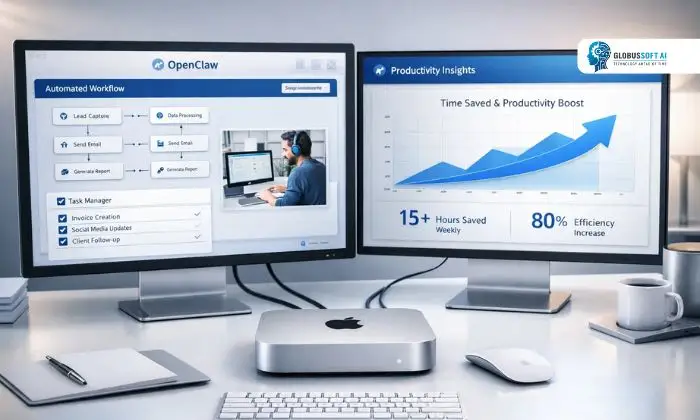
If you’ve been searching for a smart way to automate your daily tasks without breaking the bank, OpenClaw on a Mac Mini might just be your answer. At $599, the Mac Mini is an incredibly capable machine, and when paired with this powerful local AI tool, it transforms into a full-blown automation powerhouse. Whether you’re a freelancer, developer, or small business owner, this investment can deliver capabilities that would otherwise cost thousands. Let’s explore why this combination is turning heads in the productivity world.
Listen To The Podcast Now!
What Is Openclaw and Why Does It Matter?
Openclaw is a local AI automation tool designed to run natively on Apple Silicon hardware. Unlike cloud-based AI tools that rely on external servers, Openclaw processes everything on your device, keeping your data private and your responses fast. It integrates seamlessly with macOS workflows, letting users automate repetitive tasks, generate content, manage files, and execute scripts using simple natural language commands.
What makes Openclaw stand out is the ability to work completely offline. There are no monthly subscription fees, no API call limits, and no internet dependency. Once set up, the tool becomes your always-available AI assistant that adapts to your workflow rather than forcing you to adapt to it.
Why the Mac Mini Is the Perfect Host?
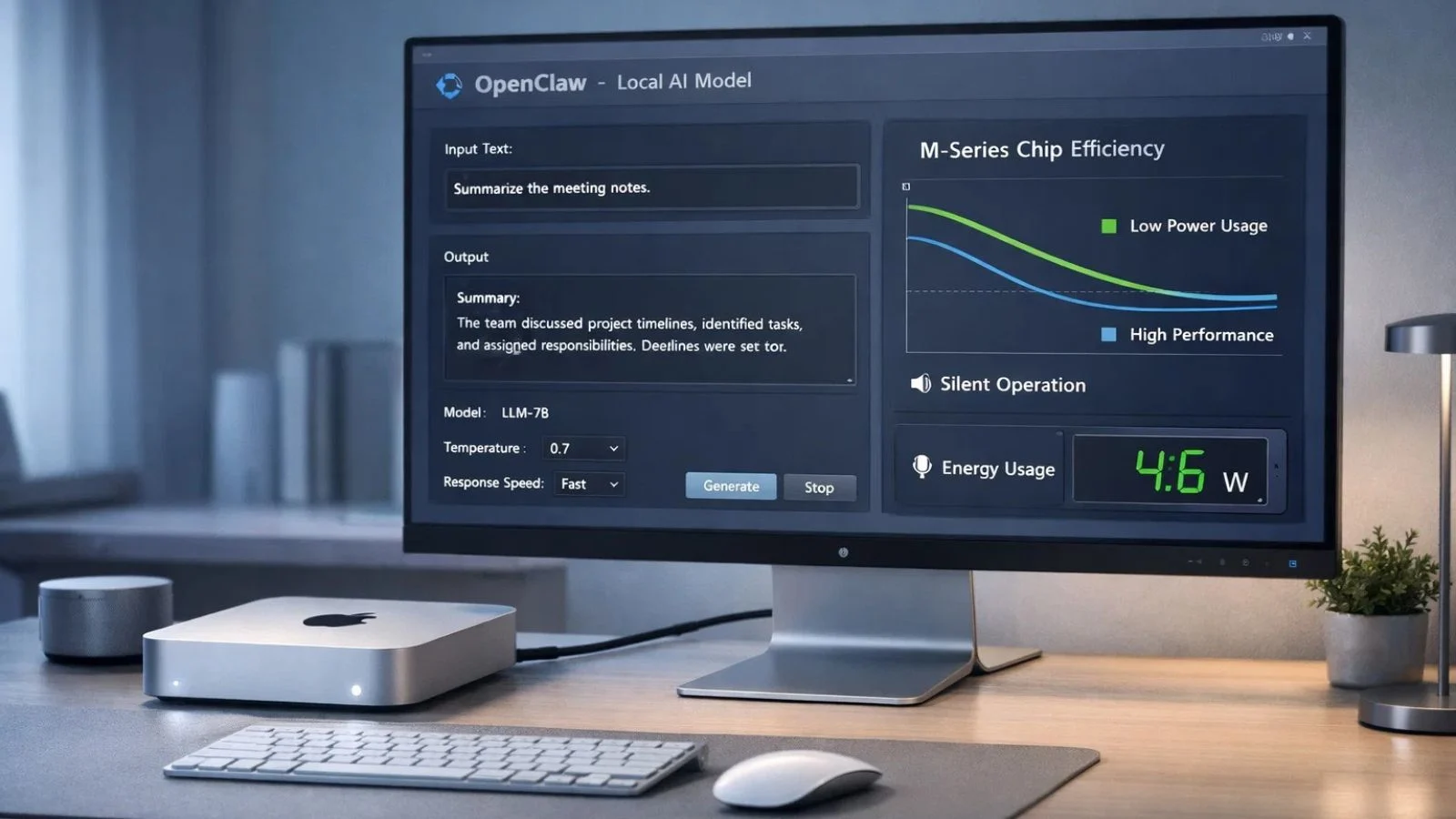
The Mac Mini may be compact, but it’s anything but weak. Apple’s M-series chips deliver exceptional performance per watt, making them an ideal host for running local AI models. The software is specifically optimized for Apple Silicon, taking full advantage of the unified memory architecture and Neural Engine built into every Mac Mini.
Running this setup also means you get a silent, energy-efficient machine that can stay on 24/7 without spiking your electricity bill. For home offices and small businesses, this is a genuine game-changer, dedicated AI automation running quietly in the background, always ready when you need it.
Getting Started: OpenClaw Installation on Mac Mini:
The Openclaw installation process is straightforward, even for users who aren’t deeply technical. Start by downloading the package from the official website and following the step-by-step setup wizard. The installer automatically detects your Mac hardware and configures model settings for optimal performance on your specific chip.
Once complete, the service runs in the background and can be invoked at any time using a keyboard shortcut or the menu bar icon. The initial model download takes a few minutes, but after that, everything runs locally, with no sign-ins, no account setups, and no waiting for cloud servers to respond.
What Automation Tasks Can It Handle?
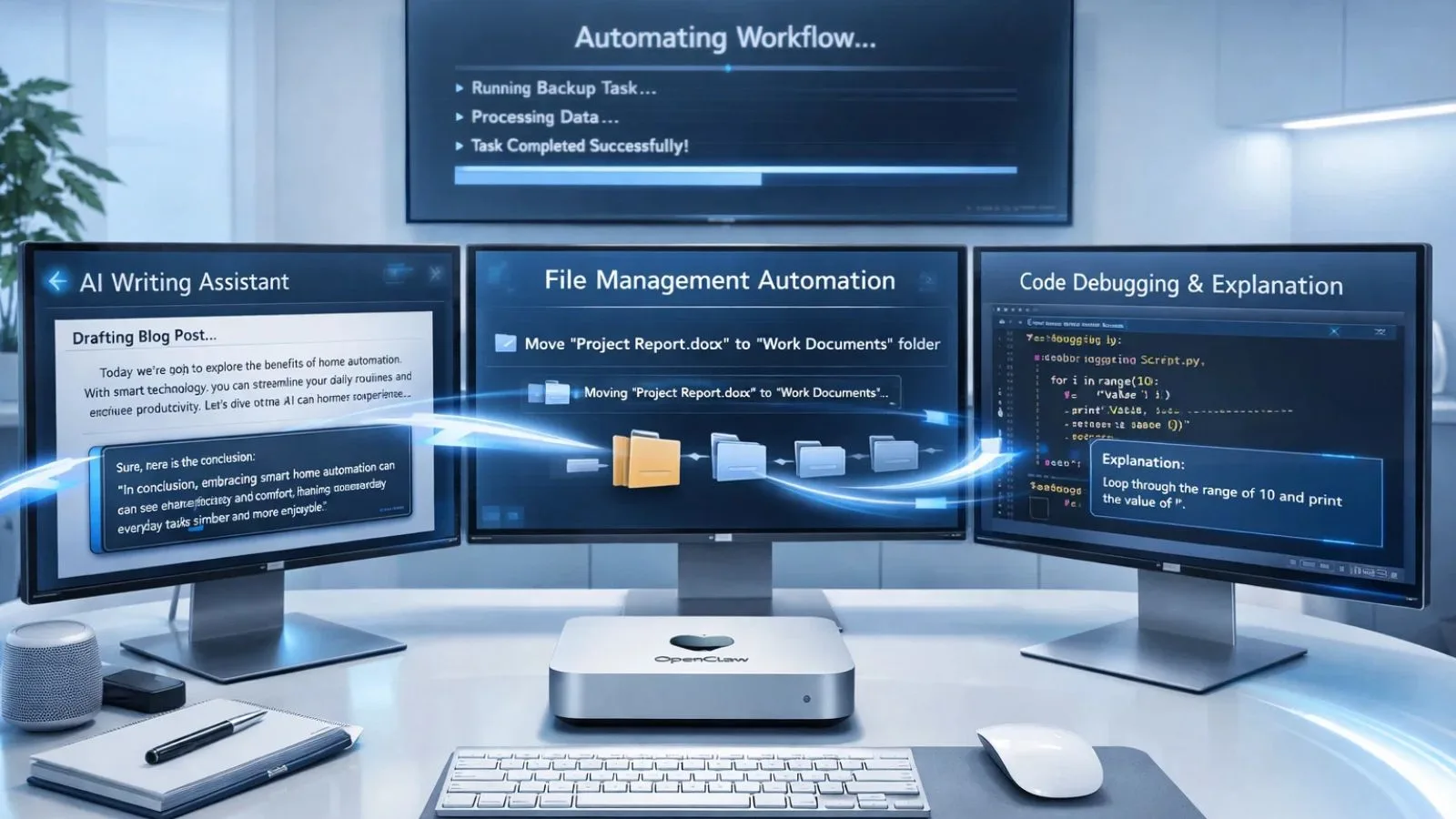
The use cases are broad and genuinely impressive. Here are some of the most common ways users put this tool to work every day:
- Writing and Content Generation: Draft emails, blog posts, reports, and summaries in seconds with intelligent AI writing assistance.
- File and Folder Management: Use natural language commands to organize, rename, move, or search files across your Mac Mini.
- Code Assistance: Write, debug, and explain code snippets across multiple programming languages without leaving your desktop.
- Data Processing: Summarize spreadsheets, extract key data, or convert file formats entirely on demand.
- Workflow Scripting: Automate repetitive macOS tasks by generating and running AppleScript or shell scripts with ease.
The more you explore, the more it feels like having a skilled assistant who works at machine speed.
OpenClaw AI Assistant: Smarter Than a Shortcut:
The OpenClaw AI Assistant goes far beyond simple command execution. It understands context, maintains conversation history within sessions, and can chain multiple actions together in a single request. Instead of juggling a dozen apps for different tasks, it becomes the central intelligence layer for your entire Mac workflow.
For example, you can instruct it to read a PDF, summarize key points, draft a response email, and save a copy to a specific folder, all in one go. That kind of multi-step reasoning is what separates a true AI assistant from a glorified search bar, and it’s where this tool consistently impresses.
Also Read:
What Is Kimi OpenClaw and How Does It Work?
The AI Super Agent Revolution: How OpenClaw is Shaping Productivity
Supercharge Your Automation Journey with GlobussoftAI:

If you want to take AI automation beyond the desktop, partnering with the right experts makes all the difference. GlobussoftAI is a leading Generative AI and ML services firm helping businesses of all sizes implement intelligent, scalable automation solutions tailored to their needs.
Here’s how GlobussoftAI can complement your setup and accelerate your automation goals:
- AI Agent Development: Deploy intelligent agents that automate customer support, internal operations, and repetitive workflows.
- LLM-Powered Chatbots: Build smart, context-aware chatbots with a robust custom knowledge base for consistent customer engagement.
- LLM Fine-Tuning: Customize AI models to perfectly align with your industry’s language, tone, and requirements.
- AI/ML Consulting: Get expert guidance on identifying the right automation opportunities and building a scalable AI strategy.
- AI/ML Integration: Connect Generative AI with existing ML frameworks for adaptive, continuously improving systems.
- End-to-End Support: From discovery to deployment and ongoing optimization, GlobussoftAI stays with you at every stage.
Whether you’re scaling up workflows or building enterprise-grade automation, GlobussoftAI brings the expertise to make it a reality.
Real-World Impact: Small Investment, Big Returns:
A $599 Mac Mini running Openclaw can genuinely replace a stack of paid subscriptions. Think about what you currently spend on writing assistants, automation platforms, and productivity apps. It consolidates many of those functions into a single, locally running setup that you own outright.
For small businesses, especially, the return becomes visible quickly. It handles customer inquiry drafts, internal documentation, code reviews, and task automation, freeing your team to focus on higher-value work. Over the course of a year, the time savings easily justify the hardware cost many times over.
Tips to Get the Most Out of Your Setup:
To maximize results on a Mac Mini, a few practical adjustments go a long way. First, allocate enough RAM; 8GB works for lighter tasks, but 16GB allows Openclaw to run larger workloads smoothly.
Second, explore the custom prompt settings to tailor Openclaw’s behavior to your specific work style. Third, set up keyboard shortcuts so you can call on it instantly without breaking your focus. Finally, keep the software updated to benefit from improved models and new automation features as they roll out.
Conclusion:
For $599, the Mac Mini delivers one of the most cost-effective local AI setups available today. Openclaw turns this compact machine into a privacy-first productivity engine, no subscriptions, no cloud dependency, just fast and reliable automation on your terms. Whether you’re managing files, generating content, or scripting complex workflows, this combination punches well above its price tag. The zero-dependency approach means your work stays yours, always. Pair it with expert support from GlobussoftAI, and your automation potential becomes truly limitless.
FAQ’s:
Q1: What is Openclaw, and what does it do?
Ans: It is a local AI automation tool that runs natively on Mac hardware, helping users automate writing, file management, coding assistance, and workflow scripting, all without an internet connection or recurring subscription fees.
Q2: Can the tool run on the base $599 Mac Mini?
Ans: Yes, the base model is fully capable of running it. However, upgrading to 16GB RAM is recommended for users who plan to work with larger AI models or handle more complex, multi-step automation tasks regularly.
Q3: Does it require an internet connection after setup?
Ans: No. After the initial installation and model download, everything runs locally on your device. Your data stays on your machine, making it one of the more privacy-focused AI tools available for macOS users.
Q4: Is this tool beginner-friendly?
Ans: Absolutely. The interface is designed for everyday users, not just developers. You interact with it using plain language, and the setup wizard walks you through the entire process without requiring any technical background.
Q5: How does local AI differ from cloud-based AI tools?
Ans: With local AI, your data never leaves your device, unlike cloud tools that send queries to external servers. You also avoid usage limits, API costs, and latency issues, making it a more private, reliable, and cost-efficient long-term solution.