

Per its GitHub project, OpenClaw surged to 100,000 stars in under eight weeks. To set up use openclaw fast in 2026, you’ll deploy it on a low-cost VPS, connect WhatsApp/Telegram/email, write a simple workflow in plain English, and schedule it with human-readable “cron” rules.
This guide shows you the exact steps, the traps to avoid, and a 7‑day starter plan. You’ll see where OpenClaw shines, autonomous tasks, chat-based command and control, and a self-hosted design, and where it has limits. You’ll also learn how to keep costs near $5/month for hosting, with total typical spend under $10/month including AI model calls.
What Is OpenClaw and What Can an AI Agent Actually Do for You?
OpenClaw is an open-source AI agent framework that runs on your own server. It’s built for autonomous workflows: you give it goals, it plans steps, calls tools, and reports back through channels you already use. In short, you set up use openclaw once, then let it handle routine work on its own.
Because it is self-hosted, you control data, spend, and uptime. In practice, that means spinning it up on a small VPS (about $5/month) and keeping the core free. As a result, total typical monthly costs usually stay under $10/month even with model usage. You avoid lock-in, and you choose when to upgrade hardware.
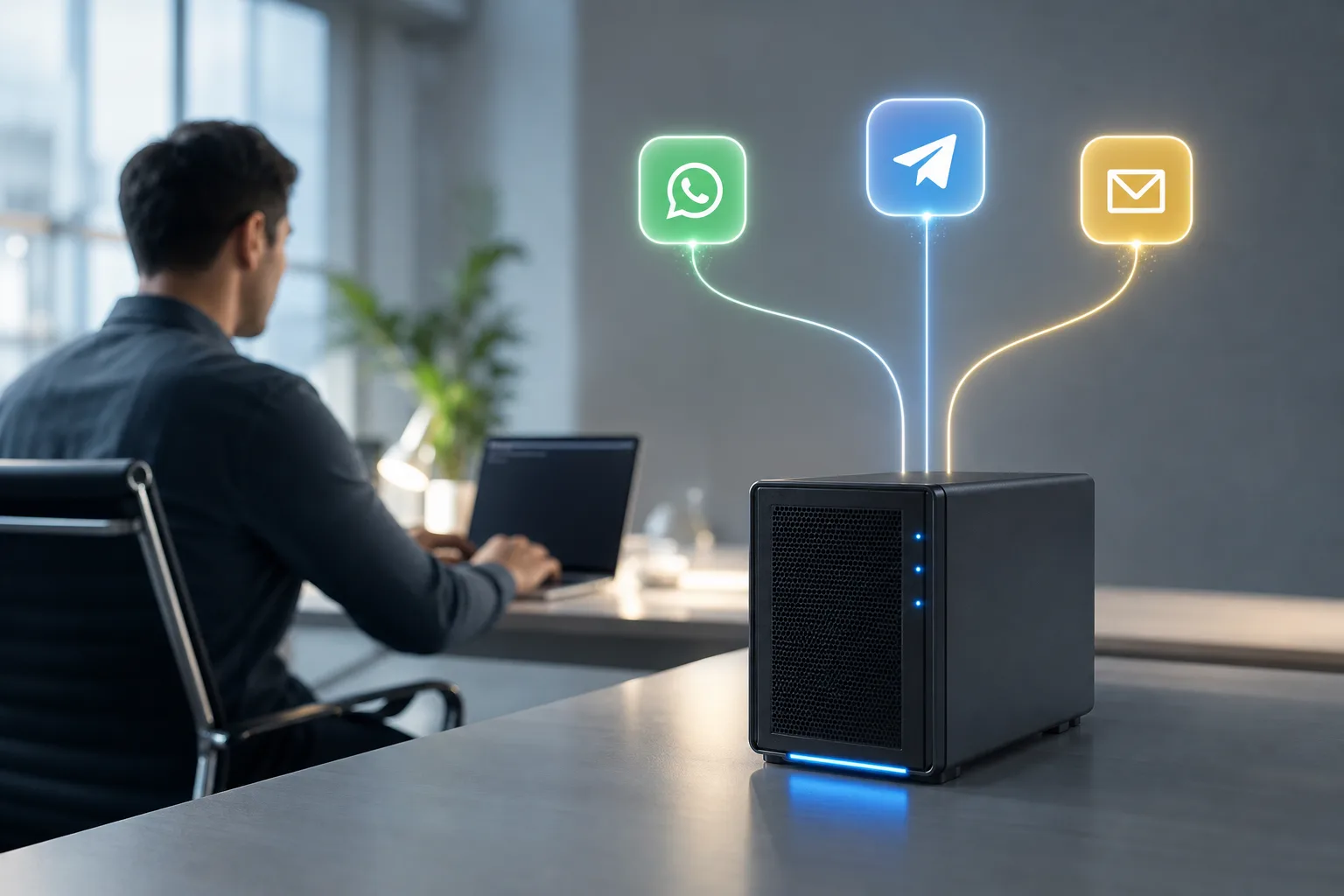
Moreover, OpenClaw speaks the messaging tools your team already has open. It can receive instructions and send results through WhatsApp, Telegram, and email. For example, you can text a single WhatsApp message, “Archive yesterday’s low-priority emails and send me a 3-line digest”, and the agent executes and replies with proof.
Real use cases you can run this week
- Email triage and digest: “Archive newsletters, flag invoices, send me a 7am summary.
- GitHub status ping via Telegram: “/status repo=my-org/app show=last-5-commits, open-issues.
- Proactive reminders: “If no reply from Alex by 3pm, nudge me with context and draft a follow-up.
- Light research: “Scan my starred repos for security advisories; email risks by Friday 5pm.
“We moved two hours of daily inbox work to OpenClaw and never looked back.” — Priya N., operations lead
In addition, the project’s rapid growth, 100,000 GitHub stars in under eight weeks, shows clear interest in lean, open, self-hosted agents. Still, success depends on thoughtful setup, testing, and scope control, which the rest of this guide covers in detail.
Step-by-Step: How to Deploy and Configure Your OpenClaw AI Agent
You’ll go from zero to a tested workflow in about an hour. To keep it simple, you’ll set up use openclaw on a small VPS, wire one chat channel, and create a single daily task. Then you’ll expand.
Step 1: Choose your VPS or server
Pick a Linux VPS with 1–2 vCPU, 1–2 GB RAM, and 20 GB disk. A $5/month plan is enough to start. For security, enable automatic OS updates and create a non-root user with sudo.
- Create SSH keys and disable password login.
- Turn on a basic firewall (allow SSH and the web ports you need).
- Reserve 1 GB swap if RAM is tight.
Step 2: Install the framework
Update packages, install Docker or your preferred runtime, then pull the OpenClaw services.
- Update:
sudo apt update && sudo apt upgrade -y - Install Docker: `curl -fsSL https://get.docker.-Pull images and run the compose stack per the project README.
Keep environment variables (.env) out of version control. Store API keys in a secret manager or at least root-only files. For production, add a reverse proxy with HTTPS.
Step 3: Connect messaging channels
Start with one channel so you can talk to the agent from your phone.
- WhatsApp: set up a number and webhook; restrict who can message the agent.
- Telegram: create a bot token, add it to your allowlist, and test with “/ping”.
- Email: create a dedicated inbox; enable IMAP/SMTP and app passwords.
Specifically, test a small command end-to-end: “Summarize my inbox since 7am and draft replies to flagged emails.” You should see a response in the same channel.
Step 4: Define your first autonomous workflow
Create a simple, high-value task with a clear success check.
- Trigger: “Every weekday at 7am, check yesterday’s inbox.
- Actions: classify newsletters/invoices/support; archive low-priority; draft 3 replies.
- Output: send a 5-bullet digest to WhatsApp and CC my email.
In addition, add a Telegram command for on-demand reports, like GitHub repository status reporting via Telegram command: “/status repo=my-org/app issues open-last=24h builds last=1”.
Step 5: Set up cron jobs in plain English
Write schedules in human language, then map them to cron.
- “Every weekday at 7am” →
0 7 * * 1-5 - “On the first of the month at 9am” →
0 9 1 * *
If you prefer, store the plain text next to the cron spec and have the agent echo it back before running. For background on the scheduler concept, see cron.

Step 6: Test and iterate
Run the task on a staging inbox or dummy repo first.
- Correctness: Did each action run as planned?
- Safety: Did RBAC prevent commands from unknown users?
- Observability: Do logs and summaries make sense?
Furthermore, add proactive context-based reminders for misses. For instance: “If I ignore the 7am digest, ping me at 8:15am with the top two items and a one-tap approve link.
Also Read!
How to Set Up a WhatsApp AI Automation Bot for Your Ecommerce Store
How to Set Up a WhatsApp AI Automation Bot for Healthcare Organizations
Common Mistakes When Getting Started with OpenClaw
Early wins come from a tight scope and a safe baseline. To that end, here are the top pitfalls and how to fix them. You’ll also set up use openclaw with security and testing from day one.
First, skipping security is the fastest way to a bad day. Enable end-to-end encryption in transit, enforce role-based access controls (RBAC), and restrict who can talk to the agent. Log every command with user identity and channel. Rotate tokens quarterly.
Second, many teams don’t plan for growth. Even if you start on $5/month hardware, sketch how you will scale to more agents, more channels, and more tasks. Set CPU and memory limits, and design stateless services so they can be moved or replicated later.
Practical fixes that work
- Security baseline: e2e encryption, RBAC, IP allowlists, and per-channel secrets.
- Scalability plan: one-page doc on vertical vs. horizontal scaling and data retention.
- Keep workflows simple: one goal, one channel, one schedule. Then expand.
- Structured tests: write cases in a clear hierarchy to cut debug time.
- Environment parity: mirror staging and prod to keep test results consistent.
Moreover, treat it like an autonomous agent, not a chatbot. Give it goals and guardrails, not just prompts. Then, measure results with repeatable tests. Over 1,000 hours of testing data was used to explore OpenClaw’s features, and that spirit, measure, compare, refine, pays off for every team.
Finally, benchmark before and after. Use run-comparison tooling to prove gains in minutes saved or tickets closed. If a workflow doesn’t earn its keep, revise or retire it.
Tools and Services for OpenClaw Deployment
You can self-deploy from GitHub, hire a professional team, or lean on the community. The right choice depends on your timeline, risk tolerance, and in-house skills. Whichever you choose, plan how you’ll set up use openclaw for security, integrations, and long-term care.
A do‑it‑yourself path gives you full control and the lowest recurring cost. You’ll write the compose files, wire WhatsApp/Telegram/email, and maintain updates. This route fits a small team that wants to learn the stack and already manages Linux servers.
On the other hand, a managed or professional service helps you ship faster. As one option among several approaches, GlobussoftAI OpenClaw Services offers enterprise-grade deployment standards with a focus on secure and scalable architecture, custom automation, and ongoing support. That includes system integration with CRMs and analytics tools, custom development for workflow automation and AI-driven reporting, security-focused setup with access control and encrypted communication, Multi-Agent Orchestration, and Managed AI Operations.
DIY vs. managed: quick comparison
| Area | DIY (Self-Deploy) | Managed Service |
|---|---|---|
| Speed to first workflow | Slower first week | Faster, days, not weeks |
| Security setup | You configure e2e + RBAC | Delivered e2e + RBAC from day one |
| Integrations | You build each connector | Prebuilt patterns for CRMs/analytics |
| Scaling | You plan/monitor resources | Capacity planning included |
| Cost | ~$5/month VPS + your time | Service fee + infra cost |
Additionally, community resources, forums, sample workflows, and open test suites, are great for learning patterns and sharing fixes. Even with help, keep your own runbooks and update plans so knowledge doesn’t vanish with one person’s memory.

What to Do Next: Your First Week with OpenClaw
Here’s a simple plan to get value in seven days. Use it to set up use openclaw without overwhelm, and learn by shipping one small win at a time.
Day 1–2: Install and connect one channel
- Deploy on a $5 VPS, secure SSH, and run the OpenClaw stack.
- Connect only Telegram or only WhatsApp. Send “/ping” and confirm a response.
- Add RBAC: limit who can message the agent.
Day 3–4: Build one simple automation
- Write one workflow, like “7am email digest with three suggested replies.
- Add a plain-English schedule and the mapped cron line.
- Test on a staging inbox; verify logs and summaries.
Day 5–7: Add a second agent and test
- Clone the pattern for a GitHub status agent via Telegram.
- Run A/B runs with the run-comparison tooling to create a baseline.
- Tune prompts and timeouts for performance optimization and steady results.
In addition, start a tiny “ops diary.” Note run times, errors, and small fixes. By the end of the week, you’ll have two agents, two channels, and proof that the setup works.
Key Takeaways
- OpenClaw is open-source and self-hosted, built for autonomous workflows with WhatsApp, Telegram, and email control.
- You can keep costs low: free core, about $5/month VPS, and usually under $10/month total with model usage.
- Security matters: use end-to-end encryption and role-based access controls from day one.
- Write schedules in plain English, then map them to cron; test with run-comparison tools to verify gains.
- Social proof is real: the project hit 100,000 GitHub stars in under eight weeks in 2026, which signals strong community momentum.
What to Do This Week
Deploy a $5 VPS, connect one channel, ship a single daily task, and measure results. Then, add a second agent and schedule, harden security, and keep iterating.