Every business owner eventually reaches a point where automation feels more complicated than the tasks themselves, too many tools, too many tabs, and too many tasks that still require a human click.
That’s the exact problem the OpenClaw AI agent was built to solve.
Listen To The Podcast Now!
The Problem With Most Automation Tools Today
Most business owners who want to automate their work end up dealing with the same frustrations:
- Platforms that charge $50–$200/month for workflows they barely use
- Tools that force you to learn a new interface just to connect two apps
- SaaS services that own your data, change pricing unexpectedly, and lock you in
The result? Most automation projects get abandoned. Not because the idea was bad, but because the tool got in the way.
The OpenClaw AI agent changes this equation completely. It’s open-source, self-hosted, and fully under your control. No vendor lock-in. No surprise pricing. No complicated drag-and-drop workflow builders.
“font-weight: 400;”>Just an AI agent that understands plain English instructions and gets things done.
What Is OpenClaw AI Agent, And Why Is Everyone Talking About It?

What is OpenClaw AI agent? Simply put, it is an open-source AI agent framework that runs autonomous workflows on your own server. You give it instructions through tools you already use, like WhatsApp, Telegram, and email, and it executes tasks without constant supervision.
Think of it as a digital employee that never sleeps, never forgets, and costs less than a cup of coffee per month to run.
The numbers back up the hype. OpenClaw hit 100,000 GitHub stars in under eight weeks, one of the fastest growth rates ever recorded for an open-source project. That kind of adoption doesn’t happen by accident. It happens when developers and business owners try something, see real results, and immediately tell everyone they know.
Here’s what the OpenClaw AI agent can actually do in practice:
- One WhatsApp message clears 200+ emails from an inbox automatically
- One Telegram command pulls a full status report on GitHub repositories
- A cron job set in plain English: no code, no YAML, just “send me a summary every Monday morning”
- Proactive reminders are triggered by things mentioned casually in conversation because the agent remembers the context
That last capability is what separates OpenClaw from basic automation tools. It doesn’t just follow rigid rules. It understands what you mean, remembers what you said, and acts on it at the right time.
How to Install OpenClaw AI Agent: Step by Step?
This is where most people expect it to get complicated. It doesn’t.
Here is exactly how to get your own OpenClaw AI agent running, with no prior server experience required.
Step 1: Get a cheap server
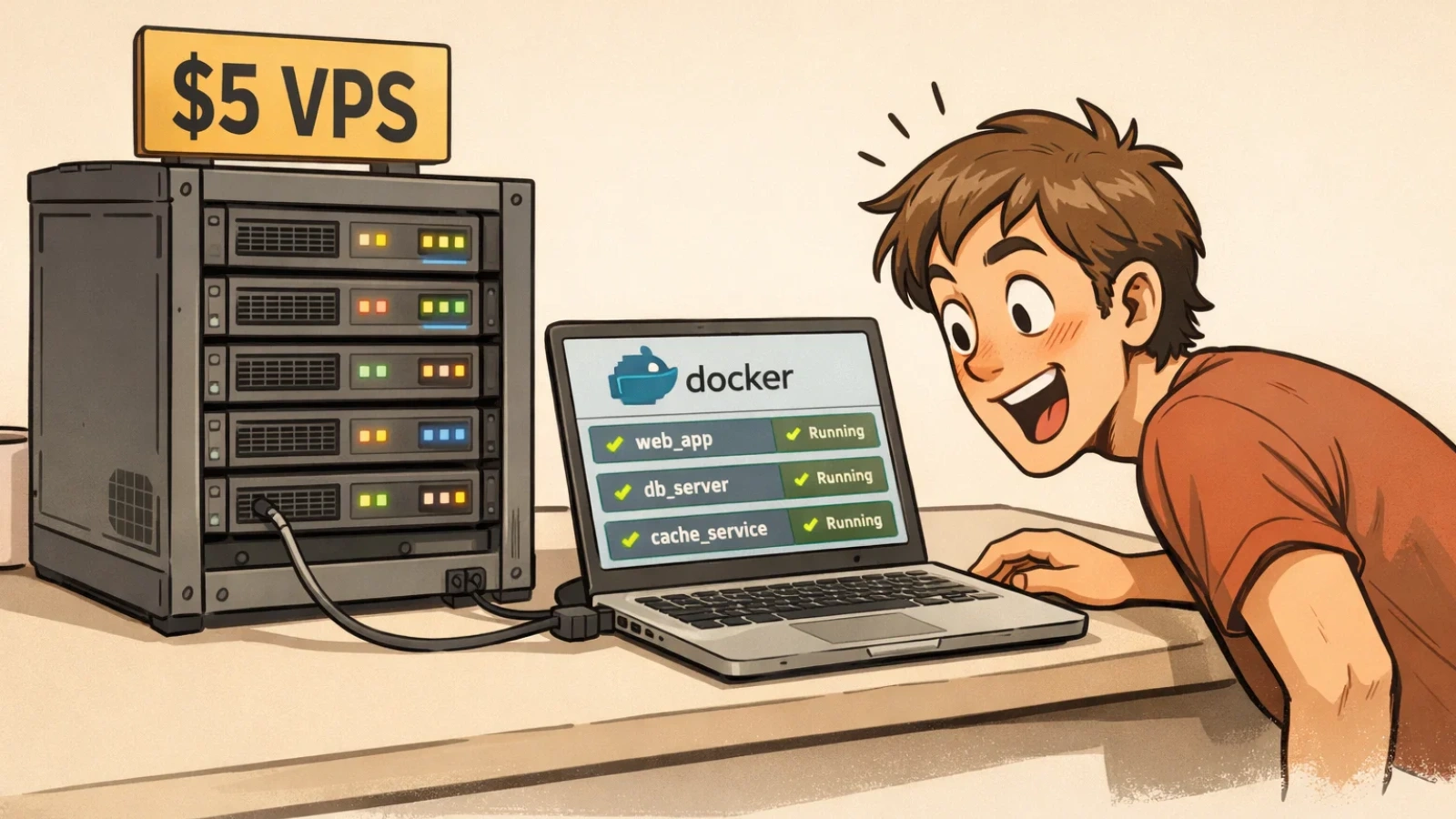
A $5/month VPS is all that’s needed. Popular options include Hetzner, DigitalOcean, or Vultr. Choose the most basic plan, 1GB RAM and 1 vCPU are enough to start.
Step 2: Install Docker
Docker is the tool that packages and runs the OpenClaw AI agent on your server. Install it with one command:
sudo apt update && sudo apt install docker.io docker-compose -y
This takes about 60 seconds.
Step 3: Clone the OpenClaw repository
git clone https://github.com/openclaw/openclaw.git
cd openclaw
Step 4: Set up your configuration
Copy the example settings file and add your details, your chosen AI model API key, and whichever messaging platforms you want to connect (Telegram, WhatsApp, or both):
cp .env.example .env
nano .env
Step 5: Launch the agent
docker-compose up -d
That’s the entire process. The OpenClaw AI agent is now live, running on a server that costs less than a monthly streaming subscription, and ready to take instructions.
Total time from blank server to working agent: under 5 minutes.
Where Globussoft AI Fits Into the OpenClaw Ecosystem?

For many businesses, getting OpenClaw running is only step one. The real impact comes from building AI workflows that are reliable, scalable, and aligned with business goals.
This is where Globussoft.ai adds serious value.
While the OpenClaw AI agent provides the open-source automation engine, Globussoft.ai helps organizations design and deploy production-ready AI systems that actually perform in real-world environments.
Read More:
How To Use Openclaw To Spin Up 24/7 Digital Employees And Build Cash-Flowing Assets
How OpenClaw AI Integration Helps Businesses Earn $10K+ in 7 Hours?
Key Capabilities That Accelerate OpenClaw Deployments
AI Agent Development
Design and deploy intelligent AI agents that streamline customer support and internal operations. These agents handle repetitive tasks, reduce manual errors, and deliver fast, personalized interactions.
LLM and Knowledge Base–Powered Chatbots
Build context-aware chatbots that combine large language models with your internal knowledge base for accurate, business-specific responses across customer and employee touchpoints.
LLM Testing & Fine-Tuning
Optimize model performance, reduce hallucinations, and improve response accuracy through structured evaluation and fine-tuning workflows.
AI/ML Pipeline Replication
Recreate and standardize successful AI pipelines so teams can scale automation consistently across departments and environments.
AI/ML Consulting
Get strategic guidance on architecture, model selection, cost optimization, and long-term AI adoption planning.
AI/ML Integration
Integrate OpenClaw agents seamlessly with existing business tools, CRMs, databases, and communication platforms.
In simple terms, OpenClaw provides the automation backbone, and Globussoft AI helps turn it into a production-grade business system.
For teams that want faster deployment, fewer configuration mistakes, and automation that actually scales, expert support can dramatically shorten the path from experiment to real operational impact.
Let’s Choose the Right AI Model
One of the biggest advantages of self-hosting with OpenClaw is the ability to choose which AI model powers the agent. This directly controls cost.
For most business use cases, a cost-efficient model like GPT-4o-mini or Claude Haiku delivers excellent results at a fraction of the cost of larger models. Combined with the $5/month server fee, the entire setup typically runs for under $10/month even with daily active use.
That’s the full cost of having an AI agent handle email triage, scheduling, monitoring, reminders, and reporting across an entire business operation.
Real Use Cases: What Businesses Are Actually Automating
The OpenClaw AI agent isn’t a toy. Here are practical, real-world applications that business owners and teams are using it for right now:
Email management: Send one message and have hundreds of low-priority emails sorted, labeled, archived, or deleted based on rules defined in plain language.
Project monitoring: Connect it to GitHub, Notion, or project management tools and receive automatic daily summaries, deadline alerts, and status updates.
Client communication: Set up recurring check-in messages, follow-up reminders, and automated responses without writing a single line of code.
Internal reporting: Generate weekly performance summaries, pulled from multiple tools, delivered straight to a messaging app every Monday morning.
Uptime and system monitoring: Get instant alerts if a website goes down, an API fails, or a key metric drops below a threshold.
Scheduling and reminders: Create complex recurring tasks in plain English. “Remind the team about invoices every last Friday of the month” becomes a live automation in seconds.
Every one of these workflows runs without human intervention once it’s set up. That’s the power of the OpenClaw AI agent; it doesn’t just assist, it operates.
Why Self-Hosting Matters for Business Owners?
 This is an important point that often gets overlooked.
When a business relies on SaaS automation tools, it is trusting a third party with its workflows, its data, and its pricing. Any of those can change without warning. Platforms get acquired. Prices double. Features disappear behind higher-tier plans.
With the OpenClaw AI agent running on a private server, none of that applies. The data stays in-house. The workflows are fully owned. There is no dependency on a vendor’s roadmap or business decisions.
For businesses handling sensitive client data, internal finances, or proprietary processes, this is not a minor advantage. It is a fundamental one.
The Bottom Line
The OpenClaw AI agent represents something genuinely new for small and mid-sized businesses: enterprise-grade automation at a cost that makes sense for everyone.
The setup is fast. The cost is negligible. The capabilities are real. And the control it gives back over time, over tools, and over data is the kind of advantage that compounds every single week.
For any business owner looking to stop drowning in repetitive tasks and start building systems that actually run themselves, this is where to start.
Four minutes of setup. A $5 server. And an AI agent that works while everything else sleeps.
Frequently Asked Questions
- What is an OpenClaw AI agent?
An OpenClaw AI agent is an open-source automation framework that runs intelligent workflows on your own server. It can execute tasks through simple natural language commands via platforms like Telegram, WhatsApp, or email without constant manual supervision. - How much does it cost to run OpenClaw AI?
The core OpenClaw framework is free and open source. Most users only pay for a basic VPS (around $5/month) and AI model usage, which typically keeps the total monthly cost under $10 for standard business workflows. - Is technical expertise required to install OpenClaw AI agent?
Basic command-line familiarity helps, but the setup is straightforward. With Docker and a simple configuration process, most users can deploy the OpenClaw AI agent in just a few minutes by following step-by-step instructions. - What tasks can an OpenClaw AI agent automate?
OpenClaw can automate email sorting, project monitoring, reporting, reminders, uptime alerts, and client follow-ups. It works across multiple tools and executes workflows based on plain English instructions. - Is self-hosting OpenClaw AI safe for business use?
Yes, self-hosting gives businesses full control over their data and workflows. When properly configured with secure server practices, OpenClaw can be a reliable and privacy-friendly automation option for teams. - Is it safe to run OpenClaw on a public server?
Yes, running OpenClaw on a public VPS is generally safe when proper security practices are followed. Use strong SSH credentials, enable a firewall, keep Docker and the OS updated, and store API keys securely in environment variables. With basic hardening, it can be production-ready.