AI is no longer just a buzzword. It is a working tool that businesses are using right now to automate tasks, handle messages, and run operations around the clock. If you are looking to bring that power into your own hands, knowing how to install OpenClaw is your first step.
This guide walks you through everything: what OpenClaw is, why it matters, and exactly how to get it running on Mac, Linux, or Windows in under 10 minutes.
In a hurry? Listen to the blog instead!
What Is OpenClaw and Why Should You Care?
OpenClaw is an open-source, self-hosted AI agent. Think of it as a local AI that connects your messaging apps like WhatsApp, Telegram, Discord, and Slack directly to powerful AI models. It runs on your own machine, not on someone else’s cloud.
This matters for three key reasons:
- You own your data. No third-party stores your conversations.
- You control the AI behavior. Set rules, connect apps, and define workflows.
- It runs 24/7. Deploy it on a server or NAS device and let it work while you sleep.
It was previously known as Clawdbot, then Moltbot. Today, it operates under the name OpenClaw. If you have seen older tutorials referencing those names, they are the same tool.
System Requirements Before You Install OpenClaw
Before you install OpenClaw, make sure your system meets the baseline requirements. Skipping this step is the number one reason installations fail.
- Node.js version 22 or higher (the installer handles this automatically if missing)
- macOS, Linux, or Windows operating system
- An active internet connection
- pnpm only if you are building from source
Windows users: It is strongly recommended to run OpenClaw under WSL2 (Windows Subsystem for Linux 2) for best compatibility and performance.
How to Install OpenClaw on Mac: Step-by-Step
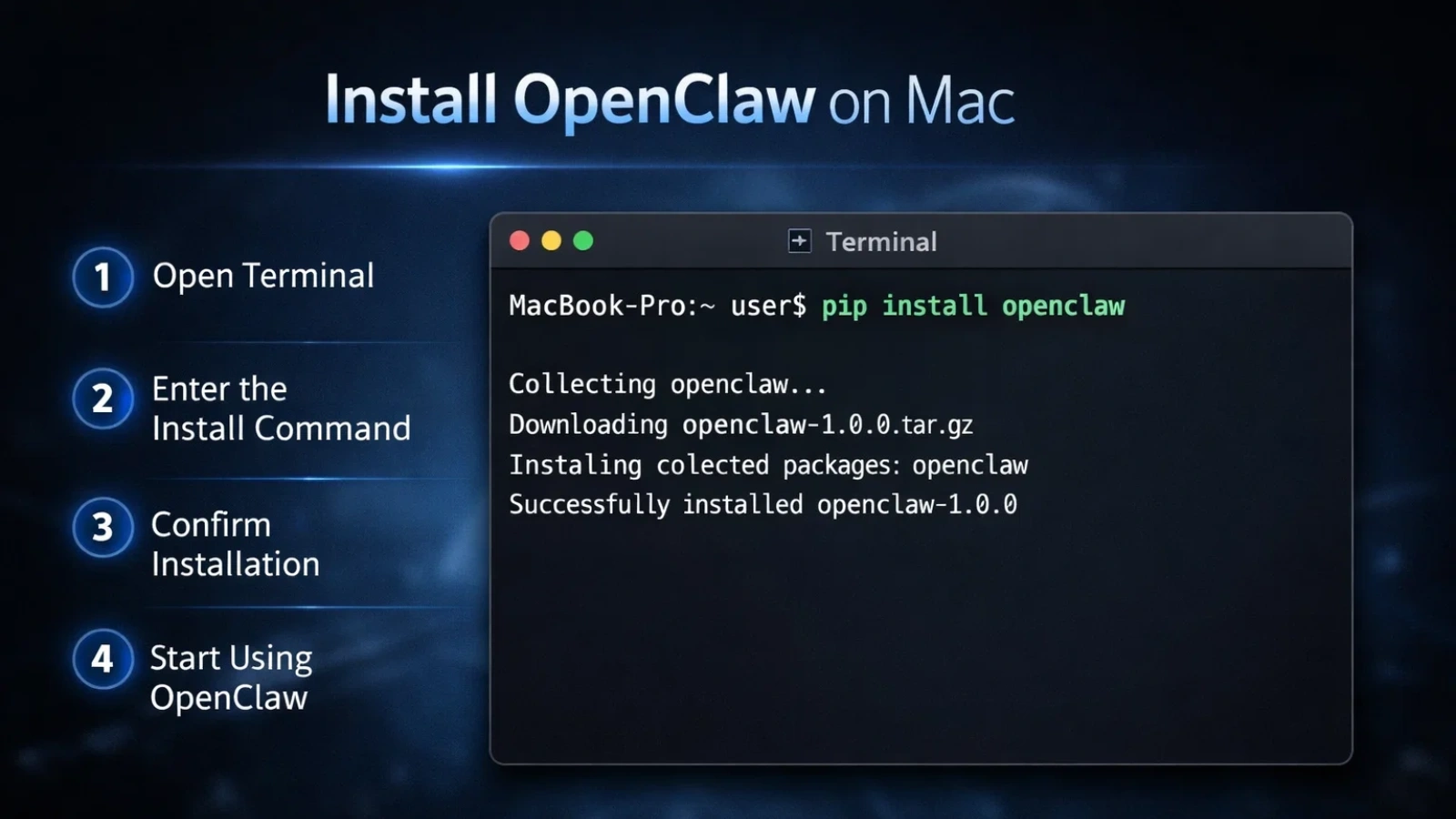
The easiest way to understand how to install OpenClaw on a Mac is to use the official installer script. It handles everything in one command.
Step 1: Open Terminal. Find Terminal in your Applications folder or search with Spotlight (Command + Space).
Step 2: Check your Node version
bash
node -v
You need v22 or above. If you do not have it, the script will install it for you.
Step 3: Run the installer
bash
curl -fsSL https://openclaw.ai/install.sh | bash
Step 4: Complete the setup wizard Follow the on-screen prompts to configure your API key, connect messaging apps, and set up your gateway.
Step 5: Verify it is running
bash
openclaw status
If the output shows running, the OpenClaw installation is complete on Mac.
How to Install OpenClaw on Linux: Step-by-Step
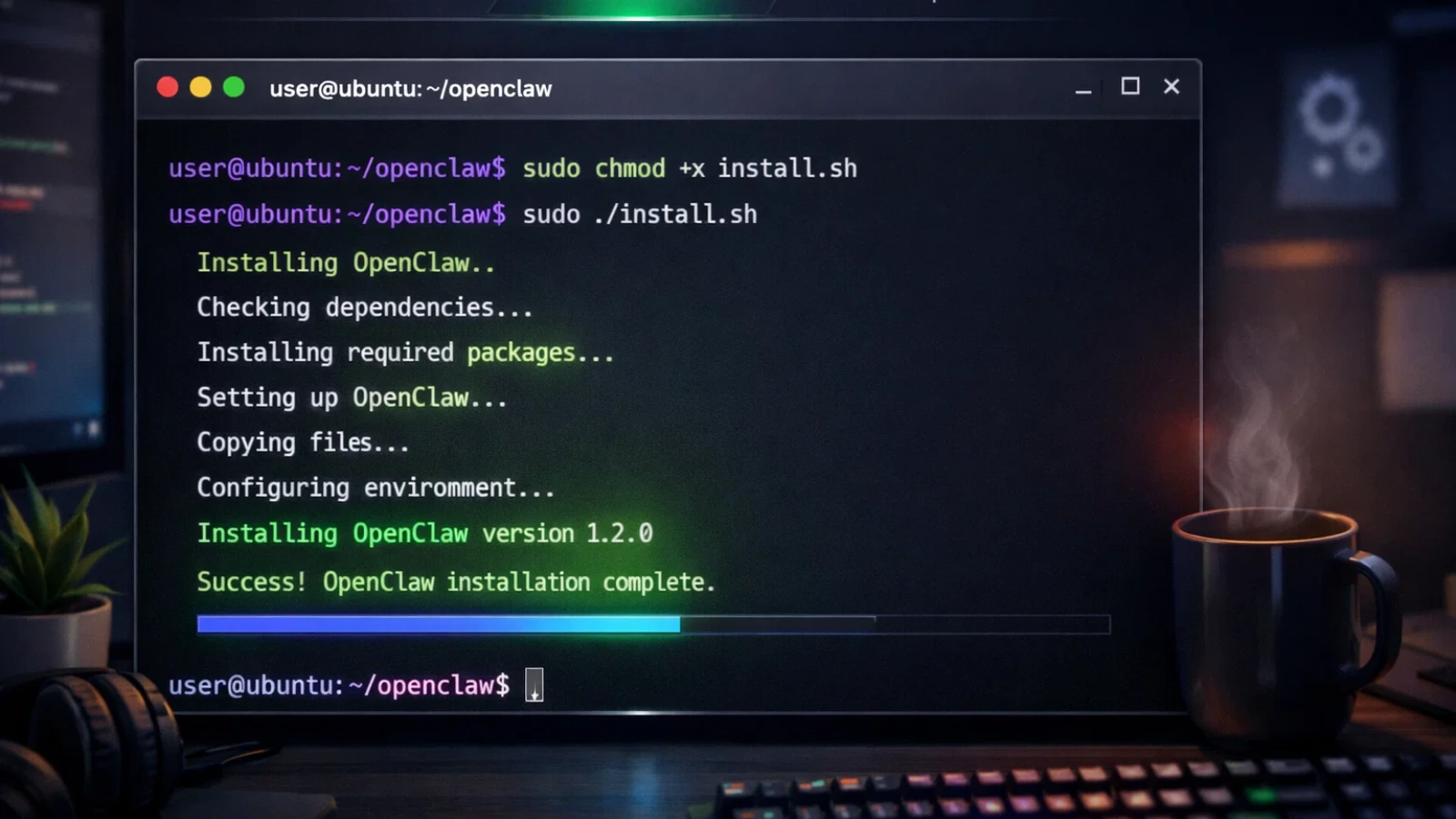
The process to how to install OpenClaw on Linux mirrors the Mac process closely. Whether you are on Ubuntu, Debian, or CentOS, the steps are the same.
Step 1: Check your Node version
bash
node -v
Step 2: Run the installer script
bash
curl -fsSL https://openclaw.ai/install.sh | bash
Alternatively, if you prefer manual control:
bash
npm install -g openclaw@latest
openclaw onboard –install-daemon
Step 3: Run the onboarding wizard
bash
openclaw setup
Step 4: Confirm it is live
bash
openclaw status
openclaw doctor
The openclaw doctor command checks your entire config for issues. Use it every time something feels off.
How to Install OpenClaw on Windows: Step-by-Step
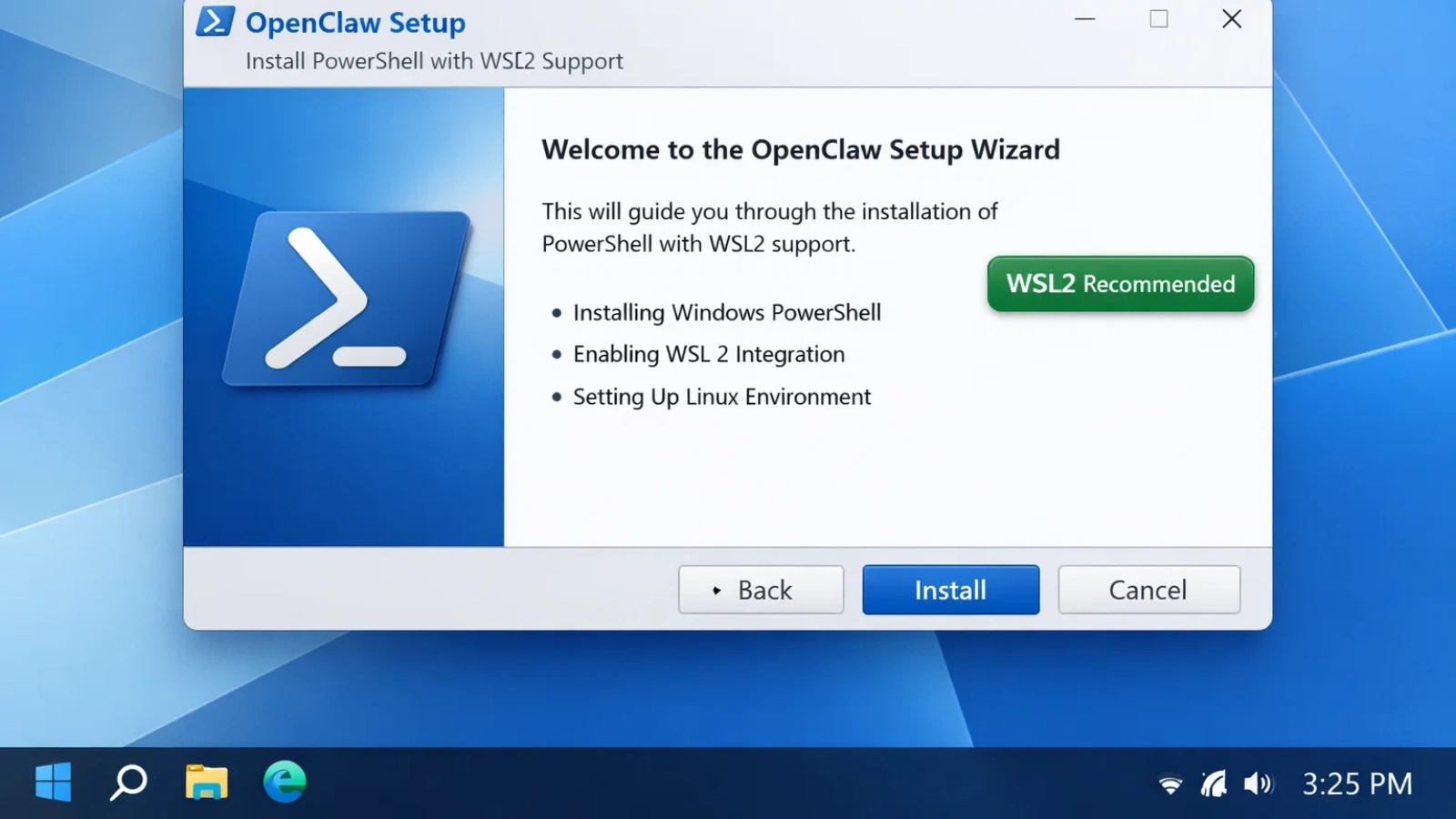
Windows users can run openclaw install either natively or via WSL2 (recommended). Here is the native approach using PowerShell:
Step 1: Install Node.js 22+. Download from the official Node.js website and verify:
cmd
node -v
Step 2: Run the PowerShell installer
powershell
iwr -useb https://openclaw.ai/install.ps1 | iex
Step 3: Launch the setup wizard
cmd
openclaw setup
Step 4: Verify the installation
cmd
openclaw status
If you see errors or the openclaw command is not found, the fix is usually a PATH issue. Add the npm global bin folder to your system PATH and restart your terminal.
OpenClaw Docker Install: The Best Option for Servers and NAS Devices
If you are deploying OpenClaw on a server, a VPS, or a NAS device like QNAP, the OpenClaw Docker install is the cleanest approach. Docker gives you a fully isolated environment with easy update and rollback options.
Key advantages of OpenClaw Docker installation:
- No dependency conflicts with your host system
- Easy to scale or migrate
- Persistent data through volume mounts
- Clean uninstall without touching your OS
For NAS deployments such as QNAP, you can run OpenClaw inside Ubuntu Linux Station, which uses container technology. If you need long-term data persistence, a full virtual machine via Virtualization Station is the stronger option.
Official Docker and Podman guides are available in the OpenClaw documentation at docs.openclaw.ai.
Struggling With AI Integration? Let Globussoft AI Handle It For You.

Setting up OpenClaw is powerful, but turning it into a reliable, production-ready AI workforce takes the right architecture, integrations, and ongoing optimization. That’s where Globussoft AI steps in.
We design, build, and deploy intelligent AI agents that actually work in real business environments, not just demos.
We work with:
- Startups ready to automate customer support and internal workflows
- Business owners who want AI running across multiple channels without hiring a full tech team
- Enterprises that need secure, scalable, self-hosted AI infrastructure
From OpenClaw gateway setup to custom multi-agent systems, voice AI, browser automation, and full-stack deployments, Globussoft AI handles the complete lifecycle.
✅ 1000+ AI deployments
✅ 20+ messaging and voice channels
✅ 50+ AI models integrated
✅ Average deployment in ~24 hours
We don’t just advise. We architect, implement, and scale AI systems that deliver measurable business impact.
Ready to deploy AI that actually runs your operations?
Book a free consultation with Globussoft AI and get your intelligent AI workforce live in days.
Read More:
OpenClaw Setup Services: Professional Deployment For Teams
Install Openclaw In 10 Minutes: Macos, Linux, And Windows Guide
Get OpenClaw Installed Professionally: Setup Services For Business
Post-Install: Commands Every User Should Know
Once you know how to install OpenClaw, here are the essential commands to keep your setup healthy:
- openclaw status : Check if the gateway is running
- openclaw doctor : Diagnose config or dependency issues
- openclaw dashboard : Open the browser-based UI
- openclaw setup : Re-run the configuration wizard
For advanced users, environment variables let you customize paths:
- OPENCLAW_HOME : Set the home directory for internal paths
- OPENCLAW_STATE_DIR : Define mutable state location
- OPENCLAW_CONFIG_PATH : Point to a custom config file
Common Installation Errors and How to Fix Them
Even a clean install can hit bumps. Here are the most frequent issues:
openclaw: command not found. Your npm global bin is not in your PATH. Fix it:
bash
export PATH=“$(npm prefix -g)/bin:$PATH“
Add this line to your ~/.zshrc or ~/.bashrc, then restart your terminal.
sharp build errors on Mac If you have libvips installed via Homebrew:
bash
SHARP_IGNORE_GLOBAL_LIBVIPS=1 npm install -g openclaw@latest
Node version mismatch. Always confirm you are on Node 22+. Use nvm (Node Version Manager) to switch versions easily.
Final Thoughts
Knowing how to install OpenClaw is the gateway to running a self-hosted AI agent that works around the clock. Whether you are a business owner wanting to automate operations, a startup building AI into your product, or a developer exploring self-hosted tools, OpenClaw gives you that control.
The installation itself takes under 10 minutes. The value it delivers can run for years.
If you want to skip the technical setup and go straight to results, Globussoft AI is here to help you deploy, configure, and scale OpenClaw and other AI tools inside your business. We bring the expertise so you can focus on growth.
Visit Globussoft AI or reach out today to start your AI journey.
Frequently Asked Questions
- Is OpenClaw really free to run, or are there hidden costs you should know about?
OpenClaw itself is open-source and free to install. However, you may incur costs for AI model APIs (like OpenAI), server hosting, or cloud infrastructure if you deploy it at scale. The core software has no licensing fee.
- Why does OpenClaw fail to start on some systems, and how can you fix it fast?
The most common reasons are Node.js version mismatch, missing PATH configuration, or permission issues. First, confirm Node 22+, then run OpenClaw Docker. In most cases, updating PATH or reinstalling dependencies fixes the issue quickly.
- Do you need Docker to run OpenClaw smoothly, or is the standard install enough?
You do not strictly need Docker. The standard install works perfectly for local development and small setups. Docker is recommended for servers, NAS devices, and production environments where isolation, scalability, and easier updates matter.
- Can OpenClaw run 24/7 on a home server without crashing or slowing down?
Yes — if your system meets the requirements and you configure persistent services correctly. Running OpenClaw as a daemon (or via Docker with restart policies) keeps it stable. Resource limits and proper monitoring further improve long-term reliability.
- What should you do immediately after installing OpenClaw to avoid future errors?
Right after install, run OpenClaw Docker, complete the setup wizard, verify your API keys, and test one messaging integration. Also, ensure your Node version is locked and your environment variables are properly set to prevent future conflicts.