

GlobussoftAI data shows businesses using AI services report up to a 40% reduction in operational costs and a 30% increase in productivity in 2026. This guide explains how whatsapp and telegram ai automation can help you reply faster, book more appointments, and keep customers in the loop without hiring extra staff.
To set up a WhatsApp bot the right way, you’ll: get WhatsApp Business API access, choose a bot framework, map a few simple chat flows, connect your CRM or sheets, train the bot on your FAQs, and then test and launch with a clear human handover. That’s the playbook I see work for bakeries, salons, and local clinics.
However, tools are only half the story. You also need guardrails: clear product policies, simple language, and a way to tag a real person when the bot hits a wall. In 2026, you can start small in a day, and grow over a month, without big spend.

What Can a WhatsApp AI Bot Actually Do for a Small Business?
Think of the bot as a front-desk helper that never sleeps. It handles routine questions, takes simple orders, and nudges people to show up on time. With whatsapp and telegram ai automation, that helper can also act on instructions you give it and send emails when needed.
For example, a bakery can answer “Do you have gluten-free cupcakes today?” in seconds, then take a pre-order for Saturday and send a pick-up reminder at 9 a.m. Saturday. A salon can check stylist openings, book a slot, collect a small deposit, and send the policy in plain text. A clinic can triage messages, share prep steps for a lab test, and queue a human for anything medical or urgent.
In addition, modern chatbots use Large Language Models (LLMs), which helps them understand messy, real phrases like “hey, can I swing by at lunch?” They don’t just match keywords. Instead, they reply in natural language and can ask follow-ups. That’s where AI agent development shines for customer support and light process automation.
Customer Support on WhatsApp and Telegram
- Complex questions: LLM-powered chat can handle tricky, multi-part questions and still sound human.
- Action steps: The bot can execute instructions through WhatsApp, Telegram, and email, like “email me my receipt.
- Routine tasks: It can send order updates, manage FAQs, and qualify leads by asking 2–3 smart questions.
Moreover, the best flows are short and clear. Two to three choices. A yes/no check. Then a handoff. You’ll win trust by answering fast and keeping options simple.
Step-by-Step: How to Set Up Your WhatsApp AI Automation Bot
You can get version 1 live in under a week if you keep scope tight. Start with one or two flows: FAQs and booking. As you learn, add more.
First, apply for WhatsApp Business API access. You can work through a provider or your chosen platform. For background, see the overview of WhatsApp Business.
Second, pick a bot framework. You can go no-code, API-first, or open-source. Choose based on your tech comfort and how much you want to customize.
Design, Connect, Train, Launch
Third, draw your flows. Map “hello” to 3 choices: Ask a question, Book, Track an order. Write short replies. Add a “Talk to a person” button.
Fourth, connect your tools. Tie in your CRM, calendar, or a Google Sheet. Add analytics so you can see drop-offs and fix them fast.
Fifth, train the bot on your FAQs. Paste your top 30 questions and short, friendly answers. Add your policy notes, prices, and hours.
Sixth, test and launch. Run through 20–30 test chats. Then invite five real customers for a soft launch. Fix the rough spots before you post the number on your door.
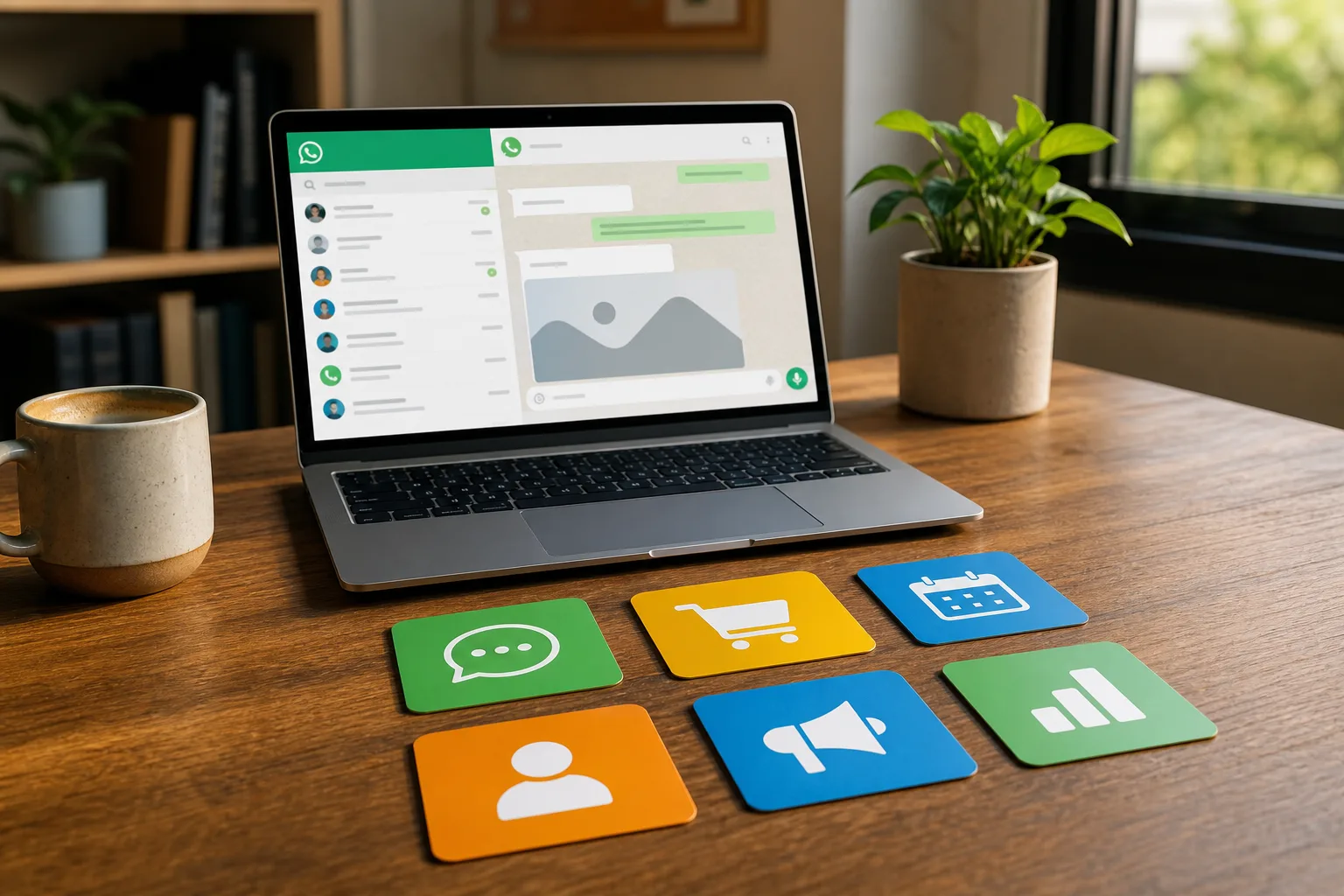
- Step 1: Get API access through a provider or platform; verify your business profile.
- Step 2: Choose a framework that matches your skills and goals.
- Step 3: Design short flows; add a clear human handover.
- Step 4: Connect CRM and calendar; tag every lead or booking.
- Step 5: Train with top FAQs; include prices, hours, and policies.
- Step 6: Test with staff and 5 customers; then go live.
As for cost, the open-source path can be very lean. The core framework is free, a typical VPS is about $5/month, and total costs are usually under $10/month with AI model usage. If you pick hosted tools, you’ll pay more but setup is simpler. Consider your time and risk.
Furthermore, plan light ops. Use a “plain English” cron job setup to schedule friendly reminders like “Send pick-up notices at 9 a.m.” Tie your logs to simple dashboards. For run checks, explore practical approaches in ai testing tools. For broader automation ideas, this primer on ai automation is a helpful overview.
Finally, think ahead to integrations. System integration with CRMs and analytics tools will save you hours. If you don’t want to do the wiring, look for professional deployment and installation options so you can skip server chores and start serving customers.
Also Read!
Best WhatsApp AI Automation Bot for Small Businesses in 2026
OpenClaw vs n8n for Small Businesses: Which Is Better for Self-Hosted AI Agent Setup?
5 Mistakes Small Businesses Make with WhatsApp Automation
You don’t need to make the same mistakes I see in audits. Most failures come from trying to do too much on day one, or skipping the boring (but vital) setup steps. With whatsapp and telegram ai automation, small gaps compound fast because messages are live with real people.
First, avoid over-automation. A bot should answer and act, but you must have a clear human fallback. Add a “Talk to a person” button and set work hours.
Second, don’t ignore platform rules. WhatsApp’s commerce and messaging policies matter. Keep opt-ins, pricing, and return terms in plain text so people are not confused.
Third, train on real questions. If your FAQs are from last year, the bot will sound off. Export the last 100 chats and write answers people can read in 10 seconds.
Fourth, don’t skip testing. Run 20+ test cases, including typos and edge cases. Then watch 1 day of live chats and fix the top 3 drop-offs.
Plan for Scale and Safety
Fifth, pick tools that can grow. You’ll need scalability planning, not just a quick fix. Ask how it handles high-volume loads, concurrent sessions, and retries.
Moreover, protect customer data. Use end-to-end encryption where supported and set role-based access controls so only the right people can see chat logs. In addition, plan for model training and fine-tuning on your domain data to keep answers fresh and accurate as your menu or policies change.
Tools and Platforms Worth Considering
You have three broad paths. No-code builders are fast. API-based platforms are flexible. Open-source frameworks give you control at the lowest cost, with more setup work. Choose the path that matches your time, budget, and tech skills.
No-code builders (like Tidio or Landbot) let you drag and drop flows. You can go live in a day with FAQs, booking links, and simple forms. However, custom logic and deep integrations may hit a wall later. Pricing is easy to grasp, but you pay more as volume grows.
API-based platforms (like Twilio or WATI) give you strong messaging rails and WhatsApp Business API access. Developers can craft custom routes, webhooks, and analytics. On the other hand, you’ll likely need a coder for flow changes and webhook fixes. Costs depend on messages and add-ons.
Open-source frameworks (like OpenClaw via GlobussoftAI) offer an open-source AI agent framework you can host yourself. It runs autonomous workflows on a self-hosted server and supports custom development for workflow automation and AI-driven reporting. Tools like GlobussoftAI OpenClaw Services are one option if you want someone to deploy, integrate, and tune the framework for business use without babysitting the server.
Open-Source vs API vs No-Code
| Category | Cost (ballpark) | Flexibility | Skill Needed |
|---|---|---|---|
| No-code | Higher than DIY | Medium | Low to Medium |
| API-based | Variable by usage | High | Medium to High |
| Open-source | Under $10/month possible | Very High (self-host) | Medium (ops) to High |

Furthermore, ask about observability and testing support. OpenClaw’s community reports over 1,000 hours of testing data used to explore the framework’s behavior, which is a good sign for maturity. If you’re not a developer, check what “done-for-you” install or managed options exist so you don’t get stuck on day two.
Also Read!
How to Set Up a Self-Hosted AI Agent for Your Small Business
What to Do Next: Your First Week Action Plan
Start small. Prove one flow that saves you an hour a day. Then add another. A tight one-week plan keeps you from boiling the ocean and helps you see value fast with whatsapp and telegram ai automation.
- Day 1–2: Audit the last 100 messages. Tag top 30 questions. Note exact customer words.
- Day 3: Choose a platform that fits your skills. Decide “no-code,” “API,” or “open-source.
- Day 4–5: Build one flow (FAQ) and one action (booking or order check).
- Day 6: Test with your team. Try typos, emojis, and voice notes.
- Day 7: Invite 5 customers. Watch chats live. Fix the top 3 snags.
Moreover, add real-time actions. For example, trigger email management automation via a single WhatsApp message like “Email me my receipt for order 1423.” In addition, use proactive context-based reminders, such as a haircut nudge 24 hours before, with a “Reschedule” button.
Finally, measure one number for week one: replies under 60 seconds, or bookings without staff touch. Therefore, you’ll know if the bot is doing real work, not just sounding smart.

Key Takeaways
You now have a clear, practical path to your first bot. Here are the big points to remember so you don’t waste time or money. In 2026, the winners act fast, keep scope tight, and add only what proves real value, and yes, whatsapp and telegram ai automation can be that value when done right.
- Start with one proven flow. Pick FAQs and one action (booking or order lookup). Keep messages short, at a 6th–8th grade reading level, and add a human handover button.
- Keep costs lean until you see value. The open-source route can run under $10/month when self-hosted; hosted tools may cost more but save setup time and ongoing ops.
- Train with real words from your customers. Export the last 100 chats, write clear answers, and refresh weekly for the first month to keep tone and facts sharp.
- Test like a customer. Try typos, emojis, slow replies, and off-hours messages. Measure drop-offs and fix the top three blockers before you add fancy features.
- Build for growth and safety. Use role-based access controls, end-to-end encryption where available, and integrations that can handle spikes and retries without data loss.
Furthermore, don’t chase shiny features before basics. A fast, polite reply beats a clever, slow one. Therefore, keep the bot focused on work that saves you time or wins you sales.
What to Do This Week
Block two hours. You’ll make a real dent in five days. First, write your top 30 FAQs and answers. Second, choose your platform path and build one clean flow. Third, test with five real customers and one staff member on duty.
- Monday: Export chats; write short answers with prices, hours, and policies.
- Tuesday: Choose no-code, API, or open-source; set up your workspace.
- Wednesday: Build FAQ flow and add “Talk to a person.
- Thursday: Connect calendar or CRM; tag each new lead or booking.
- Friday: Test with staff and five customers; fix the top three issues.
Moreover, book a 15‑minute check-in with yourself next week: What worked? What failed? What to change? Then add one new action, like receipts on demand or a pick-up reminder at 9 a.m.
As a result, you’ll see real time saved, not just a new toy. When you’re ready to add integrations or go multi-channel with Telegram, keep your flows simple and your handover clear. You’ll feel the lift by week two.




