
Imagine your AI assistant sending updates, replying to messages, and handling routine tasks while your laptop stays off. That’s the real appeal of an OpenClaw VPS setup.
Most tutorials get you to the first response and stop there. What they don’t show is what happens after. Costs start creeping up. Ports get exposed. The agent stops responding at odd hours.
That’s where things usually fall apart. A stable setup depends less on installation and more on the choices you make early on.
This guide walks you through what OpenClaw is, why a VPS makes sense, how to set it up properly, and what to expect in terms of cost and maintenance.
Read Aloud!
Snippet
An OpenCLaw VPS setup lets your AI agent run continuously on a remote server, so it doesn’t depend on your computer. It offers better uptime, more control, and improved security. To get started, you’ll need a Linux VPS with at least 2 vCPU, 2GB RAM, and an API key.
What is OpenClaw, and why does it run on a VPS?
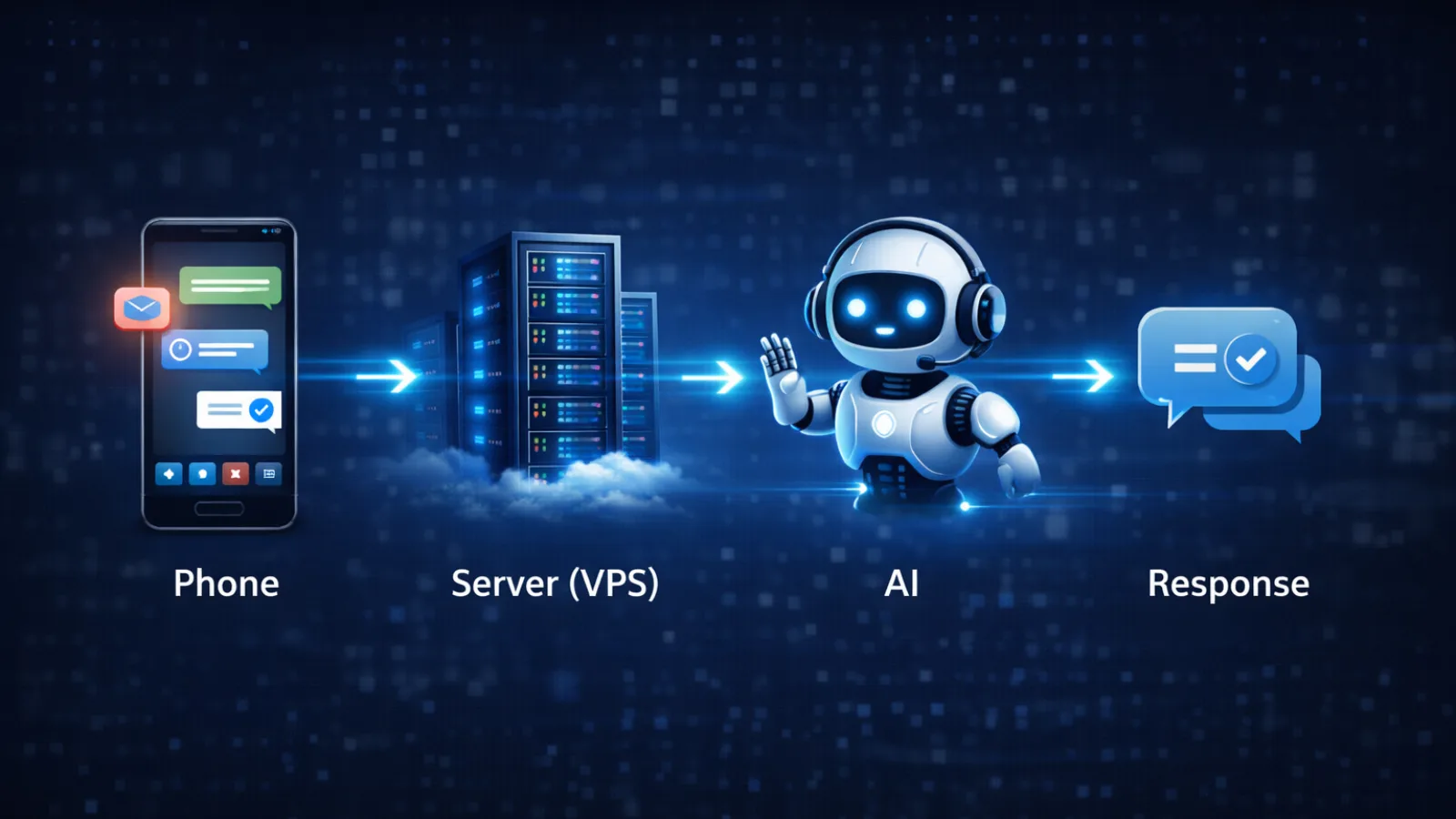
OpenClaw is an open-source AI agent framework (previously known as Clawdbot / Moltbot) designed for messaging platforms and performs tasks using large language models, often deployed using an OpenClaw VPS setup for continuous operation.
It acts like a chat-based assistant that can think, respond, and automate tasks. At its core is the Gateway that acts as the central service (or backend process) handling message routing, model calls, and session memory.
You don’t interact with the server directly. Instead, you use apps like Telegram or Slack. Your phone becomes the interface, while the server handles execution.
So why not just run it locally?
A VPS keeps everything online all the time. Your agent continues working even when your device is offline, as long as the server and its connected services remain available. It also separates the agent from your personal environment, which adds a layer of safety.
For developers and small teams, an OpenClaw VPS setup feels much closer to a production environment.
Self-hosted vs. managed: which path is right for you?
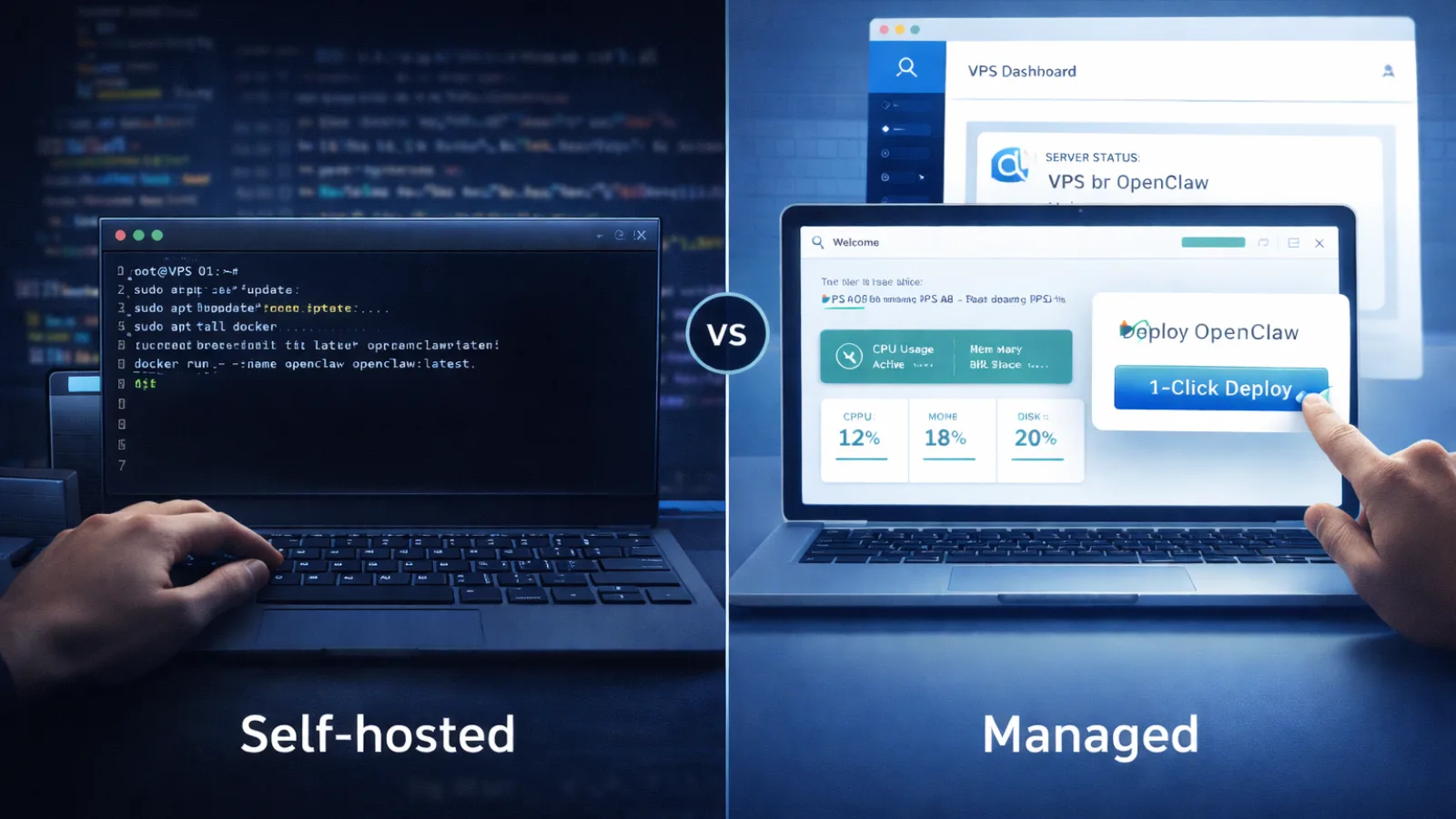
Before setting up your OpenCLAW VPS, you need to decide how hands-on you want to be.
Self-hosted on a VPS
This route gives you full control. You configure the server, install dependencies, and manage everything yourself.
That level of control is useful, especially if you care about privacy or need specific configurations. At the same time, it means handling updates, backups, and security.
Developers usually prefer this approach. It offers flexibility without long-term platform restrictions.
Costs stay low on the surface. A basic VPS can cost between $5 and $10 per month, with API usage added separately.
Managed hosting (1-click)
Managed options take a different approach. You deploy with a few clicks and skip most of the setup work.
This is where OpenClaw VPS hosting becomes easier for non-technical users. There’s no need to deal with command lines or server configuration.
You trade some control for convenience. The provider handles updates, security basics, and infrastructure stability.
This works well if you want something functional quickly without managing the backend.
Pricing is usually higher, around $15 to $25 per month, but it includes setup and maintenance. Managed pricing typically covers infrastructure and maintenance, while AI API usage is billed separately.
VPS minimum requirements and provider selection
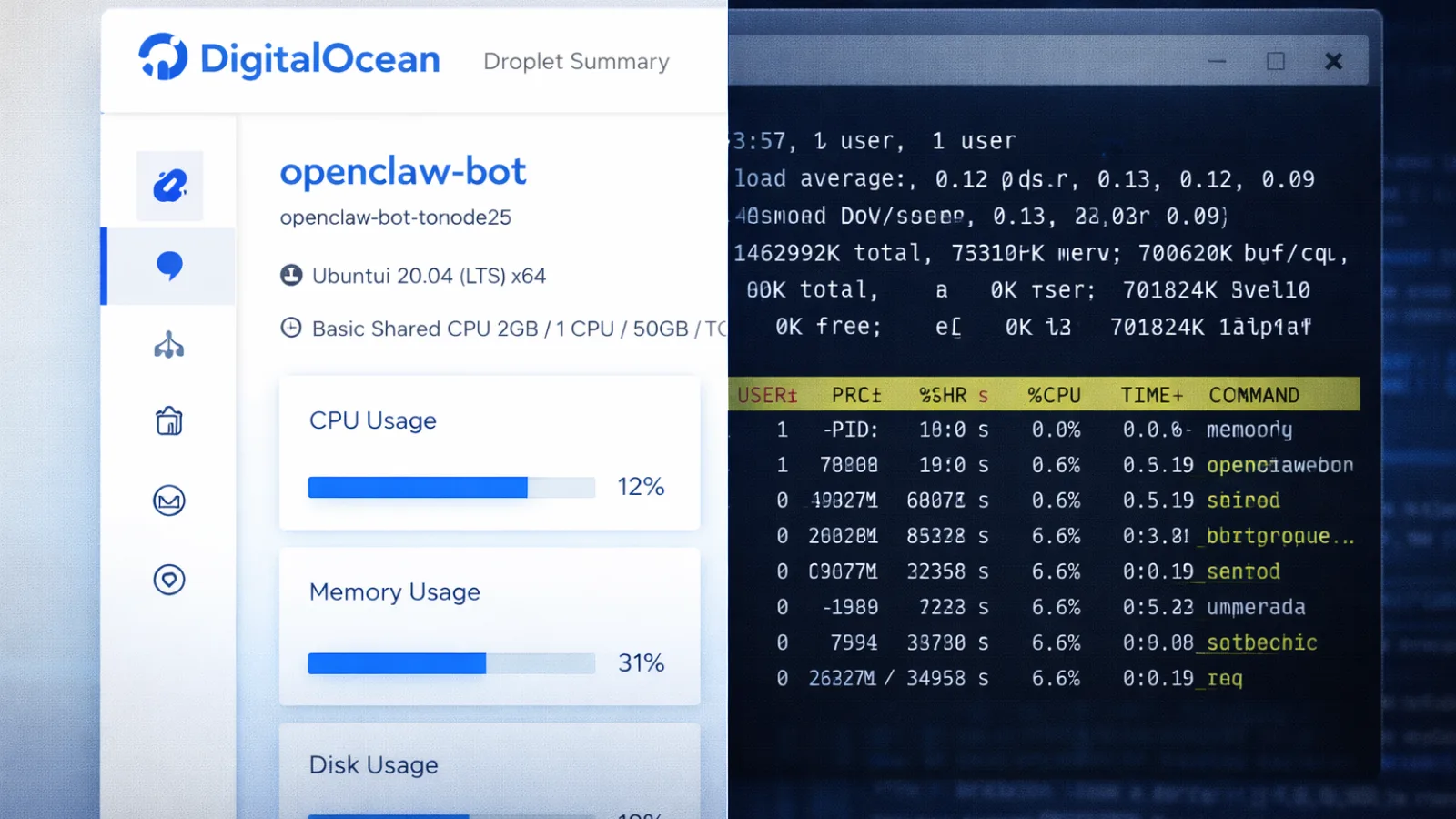
Choosing the right server matters more than it seems. A weak setup might run initially, then struggle as usage grows.
Here’s a simple guideline:
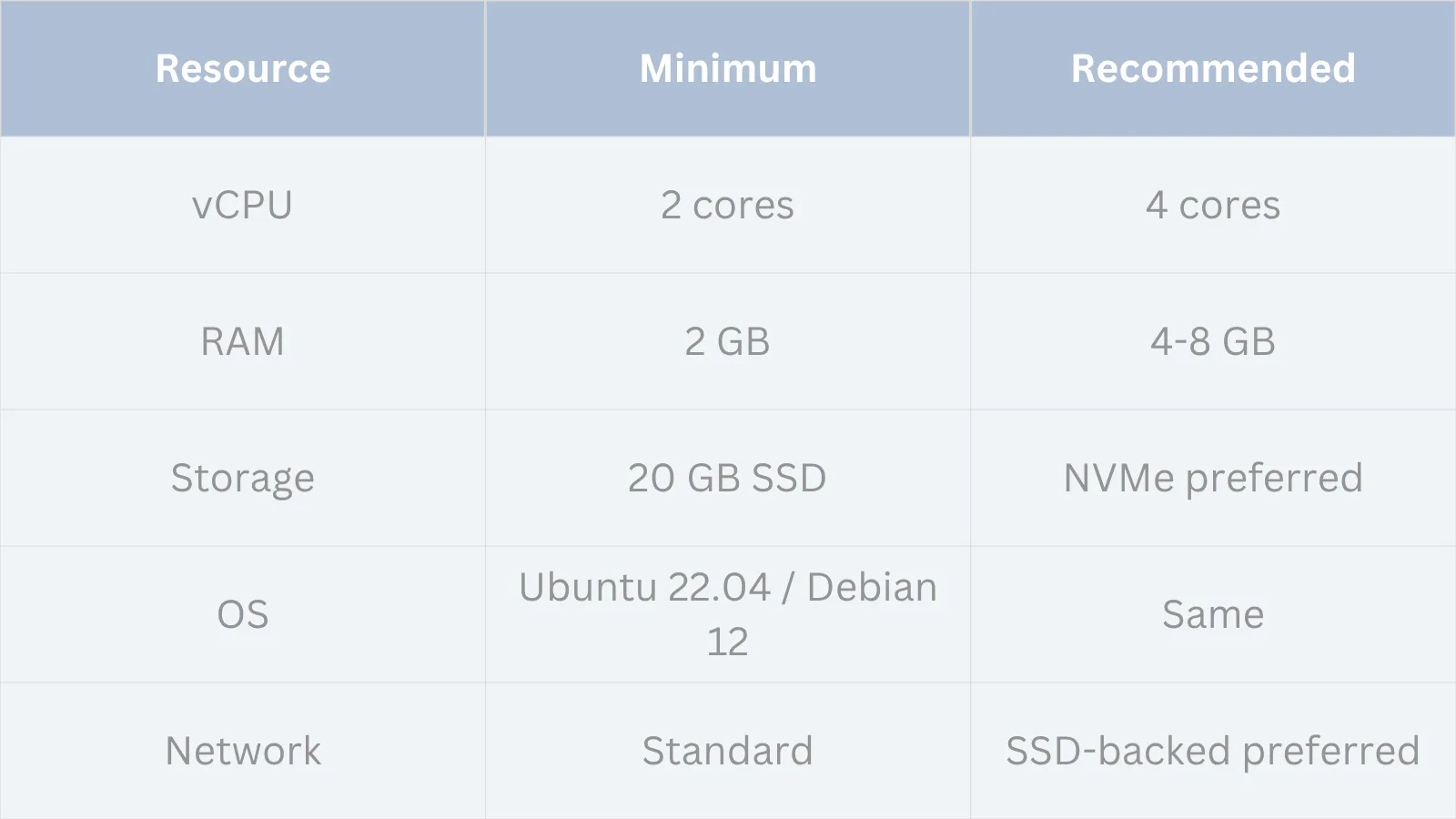
These minimum specs are suitable for basic setups and light usage. If you plan to run multiple agents, handle frequent requests, or use local models like Ollama, 4GB RAM or more is strongly recommended for stable performance.
A basic VPS OpenClaw setup works fine on budget providers like Hetzner or Contabo, especially for personal use.
If you need better uptime and support, providers like DigitalOcean or Vultr are more consistent.
There’s also a free option worth mentioning. Oracle Cloud offers generous resources, but setup can feel more complex, and availability varies.
Some platforms offer Docker-based templates for faster deployment. These save time but still require a basic understanding.
How to set up OpenClaw on a VPS: step-by-step
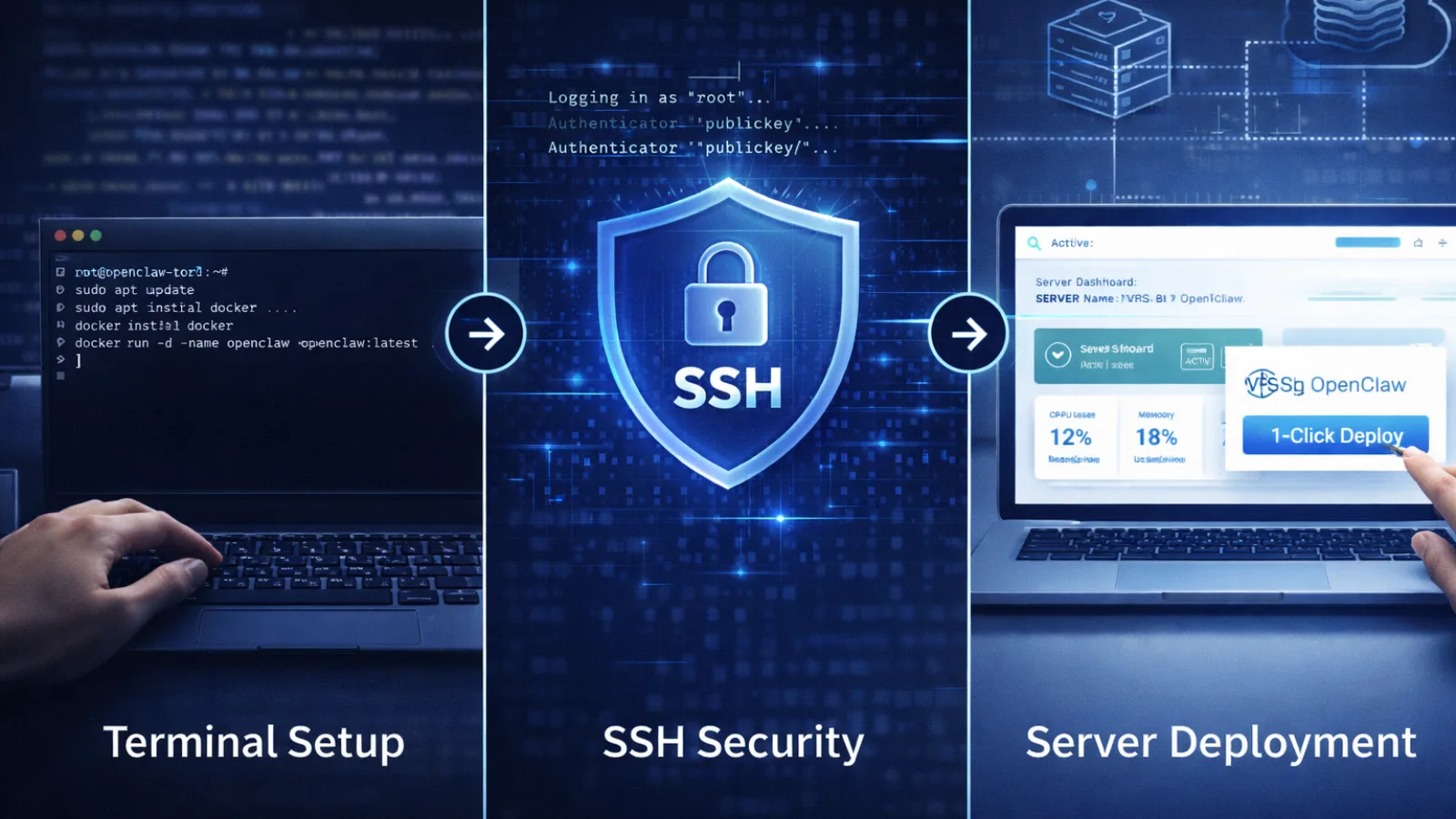
Setting up OpenClaw AI on vps is straightforward if you follow a clean process. Skipping steps usually leads to issues later.
Start with a fresh environment. That’s non-negotiable.
Step 1: Provision a clean server
Use Ubuntu 22.04 LTS. Avoid prebuilt images since they often include outdated components.
Step 2: Create a non-root user
Running everything as root increases risk. Set up a separate user with limited permissions.
Step 3: Secure SSH access
Disable password login and switch to SSH keys. This blocks most automated attacks.
Step 4: Configure the firewall
Allow only essential ports. Keep the OpenClaw gateway private.
Step 5: Install OpenClaw
Run the official script and follow the setup prompts. Connect your AI provider during this step.
Step 6: Enable auto-restart
Configure it as a system service so it restarts automatically if the server goes down.
Step 7: Connect your messaging app
Link Telegram or WhatsApp and test a simple message.
Step 8: Secure access
Use an SSH tunnel or a private network tool. Avoid exposing the dashboard publicly.
Once done, your setup should not only work but also stay reliable.
What does it actually cost? The full picture
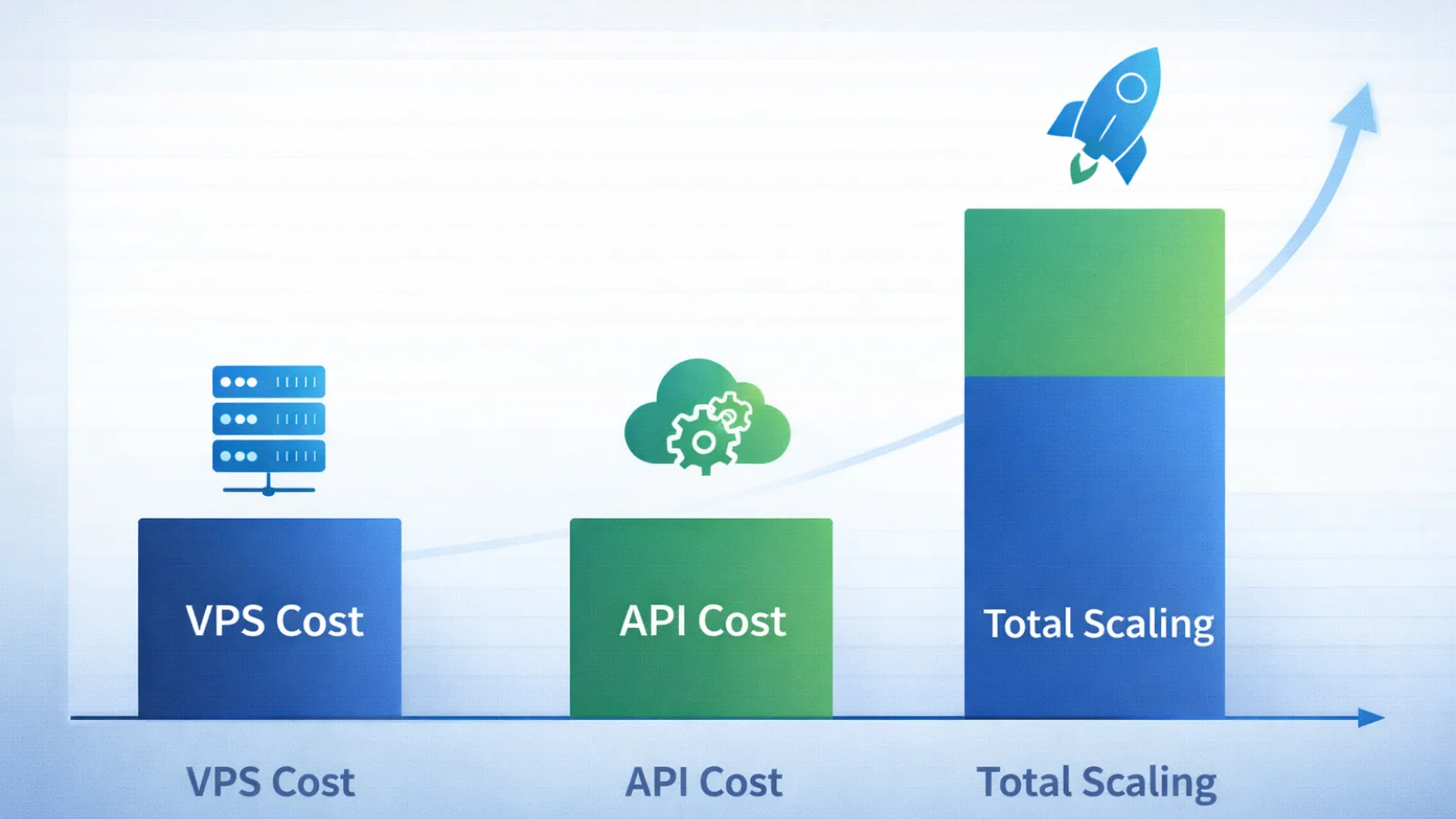
The cost of an OpenCLaw VPS setup goes beyond the server itself. API usage plays a major role.
The more tasks your agent handles, the higher the cost.
Costs also depend heavily on the model you choose and the size of each request. Even simple replies can become expensive over time if prompts include large context or memory.
To manage costs effectively:
- Use lighter models for routine tasks
- Set daily usage limits
- Review logs regularly
Ignoring usage is one of the easiest ways to overspend.
OpenClaw safety: what you actually need to know
When people talk about OpenCLAW VPS safety, they often focus on worst-case scenarios. In reality, most issues come from poor configuration.
The real risks
The biggest risk is leaving the gateway port exposed. If it’s public, anyone can access your agent.
Prompt injection is another concern. If your agent processes untrusted content, it may follow harmful instructions.
Third-party tools can also introduce problems. Not every package is reliable or safe.
Storing API keys in plain text is another weak point that’s often overlooked.
The safe setup checklist
A few practical steps make a big difference:
- Use a separate VPS for the agent
- Limit open ports strictly
- Store credentials securely
- Avoid installing unknown tools
- Rotate API keys regularly
- If your agent is connected to public messaging platforms, rate limiting and input validation are important to prevent abuse or spam loops.
These steps keep your setup secure without adding unnecessary complexity.
GlobussoftAI: a purpose-built platform for running AI on VPS

Managing servers, security, and updates can take more time than actually using your agent. That’s where GlobussoftAI becomes useful, especially if you want an OpenClaw VPS setup without handling every technical step yourself.
It keeps the advantages of self-hosting while simplifying the process.
OpenClaw Gateway deployment
The platform handles full deployment of the OpenClaw gateway on your VPS.
You can connect multiple platforms in one place, including WhatsApp, Telegram, Slack, Discord, Signal, Teams, Gmail, and WebChat. Messages from these channels are routed to your chosen AI model, all within your own infrastructure.
Multi-model AI support
You’re not locked into a single provider.
The system works with GPT-4, Claude, Gemini, Llama 3, Mistral, and local models via Ollama. This flexibility helps balance cost and performance based on your use case.
Multi-agent workflows
Instead of relying on one assistant, you can run multiple agents with different roles.
Tasks can be routed between agents, making it easier to handle complex workflows or automate multi-step processes across tools and teams.
Built-in integrations and automation
A typical OpenCLAW VPS setup often requires manual integrations. Here, many are already included.
You get access to built-in connections like GitHub, Notion, and other tools, along with automation features such as:
- Scheduled tasks using cron
- Event-based triggers with webhooks
- Recurring workflows like reports or briefings
Security and self-hosted control
The platform keeps your setup private by default.
Your data, conversations, and API usage stay within your VPS environment. It also handles secure configurations, including safer credential management and controlled access.
Managed operations and maintenance
Running an OpenCLaw VPS long-term requires monitoring and updates.
GlobussoftAI covers:
- System monitoring
- Performance optimization
- Model tuning
- Ongoing updates and support
This reduces the need for manual maintenance as your usage grows.
What this means in practice
You still control how your AI agent behaves, which models it uses, and what it connects to.
The difference is in the setup and upkeep. Instead of spending time on infrastructure, you can focus on building workflows and actually using the system.
Read More!
What Is OpenClaw Windows and How It Works?
Openclaw Vs Chatgpt: I Used Both For 90 Days. Here’s The Winner
Common mistakes when running OpenClaw on a VPS
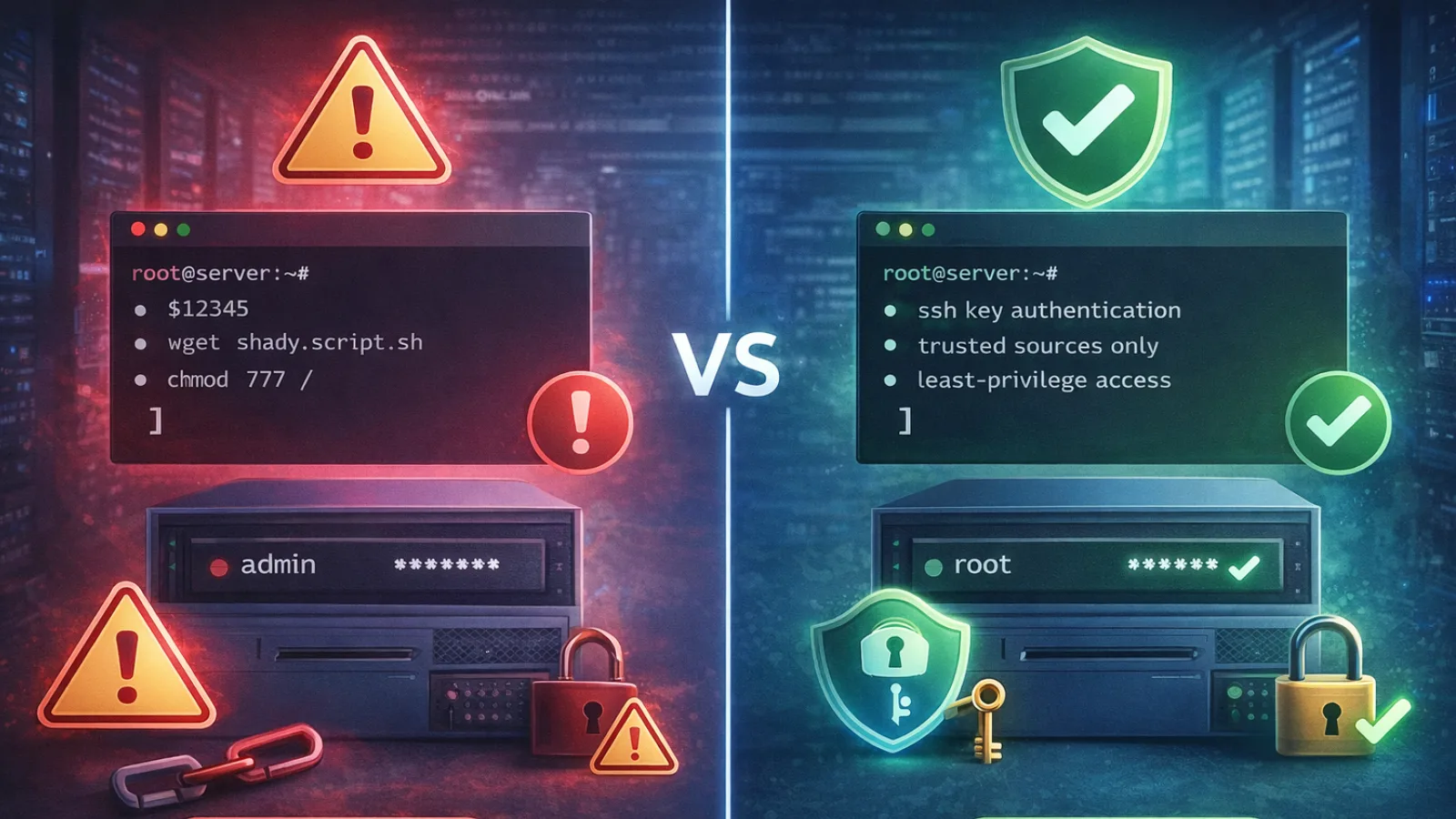
Even a solid OpenCLAW VPS setup can fail if common mistakes are ignored.
Using preconfigured server images is one of the biggest issues. They often include outdated or broken dependencies.
Running everything as root increases risk. A single vulnerability can expose the entire server.
Skipping firewall configuration leaves your system open to unwanted access.
Installing tools without reviewing them can introduce hidden risks.
Cost management is another area people overlook. Without limits, usage can spike quickly.
Finally, skipping backups can cost you everything. Losing your setup means starting from zero.
Advanced: long-term operations and scaling
Once your OpenCLAW VPS setup is stable, the focus shifts to maintenance.
Updates should be handled carefully. Apply them gradually and test each change.
Logs help you spot issues early. Checking them weekly can prevent bigger problems.
API keys should be rotated regularly to maintain security.
If you’re working in a team, workspace separation keeps things organized without needing multiple servers.
Over time, model selection becomes a strategy. Use lightweight models for simple tasks and reserve advanced ones for complex workflows.
Conclusion
An OpenCLaw VPS setup offers real advantages. Your agent runs continuously, stays independent of your device, and gives you full control over how it operates.
That said, stability doesn’t come from installation alone. It depends on secure configuration, cost management, and regular maintenance.
If you’re comfortable managing servers, self-hosting gives you flexibility. If not, platforms like GlobussoftAI simplify the process.
The goal isn’t just to get it running. It’s to keep it running reliably over time.
FAQ
What are the minimum VPS specs to run OpenClaw?
You need at least 2 vCPU cores, 2 GB RAM, and 20 GB SSD storage. For better performance, especially with multiple tasks, 4 GB RAM is recommended.
Is it safe to run OpenClaw on a VPS?
Yes, if configured properly. A VPS isolates your agent from your main system. Security depends on restricted access, proper user roles, and controlled installations.
How much does running OpenClaw on a VPS cost per month?
Expect $0 to $10 for the server and $5 to $30 or more for API usage. Costs depend on how often your agent runs tasks.
Should I use Docker or the install script?
The install script is easier to start with. Docker is better for advanced users who want consistency across environments.
Can I run OpenClaw for free on a VPS?
Yes, using free tiers like Oracle Cloud. However, setup can be more complex, and availability is not always guaranteed.