
Businesses that add AI report up to a 40% reduction in operational costs and 30% increase in productivity (Source: GlobussoftAI data). If you want those gains in 2026 but worry about the learning curve, here’s the short answer: choose a tool that unifies predictive analytics and computer vision, runs on your own low-cost server, and talks to your existing CRM with little to no code.
This guide shows you how to evaluate tools the right way, what traps to avoid, and how a self-hosted, open-source agent framework can cut costs without adding risk. You’ll learn the core ideas behind forecasting, where computer vision can add real value, and the steps to go from messy spreadsheets to daily, automated predictions.
For a plain-language primer on image AI, see this short explainer on computer vision. For an ecommerce buyer angle, you may also like this practical walkthrough: How to Choose the Best Predictive Analytics AI Tool for Ecommerce.

Why Small Businesses Struggle With Predictive Analytics
You wear many hats. That’s the real blocker. Most small teams don’t have a staff data scientist, yet the work never stops: sales calls, inventory, invoices, and support.
Predictive models need clean data and repeatable runs. But you’re juggling spreadsheets and CRM exports. The result is guesswork when you need clarity.
Costs bite next. Big-name platforms push per-seat pricing north of $100 each month. Add “premium” features, and the bill grows fast. If your budget is tight, that fee alone can kill the project, even if the ROI looks good on paper.
Integration is another drag. Your contacts live in the CRM, invoices in accounting, web events in analytics, and ad results in a different tool. You can’t predict churn, repeat buys, or lead value without bringing all that data together. Manual CSV merges waste time and break with the first schema tweak.
Costs, Integration, and Adoption Risks
Fear plays a role too. Machine learning sounds complex. You might worry about model drift, bad predictions, or another black-box “AI” that no one can explain.
That fear is valid. A tool should fit your day-to-day, not the other way round. The best setups make complex work feel simple and safe.
Finally, you need room to grow. A pilot might start with one forecast, like weekly revenue. But success breeds demand: inventory alerts, repeat purchase predictions, even basic image checks for quality control. If your stack can’t scale from one model to many, or if costs spike, you stall out.
- Limited in-house data science means you need no-code or plain-English control.
- Rising SaaS fees turn pilots into cost sinks.
- Fragmented data kills model quality and trust.
- “Black box” fear halts adoption, even when the math is sound.
As a result, projects stall before they start. Tools that blend predictive analytics and computer vision, with clear setup steps, low cost, and tight security, reset the odds in your favor.
What to Look for in a Predictive Analytics AI Tool
Start with the total cost of ownership, not just the sticker price. If the tool forces $100-per-seat add-ons or compute that you can’t cap, you may never reach payback. A self-hosted option on a small VPS can keep spend under control while still giving you serious features.
Next, look at integrations. Your pick should connect to your CRM, analytics, and billing with little or no code. It should fetch, clean, and join data without a weekly spreadsheet marathon. Ideally, it also runs on a schedule and can post results back where your team works.
Security is non-negotiable. Ask for end-to-end encryption and role-based access controls. You should be able to restrict who can view raw data, manage pipelines, or deploy models. If the tool is open-source, you gain transparency into how data flows and how keys are stored.
Scalability matters too. A good pick won’t trap you in a one-model limit. As your use cases grow from revenue forecasts to lead scoring, inventory alerts, and even image checks, your stack should keep pace. Capacity planning is not only for big firms. You need it to avoid surprise rebuilds and costs.
Open-source is a trust signal when it comes with real stewardship. You can review code, run it on your own server, and avoid lock-in. And if you need help, professional deployment and managed operations can bridge the gap.
Core Buyer Criteria (2026)
- Low total cost of ownership with hard caps you control (e.g., small VPS).
- End-to-end encryption and role-based access controls for security.
- System integration with CRMs and analytics tools you already use.
- No-code or plain-English setup for jobs and schedules.
- Scalability planning for long-term growth across more models.
- Clear, transparent pricing with no surprise add-ons.
- Open-source code you can inspect and self-host.
For a quick concept refresher, see the plain-language overview of predictive analytics. With a clear view of methods and goals, it’s easier to judge whether a vendor fits your needs in 2026.
Moreover, if you plan to add camera-based checks or product image audits later, confirm that the same platform supports computer vision. One stack for both saves money and time. Put bluntly, you don’t want one tool for forecasts and another for images if you can avoid it. A unified platform that handles predictive analytics and computer vision keeps your data model and ops simple.
Also Read!
Small Business Guide to Predictive Analytics AI Tools
Best Self-Hosted AI Agent Setup for Small Businesses in 2026
How GlobussoftAI OpenClaw Delivers Predictive Analytics for Small Businesses
OpenClaw is an open-source AI agent framework backed by GlobussoftAI’s professional deployment services. It’s built to run predictive analytics platforms, machine learning models, and even vision and language tasks on a self-hosted server. That means your data stays in your control, with end-to-end encryption and role-based access built in.
Cost stays low. The core framework is free. A small VPS runs about $5/month, and total operating costs usually stay under $10/month with model usage. Compared to per-seat SaaS plans at $100+ per user, that’s a real budget win. Businesses that adopt AI services report up to a 40% reduction in operational costs and a 30% boost in productivity (Source: GlobussoftAI data).
Low Cost, Self-Hosted
Setup fits how you work. You can run autonomous workflows on your server and trigger tasks with plain-English messages. For example, you can execute instructions through WhatsApp, Telegram, or email. Say “Forecast next week’s revenue and email the chart to the team,” and the agent handles data pulls, training, and sending the report. You can also set a plain English cron job like “Every Monday at 8am.
Integration is a first-class feature. OpenClaw ties into your CRM and analytics tools to pull clean data, join it by keys (like email or account ID), and write results back as tags or fields. That helps sales and ops act on predictions right where they work, not in a separate dashboard that gets ignored.
Beyond Forecasting: Computer Vision
Furthermore, if you want to expand beyond forecasting, the same stack handles computer vision applications. Think product image checks for missing labels, receipt scans, or basic defect flags. Because everything runs together, you avoid two vendors, two bills, and two support queues. That’s less friction today, and fewer surprises in a year.
Compared to alternatives, OpenClaw trades glossy, locked-in dashboards for control, security, and low cost. If your goal is lasting results, not just a demo, that trade pays off. Predictive analytics and computer vision live under one roof, with room to grow and budget left for growth marketing.
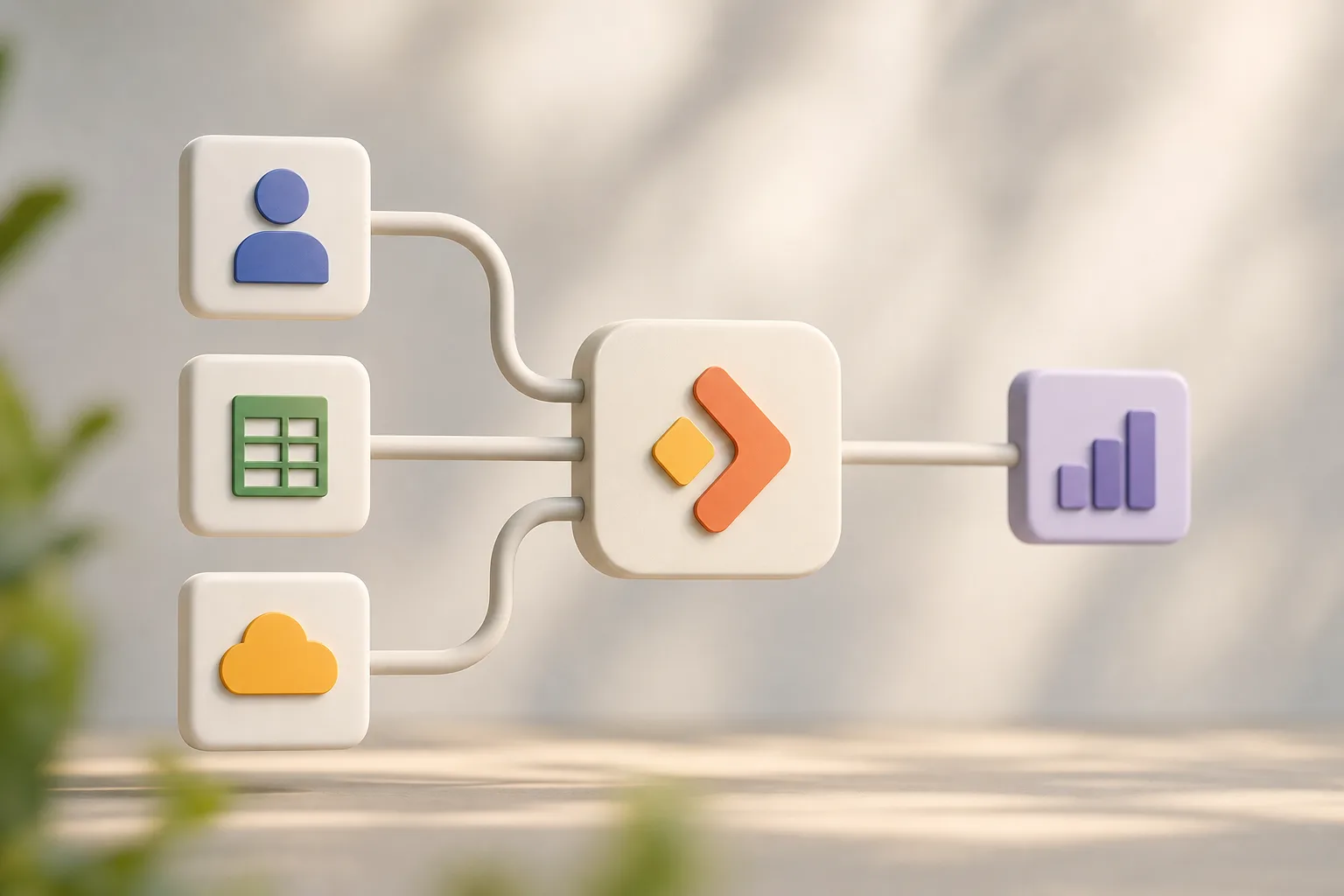 , self-hosted OpenClaw server, ML training, forecast output to email/WhatsApp/Telegram, with lock icons for encryption and <$10/month cost callout)
Set up the free core →
OpenClaw vs. Other Small Business Predictive Analytics Tools
You have three broad choices: a cloud SaaS analytics platform, a no-code AI builder, or an open-source, self-hosted framework with pro support. Each has merits. Your job is to match them to your needs and budget.
Your Options in 2026
Cloud SaaS platforms are polished and quick to start. You’ll get a clean UI, prebuilt charts, and guided flows. But you pay per user, data sits outside your walls, and deep customization requires dev time or higher tiers. If you need strict control over data access and costs, this path can pinch.
No-code AI builders help you sketch ideas fast. They’re fine for early prototypes and simple flows. However, they can hit limits with complex joins, long-running jobs, or custom models. You may still need scripts or plugins to fill the gaps, which weakens the “no-code” promise.
Why OpenClaw Stands Out
OpenClaw takes a different tack. It’s an open-source AI agent framework that you run on your own server. The core is free, and a small VPS is about $5/month, total costs typically under $10/month with model usage.
Because it’s open, you avoid vendor lock-in and can inspect how data moves. GlobussoftAI offers custom development for workflow automation and AI-driven reporting when you want help. As social proof, the project reached 100,000 GitHub stars in under eight weeks.
| Criterion | OpenClaw (Self-Hosted) | Cloud SaaS Analytics | No-Code AI Builder |
|---|---|---|---|
| Cost | Free core; ~$5 VPS; total usually <$10/month | $100+/seat/month common | Low at start; add-ons can add up |
| Data Ownership | Full control; self-hosted | Vendor holds your data | Mixed; depends on vendor |
| Customization Depth | High; code and config | Medium; paywalls for advanced | Medium; visual but can hit limits |
| Integration Flexibility | Strong; build or extend connectors | Strong; often gated by tier | Visual connectors; depth varies |
| Security Model | End-to-end encryption and role-based access | Vendor-managed controls | Vendor-managed; details vary |
In 2026, the best pick for lean teams is the one that meets today’s needs without boxing you in. If you need predictable spend, data control, and the option to add computer vision later, OpenClaw is built for that reality. For sector-specific examples, this guide to fintech use cases for 2026 shows how forecasts and image checks work together in practice.

Trust, Security, and Proven Results
Trust starts with transparency and proof. OpenClaw is open-source, so you can review code paths, audit how secrets are stored, and confirm what runs on your server. As social proof, it reached 100,000 GitHub stars in under eight weeks. That velocity shows strong interest and public review.
Security is built in. OpenClaw supports end-to-end encryption and role-based access controls. You can segment who reads raw data, who edits pipelines, and who deploys models. GlobussoftAI’s security-focused setup adds access control and encrypted communication across services. That’s how you keep the right people in the right lanes.
Quality comes from testing and real use. Over 1,000 hours of testing data was used to explore OpenClaw’s capabilities. Results include stable runs under load, consistent outputs across environments, and fast issue triage when you change data or models. With enterprise-grade deployment standards and a secure, scalable architecture, you’re not rolling the dice.
“Businesses implementing AI services report up to a 40% reduction in operational costs and 30% increase in productivity.” — Source: GlobussoftAI data
As a result, you can move from pilot to production with fewer unknowns. Predictive analytics and computer vision can ship side by side, on a stack you own, with guardrails that match how your team works.
Also Read!
OpenClaw vs n8n for Ecommerce: Which Is Better for Self-Hosted AI Agent Setup?
How to Set Up a Self-Hosted AI Agent for Your Ecommerce Store
Getting Started: Predictive Analytics Setup for Your Small Business
You don’t need a data science team to start. With professional deployment and installation, you can stand up a self-hosted OpenClaw server, link your CRM, and deploy your first model in days, not months. The cost is small: a VPS is about $5/month, and total spend usually stays under $10/month with model runs.
Here’s a simple path that works for most teams.
Step-by-Step Onboarding
-
Step 1: Initial consultation
Describe goals in plain English: “Forecast weekly sales,” “Flag leads likely to churn,” or “Check product photos for missing labels.” GlobussoftAI offers AI/ML consulting to build a clear roadmap and choose the first quick win. -
Step 2: Data audit
List where your data lives: CRM, analytics, billing, spreadsheets. Identify keys (email, user ID) to join sources. Clean obvious errors and map fields to a shared schema. This sets the base for stronger models. -
Step 3: CRM integration
Use smooth integration services to fit AI into your existing systems. Pull fresh data on a schedule and write predictions back as fields or tags. Your team sees insights where work happens. -
Step 4: First predictive model deployment
Pick one model and time it well. For sales forecasts, schedule a weekly run. Use plain English cron job setup like “Every Monday at 8am.” Send results to email, WhatsApp, or Telegram so no one misses the update. -
Step 5: Expand with computer vision
Add an image-based task when you’re ready. For example, check catalog images for missing backgrounds or scan receipts for totals. Because the stack is unified, you just add a new agent, not a new vendor.
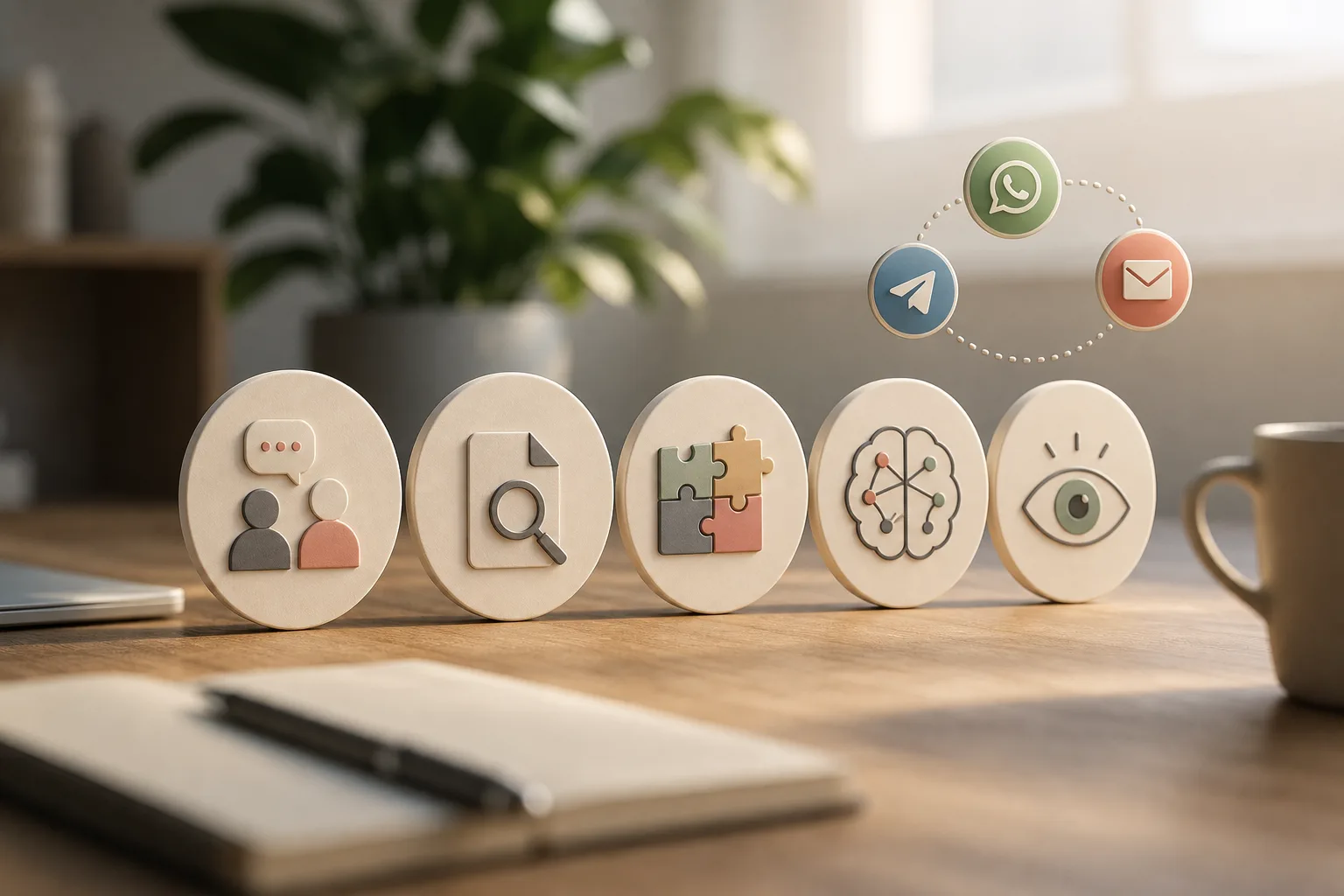
Moreover, as results stabilize, add alerts and proactive reminders based on context. For example, “If predicted stockout in 7 days, ping ops on Telegram.” Start small, then compound gains.
Frequently Asked Questions

How much does predictive analytics AI cost for a small business?
OpenClaw’s core framework is free. With a VPS at about $5/month and AI model usage, total costs typically stay under $10/month (Source: GlobussoftAI data). That’s a fraction of enterprise SaaS platforms that charge $100 or more per seat. Because it’s self-hosted, you also avoid surprise overage fees. Spend stays predictable as you scale.
Do I need a data scientist to use predictive analytics tools?
Not with OpenClaw. GlobussoftAI handles professional deployment, and the platform supports plain English commands via WhatsApp and Telegram. You can ask for a forecast or schedule a report in natural language. Ongoing managed AI operations reduce the technical burden, so your team can focus on sales and service, not MLOps.
How accurate are AI predictions for small businesses with limited data?
Accuracy depends on data quality more than company size. OpenClaw supports model training and fine-tuning on domain-specific data, which boosts signal even with smaller datasets. Clean joins, stable schedules, and clear targets (like “7-day repeat purchase”) improve results. As you add more history, you can refine features and gain sharper forecasts.
Can predictive analytics integrate with my existing CRM and tools?
Yes. OpenClaw offers smooth integration with CRMs and analytics tools. GlobussoftAI’s deployment service ensures your existing systems connect without disrupting current workflows. Predictions can write back as fields, tags, or notes. Alerts can reach your team through email, WhatsApp, or Telegram.
Is my business data safe with an open-source AI tool?
Yes, when you self-host with proper controls. OpenClaw includes end-to-end encryption and role-based access controls for enterprise-grade security. Your data never leaves your infrastructure. A security-focused setup includes access control and encrypted communication, so you manage risk on your terms.
What are the alternatives to OpenClaw for small business predictive analytics?
Cloud SaaS options offer simpler UIs but cost more and keep data off-site. No-code AI builders are quick for prototypes but can hit limits on complex jobs. Open-source alternatives exist, yet many lack professional deployment support. OpenClaw balances both with a free core and managed services when you need help.
How long does it take to set up predictive analytics for my business?
With GlobussoftAI’s professional deployment, initial setup, including CRM integration and your first predictive model, can be completed within days, not months. The consulting phase helps map a phased roadmap so you can add use cases in the right order. Early wins build trust and fund the next step.
Can OpenClaw also handle computer vision alongside predictive analytics?
Yes. OpenClaw supports computer vision applications in addition to predictive analytics, ML models, and NLP. That makes it a single, unified AI platform rather than a single-purpose tool. If you plan to add image checks later, you won’t need to buy or learn a second system.
Final Takeaways
First, keep costs in check with a self-hosted stack and a free core, total spend usually stays under $10/month while still giving you daily forecasts and alerts. Second, make adoption easy with integrations, plain-English schedules, and results delivered to your team’s existing channels. Third, plan for the future by choosing one platform that runs both predictive analytics and computer vision, so you add use cases without a rebuild.
If you’d like a guided start with security and scale baked in, GlobussoftAI can help you launch fast and grow with confidence in 2026.
Next steps
To go deeper on sector angles, this practical read on predictive analytics and computer vision for ecommerce shows how stores turn forecasts into smarter stock and offers.
For terminology and core concepts referenced in this guide, see Computer Vision. Wikipedia.




