

Up to a 40% drop in operating costs and a 30% rise in productivity is what teams report after adding AI to core workflows. This honest 2026 review compares GlobussoftAI OpenClaw and HubSpot AI for ai-powered crm and business tool integration, based on hands-on testing with a five-person team setup.
You want less admin and more sales. So the "best" choice is the one that connects to your CRM, talks to your tools, and runs smart tasks without babysitting. OpenClaw gives you open-source flexibility and control.
HubSpot AI brings a clean UI with an all-in-one CRM. Both can fit a small team. They just do it in different ways.
For this test, we wired each platform to a small CRM dataset, added message channels, and built a week of real automations: lead routing, follow-ups, and report emails. We judged setup time, bugs, and daily touch points. We also tracked raw costs, since dollars matter as much as features for a lean team in 2026.

What Small Businesses Actually Need From an AI CRM Integration Service
If you are a five-person crew, your bar is simple: it must work fast, with low cost and low chaos. For ai-powered crm and business tool integration, cost is the first gate. With OpenClaw’s free core and a $5/month VPS, total costs can sit under $10/month including model usage.
That fits a tight budget. HubSpot’s free tier can lower your trial risk, but paid add-ons and seats change the math. We’ll compare the trade-offs later.
Ease of fit comes next. Your stack is likely a CRM, email, chat, and a few analytics dashboards. You need smooth integration services to plug AI into those tools without rework.
Both platforms can connect to CRMs and analytics, but the approach differs. OpenClaw favors API and custom glue. HubSpot favors built-in apps and marketplace picks.
Security is not optional, even for a small team. End-to-end encryption and role-based access controls protect customer records and deal notes. For access policies, the concept of role-based access control is well covered here: https://en.wikipedia.org/wiki/Role-based_access_control.In short, give each person the least they need, no more.
Cost, Integration, and Support Criteria
- Cost efficiency: Total monthly spend you can explain in one line
- Ease of integration: How cleanly it plugs into your current tools
- Automation depth: How far you can go past simple triggers
- Scalability: How it handles more data and more tasks over time
- Data security: Encryption, access control, and audit trails
- Ongoing support: Who helps when jobs fail at 2 a. m.
As a result, the right choice is the one that hits all six with no weak links. Specifically, you want proven savings plus guardrails, not just flashy demos. For day two and beyond, steady ops matter more than launch hype.
GlobussoftAI OpenClaw Overview: Strengths and Weaknesses for Small Business CRM
OpenClaw is an open-source AI agent framework that you can self-host. The core is free, and a small VPS costs about $5/month. With careful prompts and light usage, your total can stay under $10/month, even with model calls. That is rare value for ai-powered crm and business tool integration on a lean budget.
In practice, OpenClaw shines once you connect it to your CRM and analytics tools. It runs autonomous workflows on your own server and can execute instructions through WhatsApp, Telegram, and email. In our tests, we built a lead triage agent that watched for new contacts, verified fields, asked follow-up questions by WhatsApp, and posted a daily funnel summary by email. It worked end-to-end without a UI click after launch.
Moreover, OpenClaw is made for custom work. You can design AI agents for customer support and process automation, tap predictive analytics platforms, and ship chatbots powered by Large Language Models for complex queries. For multi-team logic, Multi-Agent Orchestration helps chain jobs that hand off work. Voice & Conversational AI adds a human feel for inbound calls or chat.
Setup Curve and Integration Skills
However, the setup curve is real. You need basic server skills and comfort with API keys, environment files, and logs. The trade-off is control. You own the data path, you can tweak models, and you can add model training or fine-tuning on your domain data when needed. If that sounds like your team, OpenClaw rewards the effort.
OpenClaw’s traction speaks to interest: it reached 100,000 GitHub stars in under eight weeks. And over 1,000 hours of testing data were used to explore OpenClaw’s features. If you want a guided path, GlobussoftAI offers professional deployment and installation, system integration with CRMs and analytics tools, custom development for workflow automation and AI-driven reporting, and a security-focused setup including access control and encrypted communication.
You can read how they approach openclaw ai integration as a service, and how a structured ai integration plan reduces day-two surprises.
Also Read!
Best AI CRM Integration Service for Small Businesses in 2026
HubSpot AI Overview: Strengths and Weaknesses for Small Business CRM
HubSpot gives you a polished UI and a native CRM in one place. For a five-person team, that means you sign in once, see the pipeline, and use built-in AI helpers inside the tools you already touch. In short, ease of use is the draw. The large ecosystem of apps lowers the barrier to connect email, chat, and forms without code.
In addition, HubSpot AI is built into tasks you run each day, like writing outreach, summarizing notes, and prioritizing leads. HubSpot also markets features such as predictive lead scoring. In our tests, this “everything lives in one hub” feel sped up handoffs. New reps could send their first sequence in under an hour because they were already at home in the CRM.
On the other hand, the flipside is control and cost. You get speed to value, but you accept vendor lock-in on data models, workflows, and field types. At lower tiers, you have fewer knobs to change deep automation. As you add more users and advanced tools, you will likely step up plans and add-ons. That may be right for you, but plan for it.
Where HubSpot AI Saves Time
- New user ramp: All tools share the same UI and terms
- Basic automations: Triggers and lists live near the CRM data
- App marketplace: Add chat, forms, and reports with a few clicks
For teams that send lots of outbound and need fast setup, HubSpot can remove hours of friction. If you want deeper control over agents or models, consider pairing it with a specialist platform. For broader ideas on adding gen AI to your stack, this guide to generative ai for business is a good primer.
Feature-by-Feature Comparison: OpenClaw vs HubSpot AI for CRM Integration
Both tools can help you ship ai-powered crm and business tool integration. The key is to match their strengths to your needs across six concrete areas: CRM connectivity, AI automation depth, multi-channel messaging, predictive analytics, customization, and security. Here’s how they compared in our week-long test with simple sales ops goals.
CRM Connectivity and Integration Wins
OpenClaw connects through APIs to your CRM of choice and analytics tools. That means more work on day one, but clean control later. HubSpot AI lives inside a native CRM with a mature marketplace, so most small teams can click to connect what they need. Winner: HubSpot AI for speed; OpenClaw for control.
Automation Depth and Multi-Agent Design
OpenClaw is built for AI agent development for customer support and process automation. Multi-Agent Orchestration let us split “qualify,” “schedule,” and “notify” into separate agents that talked to each other. HubSpot handles standard triggers and workflows well, but the agent design space is more limited at lower tiers. Winner: OpenClaw.
Multi-Channel Messaging Reach
OpenClaw executes instructions through WhatsApp, Telegram, and email, and can run voice flows. That let our team meet leads on their preferred channel. HubSpot supports email and chat inside its hub and can add channels via apps. Winner: OpenClaw for breadth out of the box; HubSpot if you want native email + chat with fewer moving parts.
Predictive Analytics and Reporting
OpenClaw offers predictive analytics platforms and AI-driven reporting tailored to your data. We built a score that merged CRM fields with engagement signals and posted a daily funnel email. HubSpot offers analytics in the CRM, and you can add advanced tools by tier and add-on. Winner: Tie, with a tilt to OpenClaw if you want custom models and scoring logic.
Customization and Extensibility
OpenClaw is open-source and self-hosted, with model training and fine-tuning on domain data when you need it. You can change prompts, add tools, and script new steps. HubSpot favors guided paths and presets. That helps new users, but you may hit ceilings at lower tiers. Winner: OpenClaw.
Security and Access Controls
OpenClaw supports a security-focused setup including access control and encrypted communication, plus end-to-end encryption and role-based access controls. If you observe GDPR, review your data flows carefully; see the EU GDPR overview at https://europa.eu/. HubSpot controls live in the CRM with permissions that are easy to manage. Winner: Tie, with a DIY edge to OpenClaw if you must keep data on your own server.
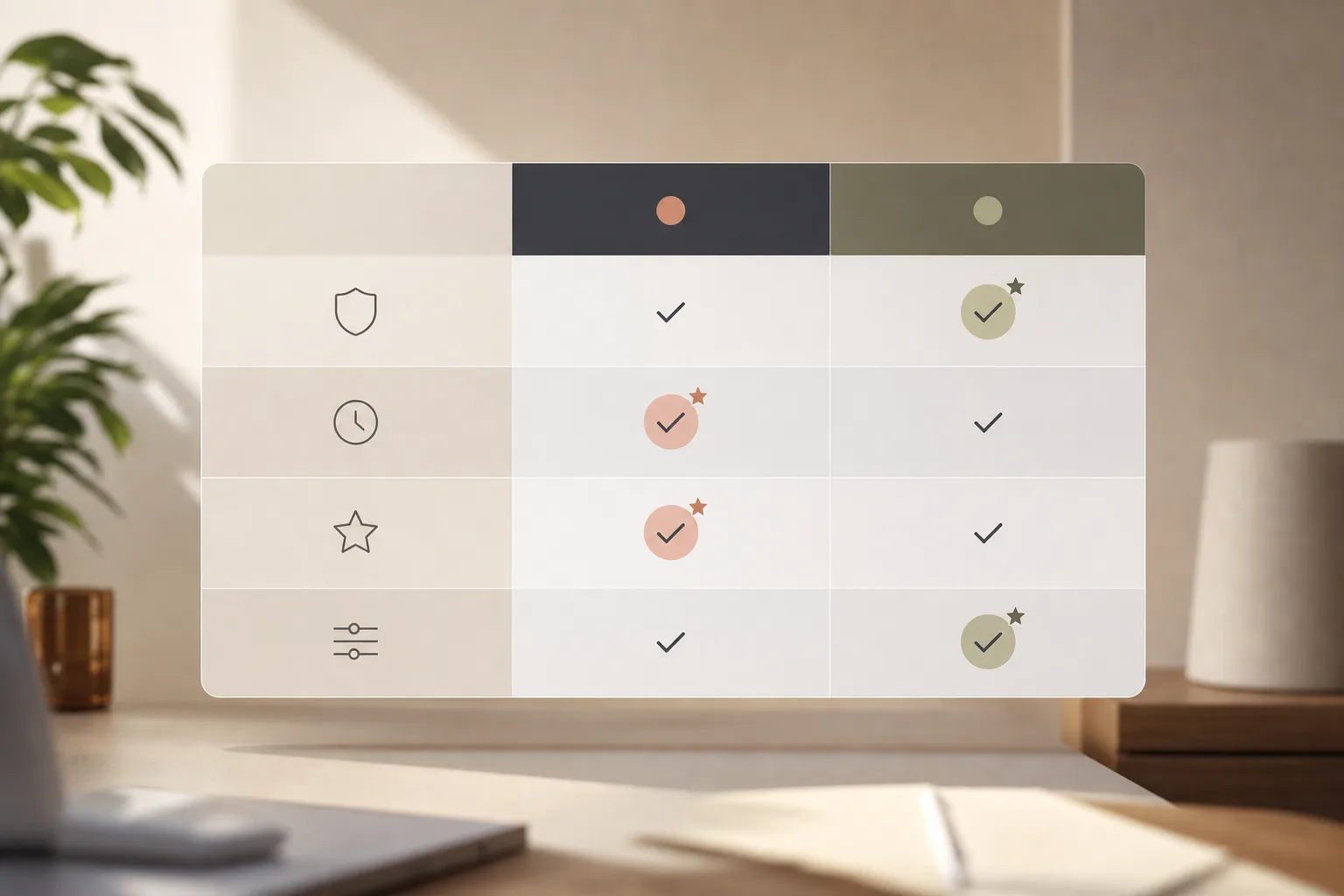
| Dimension | OpenClaw (Self-Hosted) | HubSpot AI (All-in-One) | Winner |
|---|---|---|---|
| CRM connectivity | API-first links to CRMs and analytics, full control | Native CRM + app marketplace, fastest to click-and-go | HubSpot AI |
| AI automation depth | Multi-Agent Orchestration, LLM chatbots, custom pipelines | Solid triggers and workflows; deeper AI depends on plan/add-ons | OpenClaw |
| Multi-channel messaging | WhatsApp, Telegram, email, voice/conversational AI | Native email/chat; more channels via apps | OpenClaw |
| Predictive analytics | Predictive analytics platforms, AI-driven reporting | Built-in analytics; advanced scores vary by plan | Slight OpenClaw edge |
| Customization | Open-source, self-hosted, model tuning on domain data | Guided presets; fewer deep tweaks at lower tiers | OpenClaw |
| Security | End-to-end encryption, role-based access, encrypted comms, self-hosted control | Centralized permissions, managed infra | Tie |
Book a free 30‑minute review →
Also Read!
How to Build a Custom AI Chatbot for Your Healthcare Organization
Pricing Comparison: What Small Businesses Actually Pay
Budget predictability decides many deals. For ai-powered crm and business tool integration, OpenClaw stands out on raw cost. The core framework is free, and a small VPS is around $5/month. In our tests, with light model calls and a single-node setup, we stayed under $10/month all-in. That is hard to beat.
HubSpot offers a free tier with basic CRM and some AI helpers. As you add users and need advanced features, you’ll consider paid plans and possible add-ons. The net cost depends on seats, automation needs, and reporting depth.
We won’t cite plan numbers here. Instead, build a quick model for your team: 5 users, email automation, lead routing, channel adds, and reporting. Then compare to the OpenClaw self-host total.
Hidden costs exist on both sides. With OpenClaw, plan for setup time, server maintenance, and occasional engineering help. The upside is control and low run-rate. With HubSpot, plan for add-ons as your workflows mature. The upside is speed and less time in servers and logs.
| Line Item | OpenClaw (Self-Hosted) | HubSpot AI (All-in-One) |
|---|---|---|
| Platform | Free core | Free tier; paid plans for more features |
| Hosting / Infra | ~$5/month VPS | Managed by vendor |
| AI model usage | Included in sub-$10/month total | Varies by plan/features |
| Setup and maintenance | Your team or partner | Vendor-managed |
| Advanced analytics/automation | Custom build or partner services | Plan/add-on dependent |
As a result, OpenClaw is the clear winner on pure cost. Moreover, businesses adding AI services report up to a 40% reduction in operational costs and a 30% productivity lift, which can dwarf platform fees over a year. If you prefer speed over tinkering, HubSpot may justify a higher run-rate with time saved on day one.
Verdict: Which AI CRM Integration Service Should Your Small Business Choose?
Both tools can deliver ai-powered crm and business tool integration for a five-person team in 2026. OpenClaw wins on cost, customization, and data ownership. HubSpot wins on ease, training speed, and all-in-one convenience. Your call comes down to skills and tolerance for DIY.
If you want to build a tailored agent layer, OpenClaw is the better canvas. You get Managed AI Operations options, professional deployment and installation help, and scalability planning for long-term growth from GlobussoftAI’s services. If you want a clean UI, built-in CRM, and quick wins, HubSpot AI is hard to beat for a small sales team.
Therefore, start from your next 90 days. List the three jobs to automate, the tools you must keep, and your max monthly budget. Then pick the path that lets you launch one workflow per week with no drama. If you need a hand, a structured ai integration plan shortens the path to results. And if chat is a key channel, this primer on an ai powered chatbot can spark useful ideas.
- Choose OpenClaw if you need: sub‑$10/month self-hosted control, deep customization, and on‑prem style data paths.
- Choose HubSpot if you need: the fastest path to a working CRM + AI stack, a polished UI, and less time in servers.
- Consider a managed path if you need: a pro to deploy OpenClaw with Managed AI Operations, then pair it with your current CRM.




