

For small teams, ai-powered crm and business tool integration turns your everyday CRM plus email, chat, phone, and analytics into a coordinated system that works while you sleep. This 2026 guide shows you how to start fast, stay secure, and prove ROI with a tiny pilot before you scale.
What AI CRM Integration Actually Means for a Small Business
A plain-language definition
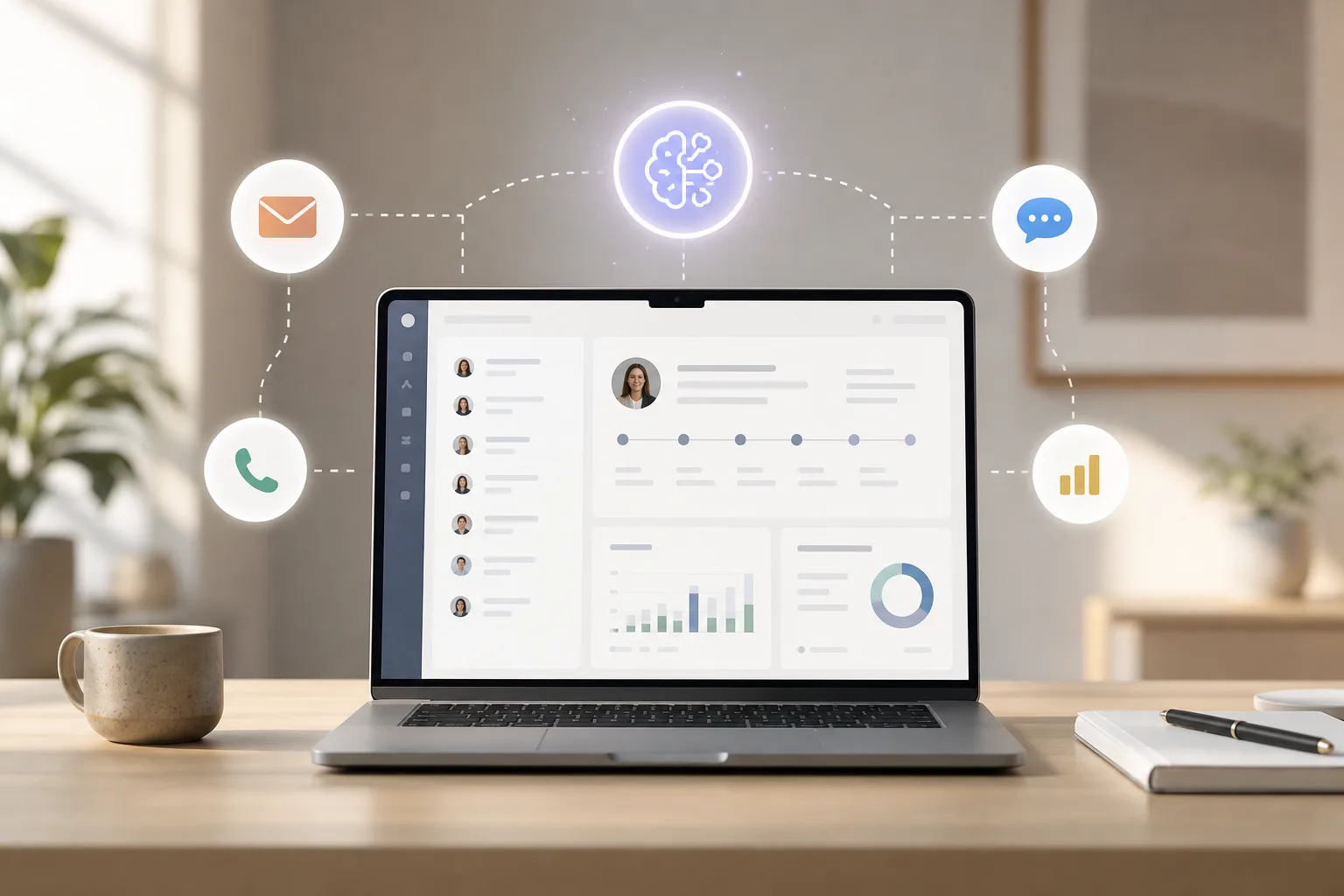
AI CRM integration adds smart layers on top of the basics you already use: contacts, deals, tasks, and emails. Instead of you guessing which lead to call, an AI model can predict who is most likely to buy this week. Instead of missed follow-ups, the system drafts and schedules messages, then nudges you when a human touch is needed.
In short, you get help from predictive analytics, automation, and language tools that understand messages like a person. That creates use without adding headcount, and it reduces the risk of missed handoffs between apps.
Specifically, predictive lead scoring draws on “predictive analytics platforms” that look at your past wins and losses to rank live deals. As a result, your reps call the right people first. In addition, “natural language processing systems” read emails, chats, and tickets to tag topics, route requests, and draft replies that sound human. Furthermore, “AI agent development for customer support and process automation” lets you spin up helpers that answer common requests, file updates into your CRM, and trigger workflows.
To make this concrete, think of AI as a teammate that never sleeps. It watches your inbound queues, keeps your records tidy, and drafts responses that match your brand voice while leaving final judgment to a human.
With guardrails, it becomes a reliable accelerator rather than an unpredictable black box. Those guardrails include approval steps, narrow scopes, and clear instructions that keep outputs grounded in your data.
- In practice, AI layers typically include:
- Predictive scoring and prioritization that ranks leads, open deals, and at-risk customers by likelihood to convert or churn.
- Language understanding to classify, summarize, and draft emails, chats, and call notes in your tone of voice.
- Autonomous or semi-autonomous agents that handle routine tasks, escalate edge cases, and log every action back into your CRM.
What changes in your week
For support and sales, AI can also turn calls and chats into notes, add them to the right record, and suggest the next step. However, AI does not fix bad data.
If your CRM has stale contacts and blank fields, predictions will be weak. Businesses that roll out AI services the right way report up to a 40% cost reduction and a 30% productivity increase, but only after a tidy setup.
For a simple explainer on how machines read text, see natural language processing on Wikipedia.
- Quick wins you can expect:
- Faster first responses to inbound leads and tickets (minutes, not hours).
- Consistent follow-ups: AI drafts, schedules, and reminds so tasks don’t slip.
- Prioritized pipelines: reps call the top 10 leads daily with confidence.
- Cleaner records: automatic summaries and tags reduce manual data entry.
“We set a 5-minute response goal on our web leads and let AI draft the first reply. In week two, our booked demos jumped by 18% with zero extra ad spend.”
Core AI Add-Ons vs. Basic CRM
- Basic CRM: stores contacts, deals, tasks, and logs emails.
- AI Add-Ons: predicts win rates, drafts replies, and schedules the next step.
- Basic CRM: shows static reports.
- AI Add-Ons: updates forecasts daily and spots risks before they hit.
As you weigh tools, keep your goal tight. For example, “Reply to new leads in under 5 minutes, 24/7,” or “Cut no-show demos by 20%.” That clarity guides the right ai-powered crm and business tool integration for your stage and team size.
Pro tip: Write your goal as a single sentence with a number and a time frame. If you can’t measure it weekly, it’s not a good fit for your first AI pilot.
Also Read!
GlobussoftAI OpenClaw vs HubSpot AI for Small Businesses: Which Is Better for AI CRM Integration?
Best AI CRM Integration Service for Small Businesses in 2026
Step-by-Step: How to Set Up AI-Powered CRM Integration
You don’t need a giant rollout. You need proof in one workflow.
Here’s the 6-step plan I use with small teams.
Prep: Data and goals
- Audit your current CRM data quality
Start by pulling 100 recent contacts and deals. Check for missing emails, wrong phone numbers, and deal stages that never change. Then, fix field names, remove stale lists, and set required fields for new records.
As a result, your models will have clean, useful data. – Extra tip: Create a “data dictionary” that defines each field, owner, format, and when it’s updated. This prevents drift as you add automations.
- Define one or two automation goals
Pick one sales and one support goal max. For example, “Auto-tag inbound emails and draft a reply for FAQs,” or “Rank leads daily so reps call the top 10 first.” Moreover, write a simple KPI like “Increase qualified demos by 15% in 30 days.
- Success criteria: Decide what “good” looks like before launch (e. g., average reply under 5 minutes, <2% misrouting rate).
Build: Connect and secure
- Choose your integration approach
You can use native CRM AI (e. g., inside larger CRMs), task routers like Zapier AI, or a custom agent. In addition, consider “system integration with CRMs and analytics tools” if you have more than one data source. On the other hand, if you need control and lower run costs, a self-hosted, open-source agent is a smart path.
- Budget hint: Start with free tiers or trials to validate value, then commit.
- Map data flows and access
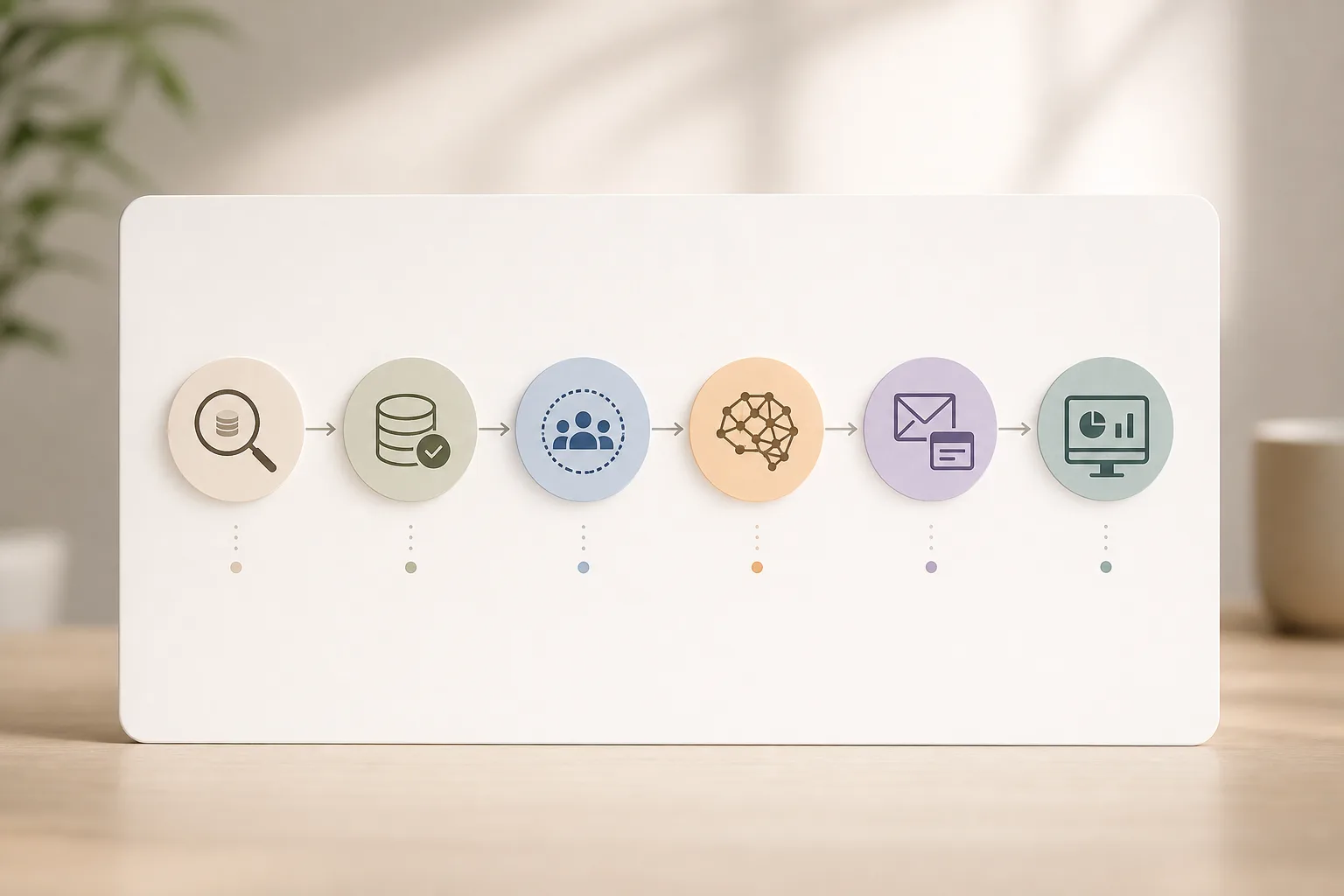
Draw the path: source (email, chat, form) → AI step (classify, score, draft) → CRM (update, task, note) → alert (Slack/WhatsApp/email). Then set “security-focused setup including access control and encrypted communication.” Use role-based access so the AI can only read and write what it needs.
- Security musts: Encrypt in transit (TLS), apply the principle of least privilege, and restrict PII exports.
Reminder: Document every connector, permission, and data field in your flow map. Future you (and your auditor) will thank you.
Pilot: Test, measure, and scale
- Deploy a small pilot and test
Ship one flow to a small group. For example, draft replies for five common support questions. Track results side-by-side with human replies for one week.
Furthermore, add “custom development for workflow automation and AI-driven reporting” if your CRM’s native tools fall short.
- QA checklist: Compare tone, accuracy, and links in AI drafts vs. human replies; track edits to learn and improve prompts.
- Monitor, measure, and iterate
Measure reply time, conversion rate, and error rate weekly. Therefore, tweak prompts and thresholds. Add “scalability planning for long-term growth” so the pilot can expand without rework. Keep logs for audit and quality reviews.
-
Metrics to track (starter set):
-
Response time (avg, median, 90th percentile) before vs. after launch.
-
Conversion to next step (e. g., demo booked, case resolved first-touch).
-
Edit rate on AI drafts and reasons for edits (tone, facts, links, personalization).
-
Error rate on routing/updates (misclassification, wrong record edits).
-
Cost per action (model spend + platform fees) vs. time saved.
-
Scale signals: When edits drop below 10% and KPIs improve for 2–4 weeks, graduate the pilot to more inboxes or reps.
Tip: Write a rollback plan. If the pilot misfires, you should be able to pause in one click and revert to manual steps.
As you deploy, keep the ai-powered crm and business tool integration narrow. One proven playbook beats ten half-built ideas.
Common pitfalls to avoid
- Automating chaos: If objects, owners, and stages are inconsistent, fix naming and required fields first. AI accelerates whatever it touches—good or bad.
- Over-personalizing: Don’t inject unverified details from the web into drafts. Keep personalization grounded in your CRM and website.
- Skipping approvals: Early on, require human-in-the-loop review for outbound messages and CRM writes that change revenue stages.
- Ignoring edge cases: Define rules for exceptions (VIP accounts, compliance-sensitive tickets) and route those to humans by default.
- Under-documenting: Update your data dictionary, flow map, and runbooks as you iterate. Future teammates will need the context.
Tool paths and quick picks
Start your AI pilot today → offers scoring, email drafts, and chat. Zapier AI can route tasks and call models. However, features and costs vary, and you may need extra connections.
- Services and custom work: done-for-you setup
If you want expert help, services like GlobussoftAI OpenClaw Services are one option among several.
They focus on professional deployment, “system integration with CRMs and analytics tools,” “custom development for workflow automation and AI-driven reporting,” and “security-focused setup including access control and encrypted communication.
Social proof matters: OpenClaw reached 100,000 GitHub stars in under eight weeks, and over 1,000 hours of testing data were used to explore OpenClaw’s capabilities.
Moreover, you can run “chatbots powered by Large Language Models” and “multi-agent orchestration,” while keeping a path for “scalability planning for long-term growth.
For a hands-on explainer of conversational bots, see this primer: AI powered chatbot. And if you’re curious about expert-guided rollout, here’s the service overview: openclaw ai integration.

As you compare, write a simple “scorecard” that favors your top KPI, then cost, then time-to-value. That keeps your AI-powered CRM and business tool integration squarely tied to results, not hype.
Sample scorecard line: “Reduce first-response time to <5 minutes in 14 days” (KPI weight 60%) vs. “Monthly cost under $100” (weight 25%) vs. “Setup time under 4 hours” (weight 15%).
DIY vs. Services: When to choose which
- Choose native CRM AI if you want speed, low maintenance, and are okay with vendor limits on customization and data control.
- Choose an open-source or self-hosted agent if you need granular control, low run costs, or strict data residency/security constraints.
- Choose an integration service partner if you want expert discovery, secure architecture, and a guided rollout with training and documentation.
“We tried three tools in two weeks, picked the one that hit our KPI fastest, then brought in a partner to harden security and scale. That sequence saved us months.”
Also Read!
How to Choose a Predictive Analytics AI Tool for Fintech
How to Build a Custom AI Chatbot for Your Healthcare Organization
What to Do Next: Your First 7 Days
You can make real progress in one week. Keep it small and concrete.
-
Day 1: Export 100 recent contacts and deals.
Note missing fields. -
Day 2: Clean key fields.
Set required fields for new records. -
Day 3: List your top 3 repetitive tasks that drain time.
-
Day 4: Pick one tool to test; read a setup guide like AI integration.

-
Day 5: Map your data flow on one page.
Define one KPI. -
Day 6: Launch a tiny pilot (e.g., draft replies for two FAQs).
-
Day 7: Review results.
Keep, tweak, or roll back with notes.
Timebox tip: Cap each day’s task at 45–60 minutes to maintain momentum and avoid scope creep.
7-day checklist (expanded)
- Day 1: Export 100 recent contacts and deals. Note missing fields, duplicates, and any inconsistent stage names.
- Day 2: Clean key fields. Set required fields for new records. Add validation rules (email format, phone format) if your CRM supports them.
- Day 3: List your top 3 repetitive tasks that drain time. Estimate per-task minutes saved to prioritize impact.
- Day 4: Pick one tool to test; read a setup guide like AI integration. Confirm permissions and create a sandbox if available.
- Day 5: Map your data flow on one page. Define one KPI. Draft prompts or labeling rules and decide who reviews AI outputs.
- Day 6: Launch a tiny pilot (e.g., draft replies for two FAQs). Train your team on when to accept, edit, or escalate AI drafts.
- Day 7: Review results. Keep, tweak, or roll back with notes. Capture learnings in a playbook you can reuse on the next workflow.
Stay Practical and Secure
Moreover, keep access tight. Give your AI only the scopes it needs. Rotate tokens.
Log every write to contacts and deals. As a result, you’ll avoid messy data surprises.
- Minimum security controls to implement:
- SSO + MFA for all admins and any account that can modify automations or keys.
- Secrets manager for API keys and webhooks, with rotation and access logs.
- Data minimization in prompts: mask or omit PII unless absolutely necessary.
- Testing with redacted datasets before exposing production data.
This plan fits business owners looking to automate workflows and teams seeking cost-efficient automation solutions. In addition, it sets you up to scale in 2026 without rework.
Most of all, it builds proof you can share with your team and your wallet. Keep your AI-powered CRM and business tool integration scoped to one clear win, then add the next one.
- Security quick-check before launch:
- Who can pause the pilot? Name a person and a backup.
- Are API keys stored in a secret manager (not in docs or code)?
- Is PII masked or minimized when sent to third-party models?
- Do you have an audit log for every create/update/delete on CRM objects?

Key Takeaways
- Start with clean data and one clear KPI. Small, proven wins beat big, vague plans.
- Map the flow end-to-end: source → AI step → CRM update → alert. Keep access limited.
- Choose tools by results, cost, and time-to-value. Control and security matter as you grow.
- Test fast, measure weekly, and keep logs. Tweak prompts and thresholds before you scale.
- Use security basics: encryption in transit, role-based access, and audit trails.
These points sound simple, but they are the guardrails that make AI useful. For example, a one-week pilot that cuts first-response time from hours to minutes will earn buy-in. Then you can extend your playbook to scoring, forecasts, and renewals.
If a change doesn’t move your KPI by week two, remove it or try a smaller scope. Focus is your compounding advantage.
Budget snapshot
Furthermore, budget clarity helps. An open-source agent on a $5/month VPS can keep your run costs under $10/month with model usage, which is friendly for early pilots.
On the other hand, if you need faster rollout, native CRM AI or a service partner can reduce setup time. As you grow, “performance optimization to ensure process efficiency” will keep response times quick and bills in check.
In 2026, the teams that win keep their AI-powered CRM and business tool integration small, safe, and tied to a number they track every week. That’s it. Simple, steady, and real-world.
FAQ: Buying and building
-
Do we need a data scientist to start?
No. A motivated admin or ops lead can ship a narrow pilot using native CRM features or light automation tools, then involve specialists later. -
Will AI replace our reps or agents?
No. It replaces low-value tasks like triage, note-taking, and first drafts so humans can focus on discovery, negotiation, and empathy. -
How do we handle regulated data (GDPR/CCPA/HIPAA)?
Minimize PII in prompts, use first-party or EU-hosted models where required, and sign DPAs with any vendor that processes personal data. Log consent and retention rules in your CRM. -
What if the model “hallucinates”?
Constrain prompts to cite only CRM fields and approved knowledge bases. Add human-in-the-loop review and reject any output missing a required source. -
How long to see ROI?
Most small teams see measurable KPI movement in 2–4 weeks when they scope to one workflow, set a weekly metric, and iterate based on edits and errors.
What to Do This Week
Block two hours on Day 1 to audit your CRM fields and fix the top gaps. Next, pick a single workflow to automate and sketch the flow on paper.
By midweek, choose a tool path that fits your budget and control needs, native AI, a light automation hub, or a self-hosted agent. Before launch, set role-based access and encryption, and decide who can pause the pilot if results slip.
Over the weekend, ship the pilot to a small group, compare AI vs. human replies, and keep a simple log of wins, misses, and edits. On Monday, decide: keep it, tweak it, or roll it back.
Then, add one more step only if your KPI moved in the right direction.
- Quality bar for “go-live”:
- KPI improves for two consecutive weeks (e.g., reply time, conversion).
- Edit rate under 10–15% for AI drafts.
- Zero critical errors in data updates across the pilot period.
Glossary (quick reference)
- Predictive lead scoring: A model that ranks contacts or deals by their likelihood to convert based on historical patterns in your CRM.
- NLP (natural language processing): AI techniques that let software understand, classify, summarize, and generate human-like text.
- Human-in-the-loop (HITL): A review step where a person approves, edits, or rejects AI outputs before they are sent or saved.
- Principle of least privilege: A security practice granting systems and users only the minimum access needed to do their jobs.
- Data dictionary: A shared document listing every field in your CRM with its definition, owner, format, and update rules, preventing confusion as automations grow.




