

Businesses implementing AI services report up to a 40% reduction in operational costs and 30% increase in productivity. The fastest path is to pick one revenue use case, connect your store data to an AI-ready CRM, and run a tight 30‑day pilot with real orders. Your first target could be support auto-replies or high-intent lead follow-ups. In this guide, you’ll learn how AI-powered CRM and business tool integration works in ecommerce, which tools fit, and how to launch without breaking your stack in 2026.
You want clear wins, not “AI theater.” So we’ll keep it practical: define your use cases, map data flows, choose a CRM plus an AI layer, and test with real events like carts, refunds, and tickets. We’ll also call out the common traps that stall projects: messy data, weak APIs, and no staff training.
By the end, you’ll have a week-by-week plan you can start today, with a realistic budget and the right checks for privacy and uptime.
 , a central AI-enhanced CRM, connected tools (email, ads, helpdesk, warehouse), and feedback loops; clean modern style, labeled arrows for data sync, predictive scoring, NLP chatbot responses, and automated segments; color palette teal/indigo; includes 2026 badge)
What AI CRM Integration Actually Means for Ecommerce (and Why It Matters Now)
An AI CRM is not just a contact database. It is a customer system that predicts what shoppers will do next, speaks in natural language across channels, and moves buyers into smart segments without manual tagging. In ecommerce, that means fewer tickets per order, higher repeat purchase rates, and better use of ad spend.
Compared to a standard customer relationship management
- Predictive analytics platforms that score churn risk, next best product, and expected LTV from order and behavior data.
- Natural language processing systems that draft replies to support tickets and read customer messages for intent, sentiment, and topic.
- Automated segmentation that reacts to live signals (views, clicks, returns) instead of static “newsletter list” buckets.
Moreover, the timing is right. Margins are tight, and paid channels cost more each quarter. If your CRM can predict a 15% coupon will tip a second purchase today, you won’t blast a 25% code to everyone on Friday. As a result, your discount costs go down while revenue holds or rises.
Core differences vs. standard CRM
- Standard CRM logs data; AI CRM turns it into actions like dynamic offers or auto-replies.
- Standard CRM waits for staff; AI CRM suggests and drafts the next step, then routes for approval.
- Standard CRM segments by rules; AI CRM segments by behavior and predicted value.
- Standard CRM reports the past; AI CRM forecasts the next week’s risk and demand.
Finally, teams that adopt an AI CRM well see faster decisions. You stop guessing which SKUs to push in email this week because the model already sorted buyers by predicted fit. That agility is why AI-powered CRM and business tool integration matters for stores in 2026.
Step-by-Step: How to Plan and Execute Your AI CRM Integration
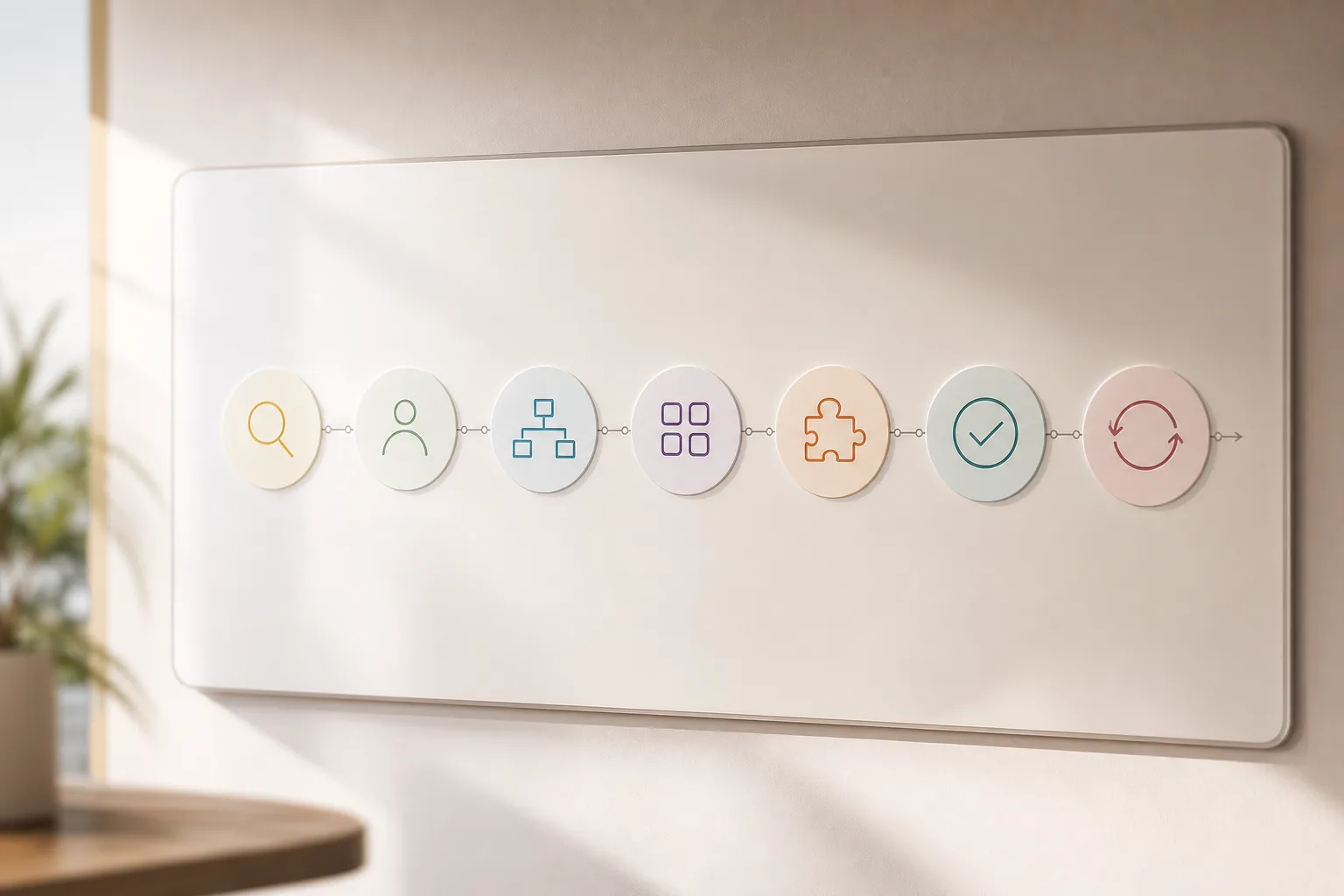
You don’t need to flip your stack on day one. You do need a clear, 7‑step plan tied to one revenue or cost metric. Here’s a battle‑tested path you can run in a mid‑market DTC brand.
Steps 1–3: Setup
-
Audit your current stack
List your storefront, payment gateway, support platform, email/SMS, ad platforms, CDP, and data warehouse. Note where customer IDs match and where they don’t. Flag rate limits and API gaps. If you need a primer, this overview of ai integration helps you think about data flow and model placement. -
Define one or two use cases
Pick goals you can measure in 30 days: cut first response time by 60 seconds, lift abandoned-cart recovery by 3 points, or reduce return‑related tickets by 20%. Keep scope tight. This is your pilot. -
Map data flows
Draw the events each use case needs: orders, carts, browsing, tickets, UTM tags, and refunds. Define how data moves to the CRM and back to channels. Document field names, update frequency, and who owns each sync.
Steps 4–7: Build and Scale
-
Choose your CRM + AI layer
Shortlist tools that meet your must‑haves: native ecommerce objects, strong REST APIs, and prebuilt connectors to your store and helpdesk. Then decide on the AI layer: native (inside the CRM) or external (an agent framework). For complex brands, look for “System integration with CRMs and analytics tools” and “AI/ML consulting to build roadmaps and implement solutions” from your services partner. -
Configure integrations
Connect your store, support tool, and email/SMS to the CRM. Enable the AI features needed for your pilot: predictive scores, NLP routing, or auto‑segmentation. Ensure “smooth integration services to fit AI solutions into existing systems” so you don’t break attribution or replying rights. -
Test with real order data
Run shadow mode for one week. Feed live orders and tickets into the AI features, but keep humans in the loop. Compare AI suggestions vs. human choices. Track precision/recall for intent detection and lift in cart recovery. -
Iterate and plan to scale
Ship the pilot to 10–20% of traffic. Review results and fix edge cases. If it works, plan “Scalability planning for long-term growth” with bulk imports, backfills, and model retraining cadence. Set SLOs for response time and throughput.
“Over 1,000 hours of testing data was used to explore OpenClaw’s capabilities.” — Internal testing note
Furthermore, don’t forget roles and rights. Assign an owner for the model, the data syncs, and the support macros. Without this, drift sets in fast.
Finally, run this plan with tight metrics. A small, clean pilot beats a vague “AI everywhere” rollout. This structure is key to making AI-powered CRM and business tool integration pay off inside one quarter.
Also Read!
Best AI CRM Integration Service for Ecommerce in 2026
How to Integrate AI with Your Healthcare CRM: A Step-by-Step Guide
5 Mistakes Ecommerce Teams Make with AI CRM Integration
Treating AI like a plug‑in is the surest way to burn time. Here are the five errors I see in DTC teams and how to avoid them.
-
Assuming “plug‑and‑play”
Adding an app won’t fix broken IDs or channel rules. Start with the data map and one use case, not a big bang AI-powered CRM and business tool integration across everything. -
Ignoring data hygiene
Messy order data (duplicate emails, mixed shipping/billing names) ruins predictions. Clean IDs, standardize country and currency fields, and dedupe lists before you train or score. Performance rises when inputs are sane. -
Skipping security basics
You’re moving PII across tools. Set “End-to-end encryption and role-based access controls for security.” Add “Security-focused setup including access control and encrypted communication.” Document who can view tokens and who can export data. -
Choosing tools without API flexibility
If your CRM can’t push scores back to your email tool or can’t read tickets in real time, your AI won’t act on insights. Ask for webhooks, bulk endpoints, and rate limits in writing. Then test them. -
Failing to train staff
Your team needs new habits: review AI drafts, approve replies, and flag misses for retraining. Set a weekly 30‑minute session. Moreover, measure “Performance optimization to ensure process efficiency” so the team sees results, not extra clicks.
“Reached 100,000 GitHub stars in under eight weeks.” — OpenClaw community
As a result, your launch runs safer and faster. With these five fixes, your AI CRM stops being a demo and starts being a daily tool.
Tools and Services for AI CRM Integration in Ecommerce
There’s no single right tool. Pick based on cost, complexity, and fit for your store size and channels. Here’s a quick, neutral view you can use in 2026.
| Option | Strengths | Cost Lens | Ecommerce Fit |
|---|---|---|---|
| Salesforce Einstein | Deep predictive features, mature ecosystem | Higher subscription + admin time | Suits complex catalogs and multi-region brands |
| HubSpot AI | Friendly UI, native content + chat | Mid-tier plans add AI features | Great for DTC teams with lean ops |
| Klaviyo (with CDP/AI) | Strong email/SMS with predictive segments | Pay by contacts and sends | Ideal if lifecycle marketing is your core |
| Zoho Zia | Broad suite, budget friendly | Lower subscription; time to configure | Good for small teams testing AI |
| GlobussoftAI OpenClaw Services | AI agent development, Multi-Agent Orchestration, custom workflows | Free core framework; typical VPS costs around $5/month | Strong for custom support bots and ops automation |
In practice, tools like GlobussoftAI OpenClaw Services add “AI agent development for customer support and process automation,” “Chatbots powered by Large Language Models for complex queries and human-like responses,” and “Custom development for workflow automation and AI-driven reporting.” If your use case needs a bespoke agent that coordinates tasks across channels, their “Multi-Agent Orchestration” helps you go beyond templates.
However, don’t pick a platform on a demo alone. Score each option on three items: does it connect cleanly to your store and helpdesk, can it write back predictions to channels, and do you have in‑house admins to keep it current? Keep this section tied to your pilot, not a five‑year wish list.
Finally, remember to test with your own orders, tickets, and refund rules. That’s the only way to know if your AI-powered CRM and business tool integration will hold up on peak days.
What to Do Next: Your First 30 Days
Start with one clear goal and a tight loop. Here’s a plan you can run now.
-
Week 1 — Audit and brief
Inventory your stack, map IDs, and select one use case such as abandoned cart prediction or support automation. Draft success metrics and guardrails. If you need a hands-on view of bots, skim this guide on AI-powered chatbot. -
Week 2 — Shortlist and decide
Shortlist 2–3 platforms and 1 services partner. Confirm APIs, data syncs, and pricing. Ask for “Professional deployment and installation” and “Managed AI Operations” so you’re not stuck on day three. -
Week 3 — Pilot build
Connect store, support, and messaging. Turn on predictive scores or NLP routing. Run shadow mode on 100 orders and 50 tickets. Fix edge cases and prepare customer‑safe copy. -
Week 4 — Launch and review
Ship to 10–20% of traffic. Track response time, revenue lift, and cost per ticket. Hold a 60‑minute review. Decide to scale, adjust, or stop. If you’re weighing options, this neutral overview for SMBs can help: Best AI CRM Integration Service for Small Businesses in 2026.
By sticking to one use case, clear data flows, and weekly reviews, you’ll see if your AI-powered CRM and business tool integration is producing real value or just noise.
Key Takeaways
- Start with one use case tied to a 30‑day metric, not a broad rollout.
- Map data flows before tool choice; broken IDs kill predictions.
- Pick tools with strong APIs and real write‑backs to channels.
- Secure PII with encryption and roles from day one.
- Pilot on 10–20% of traffic, then scale with a retraining plan.
What to Do This Week
Pick your pilot: either abandoned cart prediction or NLP-driven support routing. Map the data you need, shortlist two tools, and set a 30‑minute weekly review. If you want a second set of eyes on your stack and plan, book a no‑pressure call and leave with a 30‑day checklist you can run with your team.




