

Businesses with AI reporting can reduce operational costs up to 40% and achieve a 30% productivity lift. If you are looking for AI-powered CRM and business tool integration in 2026, pick HubSpot AI for the fastest setup and polished UX; choose OpenClaw if you need full data control, deep customization, and the lowest cost at scale.
However, this call is not just about features. It hinges on your stack, your team’s skills, and how you treat customer data. Moreover, Shopify stores care about native plugins and sales channel sync. OpenClaw’s open-source agents shine on custom logic and self-hosted security. HubSpot wins the “no-code” race with excellent onboarding and clean flows.
In short, both can help you sell more and support customers better. The trade-off is control and cost versus ease and speed. You’ll see below where each one leads and where it lags.
What Ecommerce Businesses Actually Need from AI CRM Integration
Ecommerce teams need more than an inbox bot. They need a stack that links orders, tickets, ads, and chat into one customer view. They also need models that score buyers well and workflows that act on those signals. Therefore, our evaluation centers on how each product handles the grind of daily sales and support, not just demos.
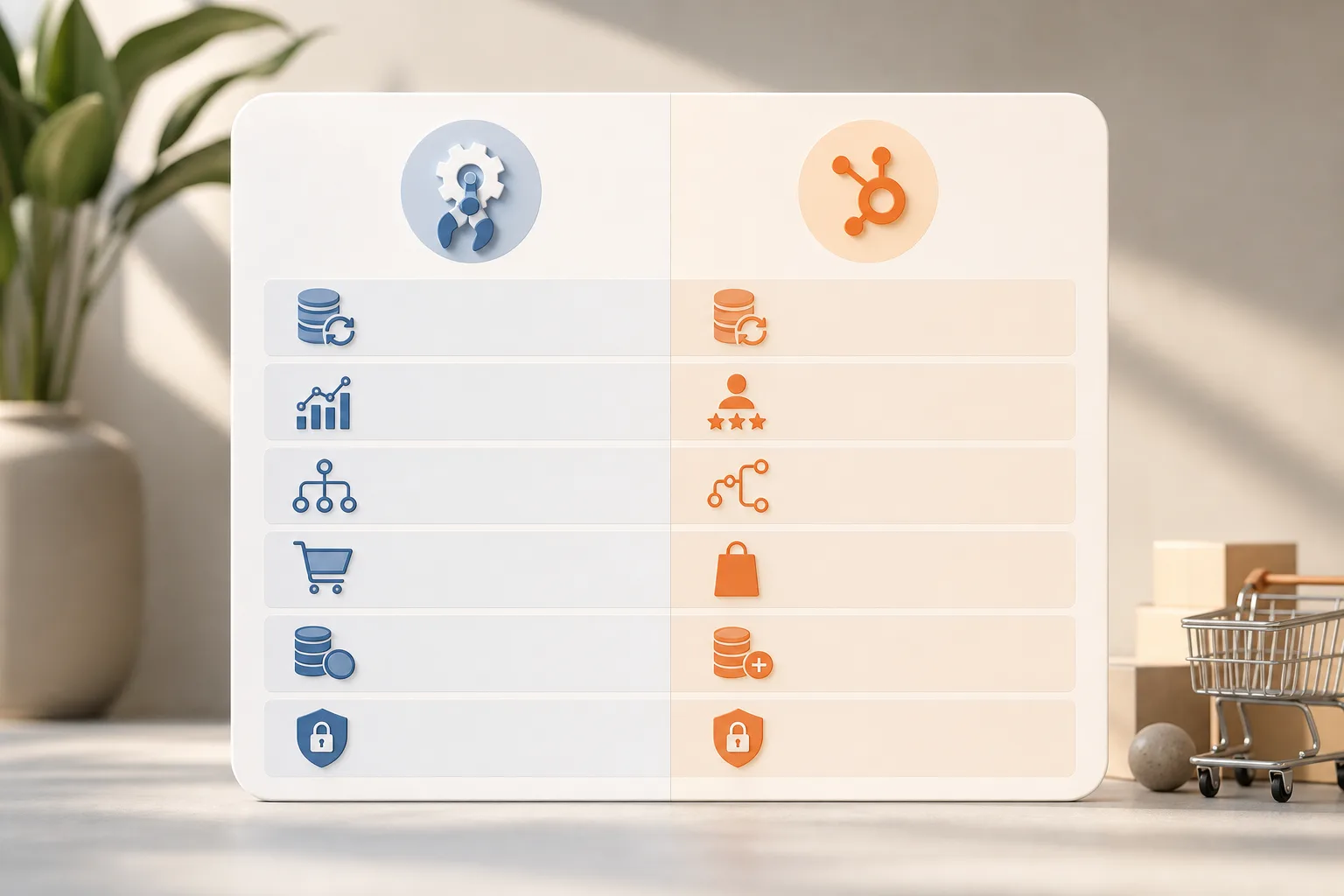
Specifically, we score six areas: multi-channel data sync, predictive customer scoring, automation depth, ecommerce platform fit, cost at scale, and data ownership/security. Furthermore, we reference predictive analytics platforms, system integration with CRMs and analytics tools, and end-to-end encryption with role-based access controls. Together, those show whether your AI will be smart, fast, and safe.
Moreover, a strong setup should use your store data in real time and reduce manual steps. For example, a buyer’s “at risk” score should trigger an email, a WhatsApp follow-up, and a Slack alert. As a result, abandoned carts drop and LTV rises. If the system takes months to connect channels, your team will not use it.
How we’ll score AI-powered CRM and business tool integration
- Multi-channel data sync: Orders, chats, ads, email, and support tickets move into one timeline with minimal lag.
- Predictive customer scoring: Models rank churn/upsell with clear inputs and human-readable reasons.
- Automation depth: Triggers a branch by score, SKU, channel, and stock, not just basic “if email opened."
- Ecommerce platform fit: Native connectors and webhooks for Shopify/WooCommerce without glue code.
- Cost at scale: Total ownership cost at 10K, 50K, and 100K contacts stays sane relative to ROI.
- Data ownership/security: Encryption, RBAC, and the option to self-host critical data to match GDPR.
For security standards, map your controls to GDPR Article 5 principles. Therefore, insist on clear data flows, access logs, and deletion paths.
GlobussoftAI OpenClaw: Strengths and Weaknesses for Ecommerce
OpenClaw is an open-source AI agent framework that you can self-host. As a result, you keep raw customer data on your servers and set your own access rules. The core is free, and a small VPS (about $5/month) usually covers it; total costs are usually under $10/month even with AI model usage. In 2026, that price gap versus SaaS CRMs is hard to ignore.
Moreover, OpenClaw supports multi-agent orchestration. You can split work across agents for scoring, support drafting, and report building. Then the system pushes actions through WhatsApp, Telegram, or email. With custom development, you can add workflow automation and AI-driven reporting that mirror your unique SKU mix and refund logic. According to project stats, OpenClaw reached 100,000 GitHub stars in under eight weeks, which signals broad developer interest.
However, there are real trade-offs. Setup requires technical skill, CI/CD, and ongoing checks. There’s no native Shopify plugin today, so you’ll wire webhooks and APIs by hand. In addition, the community is smaller than large CRM ecosystems, so you’ll write or adapt integrations yourself. If your team is not technical, you’ll need a partner.
AI CRM integration notes for OpenClaw
OpenClaw shines when you value data ownership, encryption, and fine-grained roles. It also excels for teams that want to train domain-specific models on their own data. If you want a guided path, see the GlobussoftAI page on OpenClaw AI integration. For AI-powered CRM and business tool integration that fits a strict security model, self-hosting reduces third-party exposure and helps align with your risk policy.
HubSpot AI: Strengths and Weaknesses for Ecommerce
HubSpot’s AI features sit inside a polished UI that many teams love. Onboarding is clear, fields are tidy, and reports feel “done” on day one. For e-commerce, native Shopify and WooCommerce integrations speed up your first sync and get your catalog, orders, and contacts in place without scripts. Therefore, non-technical teams ship faster.
Furthermore, HubSpot’s no-code flows help you build nurture and service paths with clicks, not code. The app marketplace is huge and well-documented. As a result, you can add reviews, loyalty, and returns tools that line up with your store today. Support content is deep, and there are many certified partners if you need help.
On the other hand, cost grows at scale. The free tier is limited. Pro starts at $800/month, and Enterprise is $3,600/month.
Your data also lives on HubSpot servers, which means vendor lock-in and less control over raw storage and routing. In addition, AI customization is tighter than an open-source agent stack. If you need a custom pipeline and model training on your own infra, this can be a hard limit.
AI CRM integration notes for HubSpot AI
If you prize speed and clean UX, HubSpot is hard to beat. It covers “day one” jobs with less friction than most stacks. For a staged plan that pairs with SaaS, the GlobussoftAI primer on AI integration explains how to thread AI into your current tools without breaking workflows. For AI-powered CRM and business tool integration that must launch this quarter, HubSpot’s native ecommerce plugins reduce risk.
Also Read!
How to Choose and Integrate an AI CRM for Your Ecommerce Store
Feature-by-Feature Comparison: OpenClaw vs HubSpot AI for Online Stores
Both tools aim to score customers, automate outreach, and answer chat. However, their paths differ. OpenClaw favors open-source agents, self-hosting, and programmable workflows. HubSpot favors guided setup, built-in analytics, and a strong app market. Therefore, the “winner” depends on your team and risk posture.
Moreover, we compare six dimensions that shape results. We call a winner per row based on control, breadth, and fit for ecommerce. For AI-powered CRM and business tool integration, pay close attention to the security model and e-commerce plugins, since those drive real-world uptime and compliance.
| Dimension | OpenClaw (Self-Hosted Agents) | HubSpot AI (SaaS CRM) | Winner |
|---|---|---|---|
| Predictive analytics | Programmable models and predictive analytics platforms; fine-tune on your domain data | Built-in scoring, strong defaults; less model-level customization | Tie |
| Chatbot/NLP | LLM chatbots for complex queries; AI agent development for support and process automation | Guided chatflows inside CRM; quick to ship but harder to re-architect | OpenClaw |
| Workflow automation | Runs autonomous workflows on a self-hosted server; plain-English cron; multi-agent orchestration | No-code flows with polished UI; big library of actions | HubSpot |
| Channel coverage | Instructions execution through WhatsApp, Telegram, and email | Strong email and live chat; adds channels via marketplace apps | OpenClaw |
| Security model | End-to-end encryption, role-based access controls, self-hosted data ownership | Vendor-managed security; data on HubSpot servers | OpenClaw |
| Ecommerce integrations | No native Shopify plugin; custom integration required | Native Shopify/WooCommerce connectors and large ecosystem | HubSpot |

Furthermore, if your team needs WhatsApp support or Telegram bots tied to order data, OpenClaw’s agent routing is a clear edge. If you want one login and prebuilt ecommerce fields, HubSpot’s native plugins save weeks. As a result, small teams often start with HubSpot, while technical teams push OpenClaw further.
Pricing Comparison: True Cost of AI CRM Integration at Ecommerce Scale
OpenClaw’s core is free. A typical VPS costs around $5/month, with total costs usually under $10/month including AI model usage. Therefore, at 10K, 50K, or 100K contacts, infra spend stays flat. Your main “cost” is engineering time, plus any paid model API use.
HubSpot offers a limited free tier. Pro starts from $800/month, and Enterprise is $3,600/month. As contacts grow, you should expect add-ons and quota-based pricing. However, the real benefit is speed to value: you launch faster and spend less time on setup.
For a plain view across contact tiers:
| Contacts | OpenClaw Estimated Platform Cost | HubSpot AI License (Base) |
|---|---|---|
| 10,000 | Under $10/month + AI API usage | From $800/month (Pro) |
| 50,000 | Under $10/month + AI API usage | $800–$3,600/month (plan bound) |
| 100,000 | Under $10/month + AI API usage | From $3,600/month (Enterprise) |
As a social proof datapoint, businesses adopting AI services report up to a 40% reduction in operational costs and a 30% increase in productivity. Therefore, even with SaaS license fees, a well-tuned stack can pay for itself fast. For a small-store angle, see the GlobussoftAI SMB buyer’s guide.
Verdict: Which AI CRM Integration Wins for Ecommerce in 2026?
OpenClaw wins on cost, customization depth, and data ownership. You can self-host, enforce encryption and role-based access controls, and orchestrate multi-agent workflows that mirror your store logic. Therefore, if you want to tune models on your data and keep raw logs in your VPC, OpenClaw is the clear pick.
HubSpot wins on ease of setup and native ecommerce plugins. The UX is polished, the workflows are simple to build, and Shopify/WooCommerce sync is fast. As a result, you move from zero to live campaigns in days, not weeks. If your top risk is time-to-value, HubSpot is the safer start.
Moreover, your stage and team skills should guide the call. Early-stage or lean teams can start in HubSpot, then add custom agents later. Technical teams with a strong DevOps culture can jump to OpenClaw on day one. For AI-powered CRM and business tool integration that must meet strict security rules, self-hosting helps you reduce third-party exposure. For a chatbot-first rollout, you can also pair OpenClaw agents with HubSpot contacts; see GlobussoftAI’s guide on how to use an AI-powered chatbot for service and sales.
Quick decision guide
- Choose OpenClaw if you need low cost at 50K–100K contacts, self-hosted data, and programmable, multi-agent automation.
- Choose HubSpot if you need fast launch, native Shopify/WooCommerce plugins, and a clean no-code UI your team will use.
- Consider a hybrid if you need HubSpot’s UI today and OpenClaw agents as a sidecar for custom scoring, WhatsApp flows, or security-first workloads.
Finally, plan for growth. Build a roadmap that includes scalability planning, smooth integration services, and Managed AI Operations, so your stack keeps pace with sales. Map access by role, encrypt data in transit and at rest, and review flows against GDPR principles each quarter. That way, your 2026 stack will stay fast, safe, and ready for the next campaign.




