

Thirty minutes of careful setup can save dozens of hours of inbox work each month. The fastest way to do that in 2026 is to stand up a focused chatbot that knows your business and routes work to the right place. A custom AI chatbot builder lets you do this with practical steps, not a giant IT project.
Here’s the short answer you came for: start small with one job (like answering your top 20 questions), choose one channel your customers already use, plug in your real answers, and test with five real users before launch. Then expand.
However, not all bots are equal. Template bots feel cheap because they repeat scripts. Custom bots feel helpful because they draw from your data and act on it. Moreover, businesses that add AI services report up to a 40% drop in operating costs and a 30% lift in productivity. That’s not hype; that’s the payoff of putting your best knowledge in front of your customers 24/7 and wiring it to simple actions like booking and lead capture.
As you read, I’ll guide you like I would on a call. You’ll see where to spend $5, where to save $500, and how to avoid the five traps that stall small projects.
 feeding into a central AI chatbot engine, which connects to website chat, WhatsApp, and email; include labeled steps and simple icons; white background, brand-neutral colors)
What a Custom AI Chatbot Actually Does for a Small Business
A custom bot is not a script. It uses your policies, prices, and process notes to give clear answers and trigger actions. Template bots, by contrast, follow if-this-then-that rules and break the moment a user asks a new question.
Specifically, modern bots rely on Large Language Models (LLMs) to parse questions and respond in plain language. If you want a primer on how LLMs work, see this overview: Large language model. With the right guardrails, they can answer complex queries, hand off to a human, and log key details to your CRM.
Common, High-ROI Use Cases
- Customer support: answer order status, return policy, and “how do I…” questions.
- Lead qualification: ask 3-5 questions, score the lead, and book a call if there’s a fit.
- Appointment booking: check slots, confirm details, and send reminders.
- FAQ handling: pull from your real docs; stop copy-paste replies.
For cost and benefit, think like this: you can host the core on a small VPS for about $5/month. With careful model use, total monthly costs often stay under $10. Meanwhile, businesses that add AI services have seen up to a 40% reduction in operational costs and a 30% increase in productivity. Those gains come from deflecting repeat tickets, faster triage, and fewer no-show appointments.
Why “Custom” Beats Templates
- Your answers match your tone, refund rules, and real stock, not generic text.
- Your bot can act: create a ticket, email a quote, or book a slot.
- Your data stays in your control with proper access rules and encryption.
As a mentor note: start with one use case where a clear, accurate reply saves five minutes or more. You’ll see results in days, not months. And yes, a custom AI chatbot builder can be overkill for “hello!” pop-ups; it shines when real answers and simple actions matter.
Also Read!
OpenClaw vs Tidio for Small Businesses: Which Is Better for Custom AI Chatbot Building?
Step-by-Step: Building Your First Custom AI Chatbot
You don’t need to be technical to lead this. You do need to make a few choices, in order. Follow these seven steps.
-
Define scope and goals
Write one sentence you can measure: “Reduce ‘Where is my order?’ tickets by 60% in four weeks,” or “Book 15 qualified demos per month.” Then list the top 20 questions tied to that goal. Keep it narrow. -
Choose self-hosted vs.
- Self-hosted gives control and low cost (a VPS around $5/month, total under $10 with model usage).
- SaaS gives speed and less setup but higher monthly fees.
Pick based on your need for data control, budget, and team skills. If you want end-to-end control or work with sensitive data, self-hosted is the safer bet.
- Prepare your knowledge base
Gather your best answers: policies, how-tos, price sheets, and key emails. Clean them. Remove out-of-date lines.
Mark “source of truth” docs. Add short, direct answers up top and details below. This step prevents 80% of bad replies.
Build and Configure
-
Select an LLM and guardrails
Choose a model sized for your tasks. Add system prompts (“You are a support agent for…”) and retrieval from your curated docs. Set limits: banned topics, max answer length, and a “handoff to human” rule when low confidence hits. -
Configure channels
Meet customers where they are. Start with your website widget or a single mobile app. For reach, bots can run instructions through WhatsApp, Telegram, and email. Keep it to one channel for your first launch to keep noise low. -
Test with real queries
Use 50 real messages from last month. Score each answer Good/OK/Bad with short notes. Fix bad cases by refining prompts, adding missing answers, or tightening fallback rules. Structure your test cases in a clear tree (by topic → subtopic) to cut debug time in half and make results repeatable. -
Deploy and monitor
Ship to one page or one audience segment. Track deflection rate, lead quality, and handoff time. Review logs twice a week for two weeks. Improve answers, then expand to your next use case.
Practical Integrations That Matter
- CRM and analytics: push lead scores, tags, and source data so sales can act.
- Bookings: connect to your calendar with rules for time zones and buffers.
- Security: enforce role-based access and end-to-end encryption for data in transit.
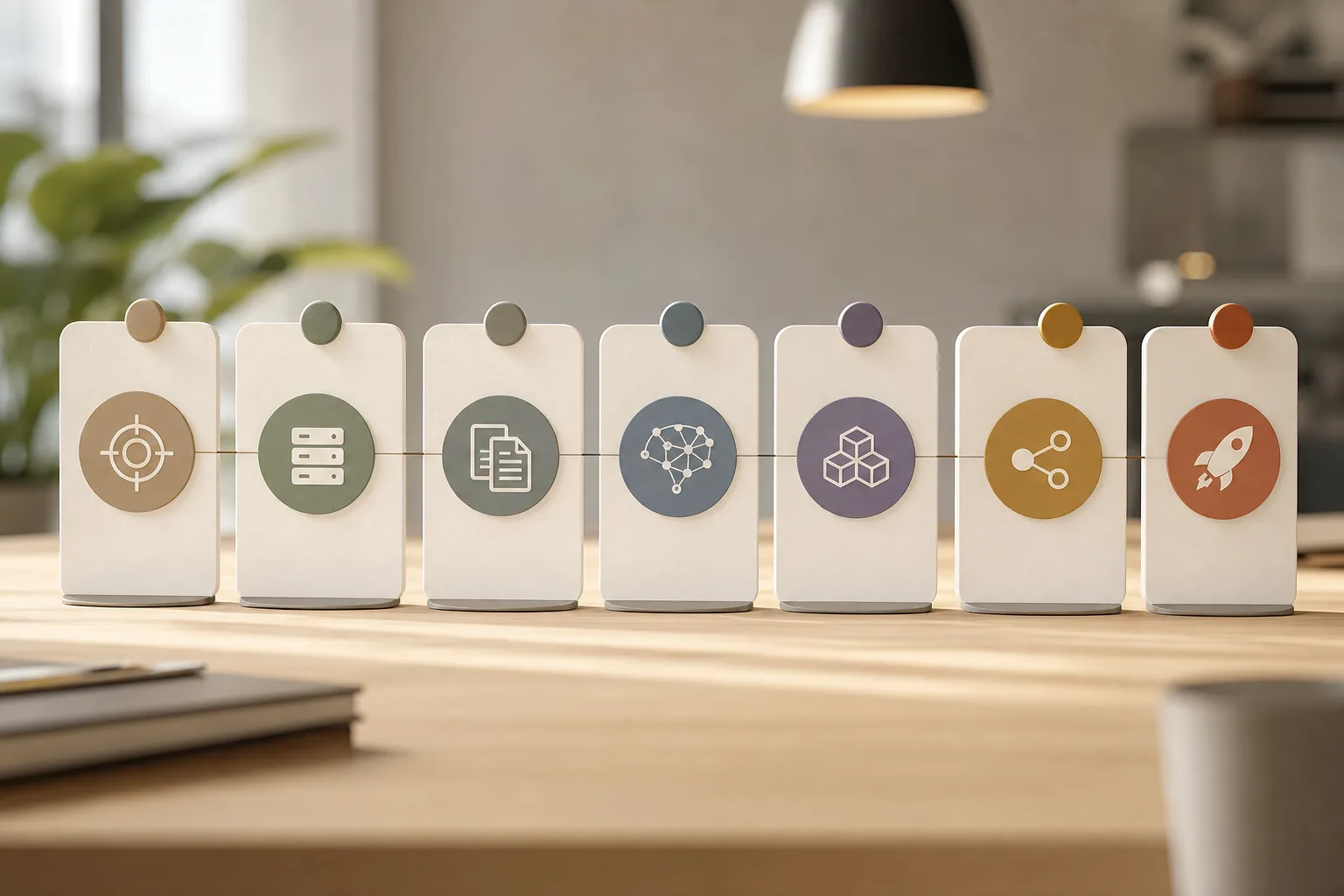 , testing, monitoring; simple, friendly style)
“Ship a thin slice. Measure. Improve. Then expand.” That cadence beats big-bang rollouts every time.
As you grow, you can add model fine-tuning on your domain data and even multi-agent handoffs (e.g., one agent for billing questions, another for product fit). If you want hands-on help building the roadmap, this guide on custom AI agent development shows how teams structure multi-agent workflows without bloat.
5 Mistakes Small Businesses Make with AI Chatbots
Small teams get stuck for the same five reasons. You can skip them all with a bit of planning.
-
Over-automating without a human fallback
A bot that insists on finishing every task will frustrate people. Instead, set a clear rule: if confidence is low or a user asks twice, hand off. Add a “Talk to a person” button visible at all times. Measure handoff time. -
Skipping knowledge base curation
Garbage in, garbage out. If your policy doc is from 2022, the bot will repeat it. Fix this by setting one “source of truth” per topic, with short answers first and links to detail. Review these sources monthly. Assign an owner. -
Ignoring channel fit
Your audience may not want a desktop widget. For retail, SMS or WhatsApp replies feel more natural. For B2B, email triage may win.
Test Before Launch
Choose one start channel where your users already talk to you. Then expand. For ideas, see this walkthrough on building an AI-powered chatbot.
-
No testing before launch
Don’t “hope” your bot will help. Test 50 real messages from last month. Organize test cases in a simple tree by topic so you can see gaps fast and fix them. Keep environmental parity between test and prod so results match. -
Choosing complexity over fit
Fancy features don’t pay the bills if they don’t solve your use case. Start with one clear task and stable infrastructure. Plan for growth, but don’t buy it on day one. Create a light scalability plan (peak load, concurrent sessions, failure injection) you can grow into rather than chase now.
Security Isn’t Optional
Protect your users and your team. Use a security-focused setup with access control, audit logs, and encrypted communication. Keep secrets in a vault, not in prompts.
Review permissions quarterly. Finally, write down who can deploy and who can change prompts. That simple list prevents nasty surprises.
Also Read!
Tools and Platforms Worth Evaluating
You have three broad paths: no-code SaaS tools, open-source frameworks, and managed deployment services. Choose based on control, cost, and the skills you have today.
No-Code SaaS (Tidio, Chatfuel)
If you want speed and a visual builder, these are good starts. You’ll get prebuilt flows, channel widgets, and basic integrations. You’ll also pay more per month as usage grows and have less control over data routing.
Open-Source Frameworks (Rasa, Botpress)
These give you full control and on-prem options. You can run them on your own server, wire them to your CRM, and tune prompts. You’ll need some technical help to keep them healthy. The upside is lower run costs and more privacy.
Managed Deployment (GlobussoftAI OpenClaw Services)
Tools like GlobussoftAI OpenClaw Services balance control with expert help. The core framework is free, a typical VPS costs about $5/month, and total costs are usually under $10/month with model usage. You get professional deployment and installation, system integration with CRMs and analytics tools, custom workflow development, and security features like end-to-end encryption and role-based access controls. For teams eyeing future complexity, OpenClaw also supports multi-agent orchestration and runs autonomous workflows on a self-hosted server.
| Category | Examples | Typical Cost | Control | Skill Needed | Notable Notes |
|---|---|---|---|---|---|
| No-code SaaS | Tidio, Chatfuel | Medium to high monthly | Low to medium | Low | Fast to ship; less data control |
| Open-source | Rasa, Botpress | Low infra costs | High | Medium to high | Runs on your server; more setup |
| Managed deployment | GlobussoftAI OpenClaw Services | Low infra + service fees | High | Low to medium | Pro setup, strong security, CRM-ready |
As social proof, OpenClaw’s community reached 100,000 GitHub stars in under eight weeks and logged over 1,000 hours of testing to explore what the framework can do. If you sell online, this primer on an AI chatbot for e-commerce shows how stores turn chat into real revenue with clear flows and product data.

What to Do This Week to Get Started
You can make real progress in five days without pausing your business.
- Day 1: List your top 20 customer questions from email, chat, and calls. Copy exact wording. Mark the 5 that would save the most time if answered well.
- Day 2: Write short, plain answers to those 5. Add source links for details. Store them in a single doc named “Bot Answers – Source of Truth.
- Day 3: Pick one channel (website chat or WhatsApp) and one free or low-cost tool to trial. Keep it simple. Limit scope to those 5 answers.
- Day 4: Test with 10 real queries. Fix any wrong answers by editing your source doc or prompt. Add a clear “Talk to a person” path.
- Day 5: Deploy to one page or one customer segment for two weeks. Track deflection rate, handoffs, and any sales booked.
If you want a partner to set the roadmap and tune performance for speed and accuracy, GlobussoftAI offers AI/ML consulting to build roadmaps and implement solutions, plus performance improvements to ensure process efficiency over time. Start small. Then scale with data.

Key Takeaways
- Start with one clear job and one channel; test with real messages before launch.
- A custom AI chatbot builder pays off when it uses your clean, “source of truth” answers.
- Self-hosting can cost about $5/month for a VPS, with total costs under $10/month including model usage.
- Bake in security from day one: encryption, access control, and audit trails.
- Plan for growth with confidence checks: test cases, monitoring, and a human fallback.
Finally, if your team works in healthcare or fintech and needs domain-specific examples, these guides on building for care teams and finance workflows are worth a look: How to Build a Custom AI Chatbot for Your Healthcare Organization and How to Build a Custom AI Chatbot for Your Fintech Company.
As a last note for 2026: AI is ready for small, focused wins. Keep it scoped, keep it tested, and keep your users’ trust front and center.




