

The right custom ai chatbot builder gets you there without a $29-per-seat bill or vendor lock‑in. In 2026, the best choice lets you run your bot on your own low-cost server, plug into WhatsApp and email, and train it on your processes without writing code.
Here’s the answer up front: for small businesses that want control, low monthly costs (under $10), and real results, a self-hosted, open-source builder with LLM smarts is the sweet spot. You keep your data, avoid surprise fees, and still get the polish that customers expect. The rest of this guide shows what to look for, how it stacks up against SaaS tools, and how to launch in days, not months.
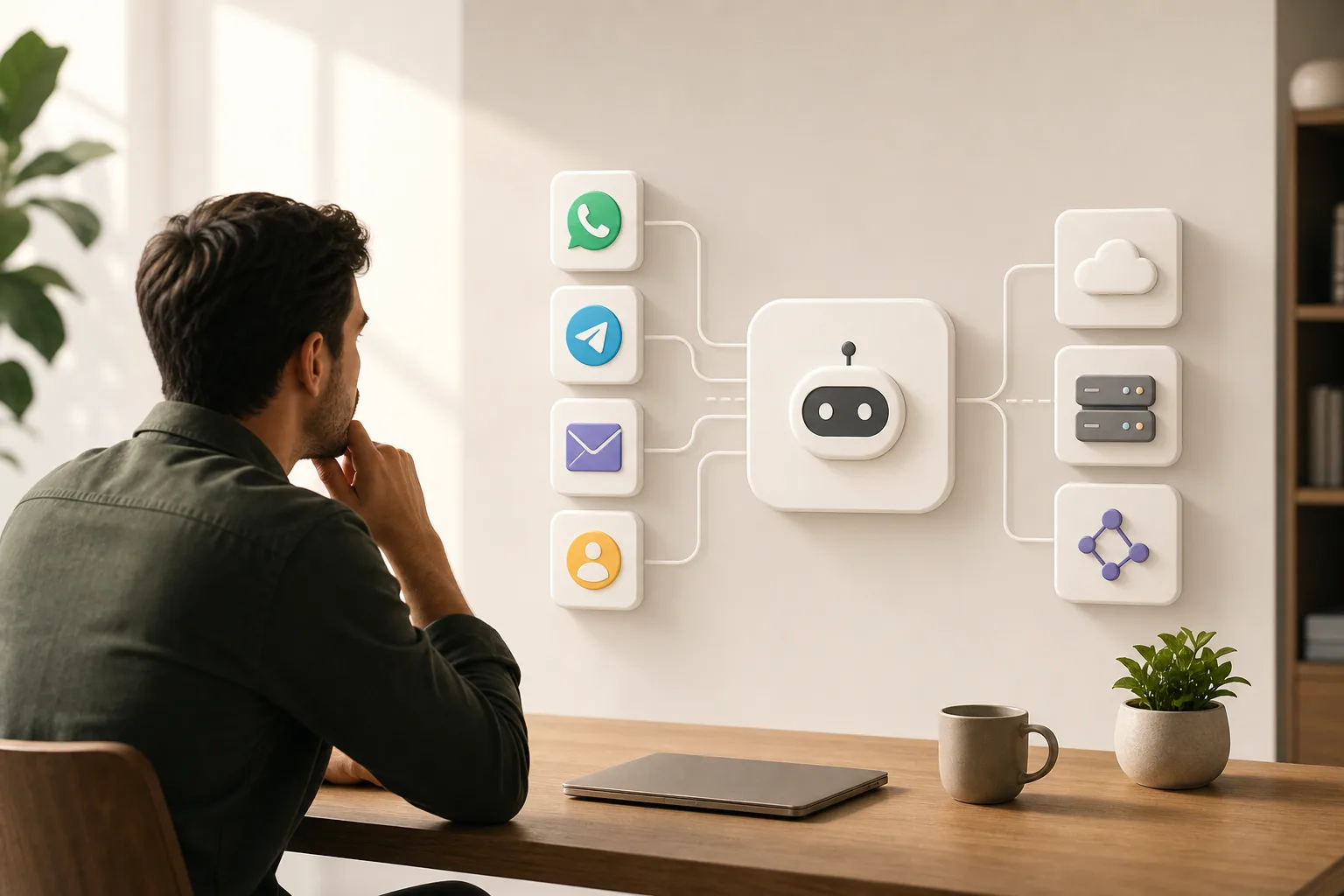
Why Small Businesses Struggle with AI Chatbots
High software costs are the first roadblock. Entry plans that look friendly at $29 per month rise fast once you add team seats, contacts, or extra channels. By month three, your “trial bot” costs more than your phone line. For owners who watch every dollar, that stings.
Then there’s the “template trap.” Many chatbots ship as cookie-cutter flows built for generic FAQs. Your workflows are not generic. You might need to route WhatsApp leads to a niche CRM, pull repair-slot data from a Google Sheet at 5 p.m., or send a voice reminder to a field tech. Pre-set paths break on details like these, and the fixes aren’t cheap.
Vendor lock-in makes it worse. You train the bot, tag leads, and build automation, inside a closed tool. If you try to leave, exports are patchy, or you lose your bot’s memory. Your processes now depend on a vendor’s pricing and roadmap, not your needs.
Privacy concerns are real, too. Customers share phone numbers, invoices, and medical or finance questions. You need clear data control. If your bot runs only on a third-party server, you can’t fully say where messages live or who can see them. That risk slows adoption or, worse, forces you to skip AI where it would help most.
Finally, you may not have a full-time technical team. You want real results without hiring a machine learning engineer. Most tools expect you to design logic, wire webhooks, and debug API errors. The promise of “no code” fades when you try to add custom steps outside the preset blocks.
- Rising SaaS bills: add-ons push a $29 plan past $100 by quarter’s end.
- Generic bots: narrow funnels fail on niche tasks like parts lookups or claim checks.
- Lock-in risk: your trained data and flows stay trapped.
- Data safety: you can’t verify storage or access on a vendor cloud.
- Thin staffing: no time for dev-only builds or brittle integrations.
As a result, you hold off. Or you stick with a basic FAQ bot that doesn’t reduce tickets or close sales. Either way, you pay in lost time, missed leads, and staff burnout. A better path exists: keep control, keep costs low, and match the bot to your workflow, not the other way around.
What to Look for in a Custom AI Chatbot Builder
Start with language skills. Large Language Model (LLM) tech lets your bot understand messy, real questions and reply in plain words. It should handle context, switch topics, and pull details from your docs or CRM as needed. In short, it should talk like a helpful teammate, not a phone tree.
Next, check channels. Your customers message you where they live. WhatsApp, Telegram, and email. A strong builder connects to all three, so you answer from one brain. For support, sales, and scheduling, one trained bot across channels cuts time and avoids mixed messages.
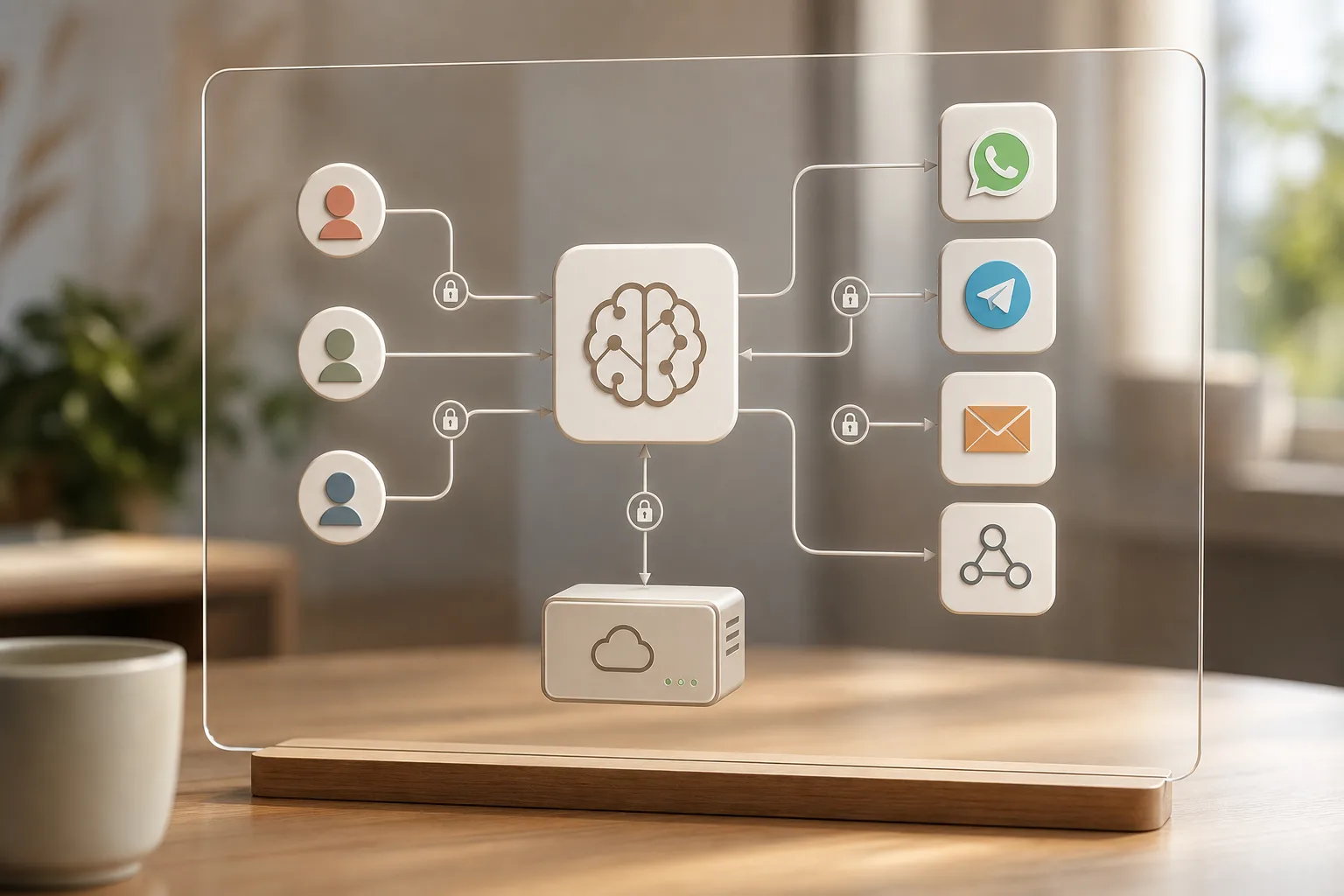
Data control matters. A self-hosted option on a small VPS (about $5/month) means your messages and logs sit on your server, under your rules. That helps you meet privacy duties and answer tough questions from clients. For reference, the GDPR (EU Regulation 2016/679) calls for clear legal bases and safeguards for personal data, self-hosting gives you better audit and access control.
Integration is the bridge to value. Look for native or service-backed links to your CRM, analytics, and calendars. The builder should pass tags, notes, and revenue data both ways. That is how your bot stops being a cost and starts being a revenue engine. If you sell online, you can get channel-specific tactics in this guide on an ai chatbot for e-commerce.
Ease of setup is key. You want no-code or low-code controls, so non-technical staff can change prompts, rules, and replies. Clear logs and a simple “what changed” history help you keep quality high without a dev ticket queue.
Costs should scale with value, not with contacts. Avoid per-seat and per-contact traps. The best structure here is simple: free core framework, low server cost, and model usage that fits your volume. Under $10/month all-in is realistic for many small shops with modest traffic.
Quick Buyer Checklist
- LLM-powered replies with context retention
- Multi-channel: WhatsApp, Telegram, and email
- CRM and analytics integration you already use
- Self-hosted option for data control and compliance
- Under $10/month in steady-state usage
- No-code/low-code changes in minutes, not sprints
- Clear logs, fallback rules, and safe handoff to humans
For deeper, niche examples, you can study our sector guides: a step-by-step on custom ai agent development, plus finance-focused comparisons in GlobussoftAI OpenClaw vs Botpress for Fintech: Which Is Better for Custom AI Chatbot Building?.
Also Read!
How GlobussoftAI OpenClaw Delivers Custom Chatbots for Small Businesses
OpenClaw is an open-source AI agent framework that small teams can run on a low-cost VPS. The core is free. A typical VPS costs about $5 per month, and combined with AI model usage, total operating costs are usually under $10 per month. That pricing means you can pilot, learn, and scale without seeing a spike in your monthly bill.
At the heart of OpenClaw are LLM-powered responses. Your bot can parse multi-part questions, follow up for missing details, and act on instructions. For example, you can tell it by message, “Pull last week’s paid orders and email a summary,” and it runs the steps. It’s not just a Q&A tool, it’s an agent that does work.
Channels are built in. You can run instructions through WhatsApp, Telegram, and email. That means staff can guide the bot, and customers can reach it, without new apps. A service tech in the field can send a Telegram command to get the day’s job list. A manager can forward an email thread and ask the bot to draft a polite reply.
Integration comes ready for business. OpenClaw connects with CRMs and analytics tools, so leads and support events sync to the system you already trust. Tags, notes, and attributions flow both ways. With these links, you can see how the bot drives revenue or reduces ticket time, data you can report on.
OpenClaw also handles real-world tasks. It supports email management via a single WhatsApp instruction, GitHub status reports via Telegram, plain-English cron setup for scheduled jobs, and proactive reminders when context suggests follow-ups. These workflows turn AI from a chat toy into a steady co-worker.
Multi-Agent Orchestration and Voice
Some workflows need more than one skill. OpenClaw supports multi-agent orchestration, so a “router” bot can pass a task to a “research” bot or a “billing” bot. The result is faster answers and fewer dead ends. In addition, Voice & Conversational AI let you offer phone or voice-based help for customers who prefer to talk, not type.
Case Study: Service Company Reduced Support Work by 65%
Industry:
HVAC Services
Challenge:
Manual appointment handling
Solution:
OpenClaw WhatsApp Agent
Result:
- 65% fewer repetitive inquiries
- 10 hours saved weekly
- Faster response times
OpenClaw has been hardened with over 1,000 hours of testing data, designed to handle high-volume loads and concurrent sessions without breaking. It includes role-based access controls and encrypted communication to keep admin and user roles clean and safe. For a budget-conscious owner, that means you get features you’d expect from an enterprise build, without the enterprise invoice.
Moreover, all of this fits a small team’s reality: no heavy dev lift to change a prompt, no per-seat fees when your staff grows, and no lock-in when you want to move. If you need help, GlobussoftAI provides professional deployment, integration, and Managed AI Operations so you can focus on outcomes, not plumbing. For small businesses in 2026, that’s the mix that wins: low ongoing cost, control, and a builder that adapts to your process.
Also Read!
Best Predictive Analytics AI Tool for Ecommerce in 2026
How to Choose the Best Predictive Analytics AI Tool for Ecommerce
OpenClaw vs. Tidio and ManyChat: How They Compare for Small Business Chatbots
Choosing a custom ai chatbot builder means weighing control and cost against speed and convenience. OpenClaw is self-hosted and open-source, with total costs usually under $10/month including model usage. Tidio is a SaaS tool that starts at $29+/month. ManyChat focuses on marketing and charges by contacts, not just features. Each choice has a place; here is a clear view for small teams.
| Feature | OpenClaw (Self-Hosted, Open-Source) | Tidio (SaaS) | ManyChat (SaaS, Marketing-Focused) |
|---|---|---|---|
| Hosting & Data | Your VPS; full data control | Vendor cloud | Vendor cloud |
| Price Model | Free core; VPS ~$5/mo; total <$10/mo | $29+/mo plans | Per-contact pricing; can rise with list growth |
| Custom Logic | Full customization; code and low-code | Limited custom flows | Strong marketing flows; limited custom ops logic |
| Channels | WhatsApp, Telegram, Email | Web chat, social; add-ons vary | Social and messaging; strong promos |
| CRM Integration | System integration with CRMs and analytics tools | Built-in options; vendor-bound | Built-in options; vendor-bound |
| Security | End-to-end encryption; role-based access controls | Vendor-side controls | Vendor-side controls |
| Vendor Lock-In | None; self-hosted | High; data and flows in vendor | High; data and flows in vendor |
| Voice AI | Supported | Varies by add-on | Limited for phone-style voice |
| Multi-Agent | Supported orchestration | Not primary focus | Not primary focus |
Unlike Tidio, OpenClaw does not charge per seat or per add-on channel. You host it, and your costs are predictable. Compared to ManyChat, which shines for broadcast promos, OpenClaw excels in custom workflows and back-office automation, areas where fixed flows hit walls.
Fair trade-offs matter. SaaS tools can be faster on day one. If you only need a web chat bubble and simple autoresponses, Tidio or ManyChat may be enough. But if you care about data control, encryption with role-based access, and deep customization, without a recurring fee spike. OpenClaw is a better long-term fit.
Moreover, a self-hosted stack makes audits and compliance reviews simpler. When clients or partners ask where data lives, you have a clear answer: on your VPS, under your authentication and access rules. That peace of mind is hard to price.

Trust, Security, and Proven Results
Trust comes from transparency, testing, and community traction. OpenClaw reached 100,000 GitHub stars in under eight weeks, a signal that developers and operators value the approach and contribute to its growth. For a small business owner, that broad interest means better code reviews, faster fixes, and a healthier project over time.
Security is not a bolt-on. OpenClaw includes end-to-end encryption and role-based access controls, so you can define who sees what and how. Admins hold keys to sensitive settings.
Team members use scoped roles. Logs show who did what and when. Together, these controls raise the bar from “works fine” to “works safe.
Proven results matter, too. OpenClaw has more than 1,000 hours of testing data behind its design, including high-load and failure scenarios. The stack is built to handle concurrent sessions and still deliver clear, helpful replies. That level of testing reduces risk when you put the bot in front of customers or wire it into billing and ticketing systems.
In addition, GlobussoftAI follows enterprise-grade deployment standards with secure and scalable architecture. The team designs for growth, so your bot won’t buckle as message volume rises or as you add agents. You start small and stable, then scale with confidence. For 2026 and beyond, that growth path keeps you from outgrowing your tool just as it starts to pay off.
How to Get Started: From Zero to Live Chatbot
You don’t need to hire a full-time engineer to launch. Here’s a simple path to get from idea to live bot on your VPS.
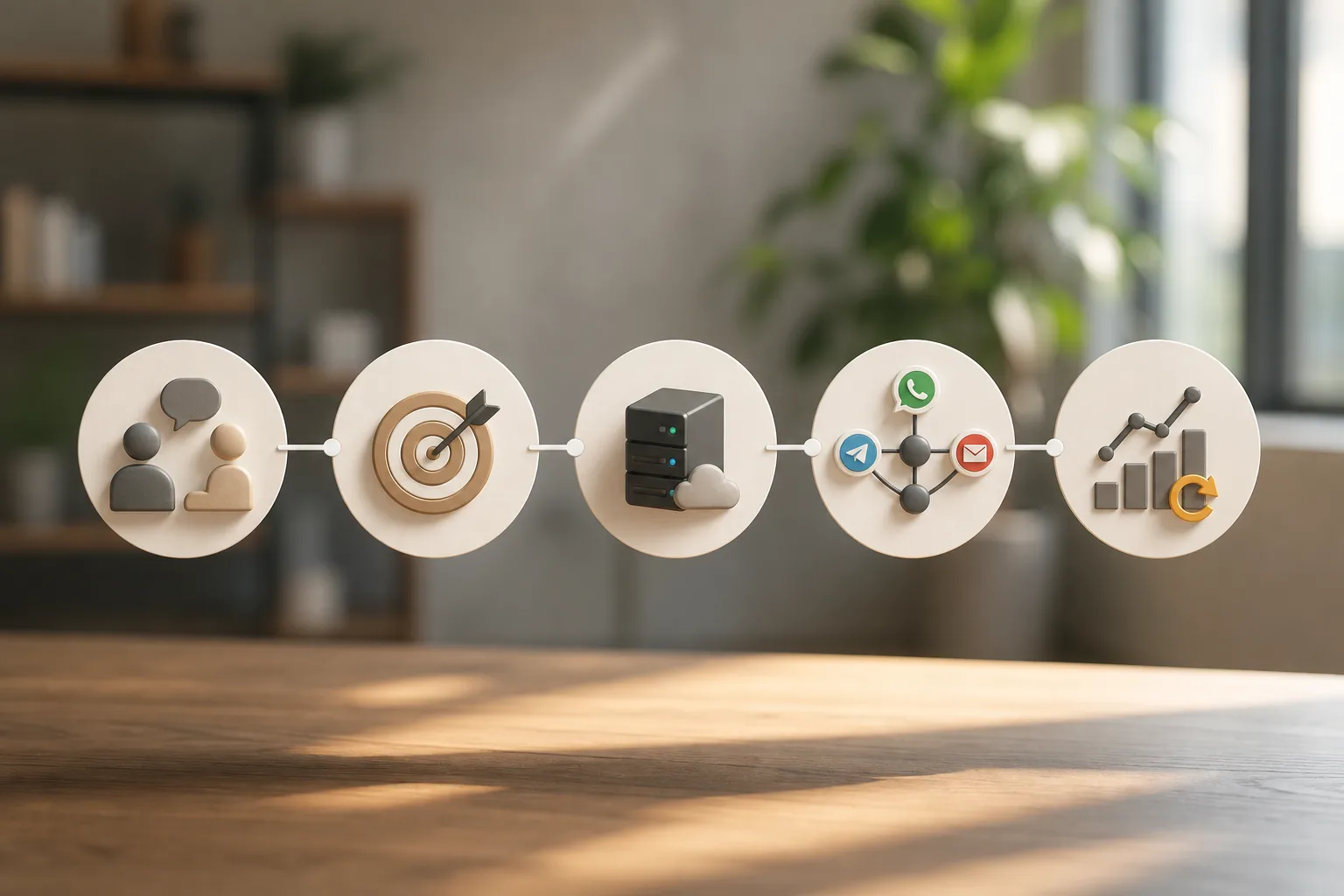
Step 1: Book a consultation. Share your goal, support, lead gen, scheduling, or back-office tasks. You’ll align on scope, costs, and a fast timeline.
Step 2: Define the use case. Identify the first 2–3 workflows where a bot saves real time. For example, triage support on WhatsApp, qualify website leads, or automate daily email digests. Pick wins you can measure in week one.
Step 3: Professional deployment on your VPS. GlobussoftAI handles installation, security-focused setup, and performance tuning. Your data stays on your server from day one.
Step 4: CRM and channel integration. Connect WhatsApp, Telegram, and email. Map fields to your CRM and analytics. Set clear handoff rules to your team when the bot needs help.
Step 5: Ongoing optimization. Managed AI Operations review transcripts, improve prompts, and expand workflows. As results come in, add custom development for workflow automation and AI-driven reporting.
- Professional deployment and installation reduce launch risk.
- Managed AI Operations keep quality high as volume grows.
- Custom development turns the bot into a true agent over time.
Also Read!
GlobussoftAI OpenClaw vs HubSpot AI for Ecommerce: Which Is Better for AI CRM Integration?
How to Choose and Integrate an AI CRM for Your Ecommerce Store
Frequently Asked Questions
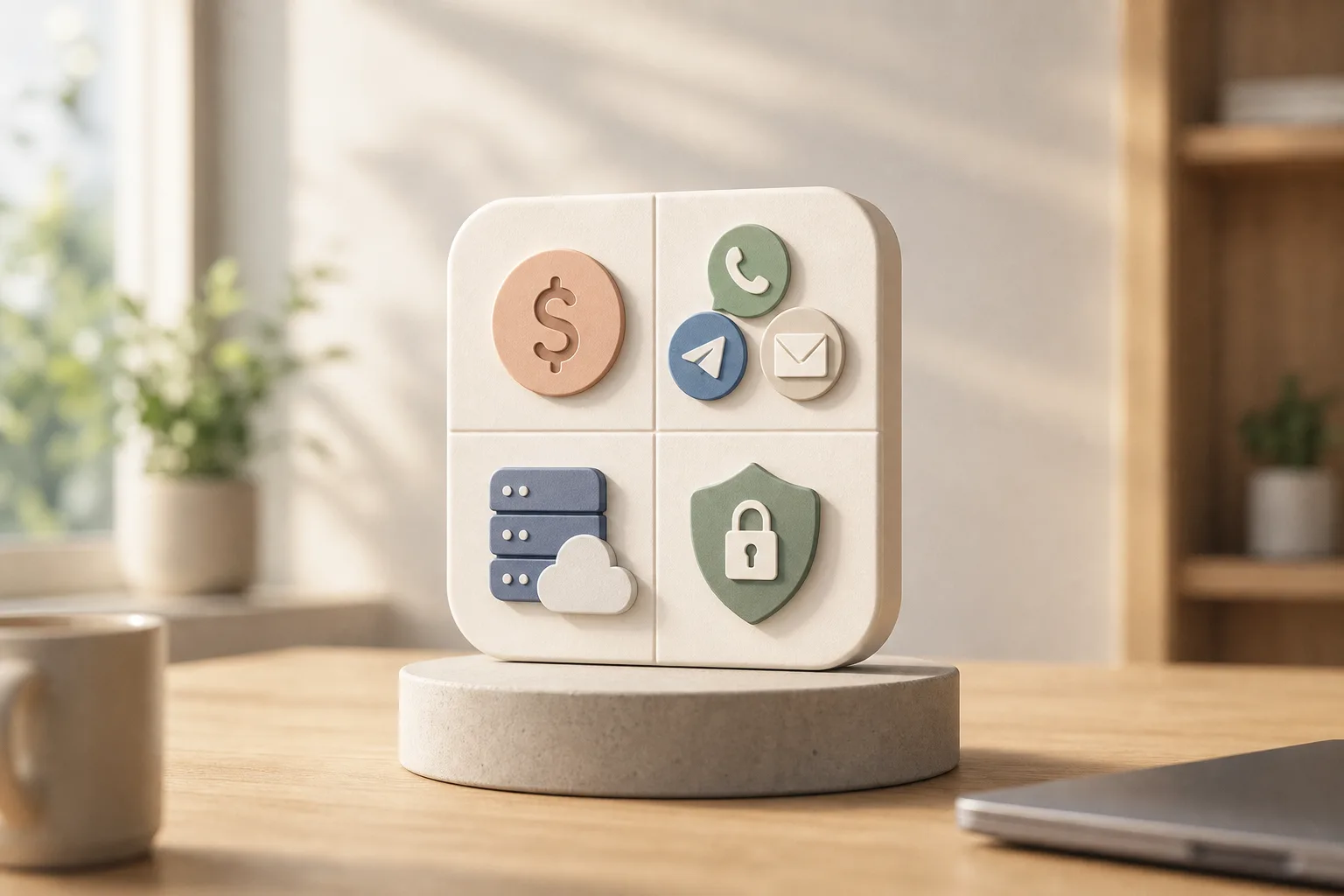
How much does a custom AI chatbot cost for a small business?
OpenClaw’s core framework is free. A VPS runs about $5 per month, and AI model usage keeps total costs under $10 per month for many small teams. You avoid per-seat fees and per-contact surprises. Professional setup by GlobussoftAI is a separate one-time investment, tailored to your scope and timeline.
Do I need technical skills to build a custom chatbot with OpenClaw?
No. GlobussoftAI handles professional deployment, integration, and configuration for you. You manage your bot through WhatsApp or Telegram commands using plain English instructions. As a result, non-technical staff can adjust prompts and workflows without opening a code editor.
Can a custom chatbot integrate with my existing CRM and tools?
Yes. OpenClaw supports system integration with CRMs, analytics tools, and messaging channels including WhatsApp, Telegram, and email out of the box. Data flows in both directions, so your reports stay accurate. That means better attribution for leads and faster ticket resolution.
Is my customer data safe with a self-hosted chatbot?
Self-hosting means your data stays on your server. OpenClaw includes end-to-end encryption and role-based access controls, giving small businesses enterprise-level security. You decide who can view logs, edit prompts, or change settings. That control makes audits and compliance checks simpler.
How does OpenClaw compare to Tidio or ManyChat for small businesses?
Tidio and ManyChat are SaaS platforms at $29+ per month with limited customization for unique workflows. OpenClaw is open-source, self-hosted, and under $10 per month in steady-state usage, with full custom AI agent and multi-agent orchestration features. If you need deep workflow control and data ownership, OpenClaw is a stronger fit.
Can the chatbot handle voice conversations, not just text?
Yes. OpenClaw supports Voice & Conversational AI, enabling phone and voice-based interactions alongside text channels. You can offer voice for complex issues or for customers who prefer to talk. That creates one brain across channels, with a single source of truth.
Will this chatbot scale as my business grows?
OpenClaw is built for scalability, it handles high-volume loads and concurrent sessions. GlobussoftAI includes scalability planning in its deployment service so you can grow from dozens to thousands of conversations without a rebuild. You won’t outgrow the architecture a few months after launch.
What if I need the chatbot to do more than answer questions?
OpenClaw runs autonomous workflows: email management, GitHub reporting, scheduled tasks via plain-English cron jobs, and proactive reminders. It acts as an AI agent, not just a Q&A bot. Over time, you can add more steps, connect more tools, and move from answers to actions.
Final Takeaways
- Keep control and cut costs: a self-hosted builder puts data on your server and holds monthly spend under $10.
- Aim for outcomes, not demos: connect WhatsApp, Telegram, email, and your CRM so the bot saves hours in week one.
- Plan for growth in 2026: choose an open framework that scales, adds voice and multi-agent logic, and avoids vendor lock-in.
If you want a fast, low-risk path from idea to live agent, GlobussoftAI can help you set it up right the first time, on your server, with your rules.
FAQs
What is a custom AI chatbot builder?
A custom AI chatbot builder is a platform that allows businesses to create AI-powered chatbots tailored to their specific workflows, customer interactions, and business processes. Unlike generic chatbot tools, a custom AI chatbot builder can integrate with CRMs, databases, calendars, and communication channels such as WhatsApp, Telegram, and email. This enables businesses to automate support, lead generation, scheduling, and operational tasks while maintaining complete control over how the chatbot behaves.
Can I create an AI chatbot without coding?
Yes. Many modern AI chatbot builders offer no-code or low-code interfaces that allow users to create and manage chatbots without programming experience. You can train the chatbot using documents, define workflows through visual builders, and connect business tools with minimal technical effort. For more advanced automation and integrations, professional setup services can help businesses deploy custom AI chatbots without needing an in-house development team.
Which chatbot builder is best for small businesses?
The best chatbot builder depends on your business goals, budget, and customization requirements. Small businesses that want simple website chat support may choose SaaS platforms like Tidio or ManyChat. However, businesses looking for greater flexibility, data ownership, multi-channel communication, and workflow automation often benefit from self-hosted solutions like OpenClaw. The ideal chatbot builder should support your preferred communication channels, integrate with existing business tools, and scale as your business grows.
How much does chatbot development cost?
Chatbot development costs can range from a few dollars per month to thousands of dollars for enterprise implementations. SaaS chatbot platforms typically charge monthly subscription fees based on features, users, or contacts. Self-hosted AI chatbot solutions can significantly reduce recurring costs by running on affordable cloud servers while offering greater customization. The total cost depends on factors such as integrations, AI model usage, deployment requirements, and ongoing maintenance. Small businesses can often start with a basic AI chatbot for under $10 per month and expand functionality as needed.




